
sl68121205
Participant
August 8, 2023
Question

Prevent mesh gradient banding when printing

  • August 8, 2023
  • 2 replies
  • 719 views

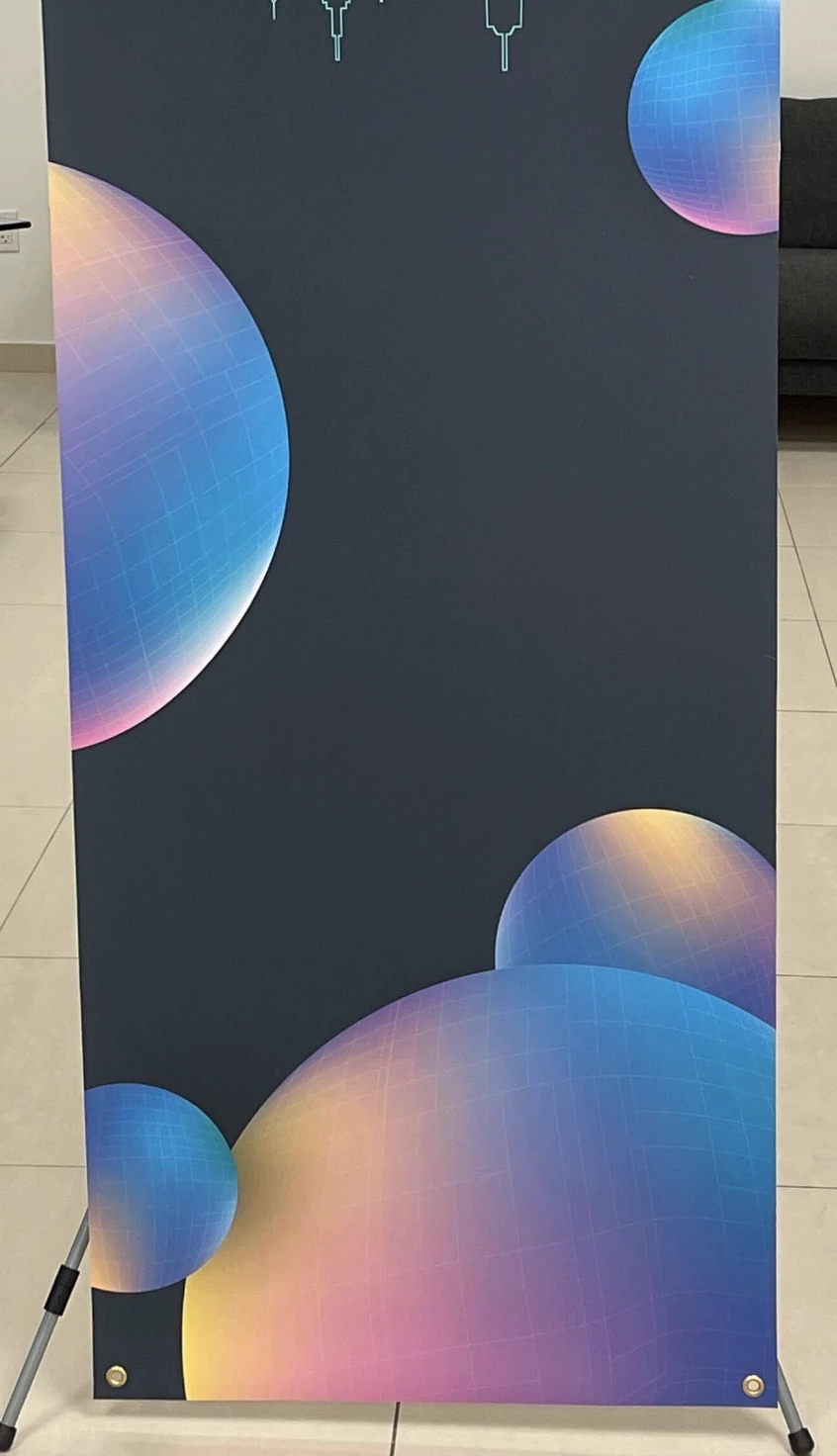
I'm wondering if there is a simple fix for this banding effect I'm getting in the attached images, caused by a mesh gradient I created in Illustrator? (screenshot of saved PDF and second screenshot of printed banner result) - the banding doesn't appear when I'm working in Illustrator

 

This topic has been closed for replies.

2 replies

Community Expert
August 9, 2023

Do you know what software is being used to print the banner design? I suspect the service bureau (FedEX?) is making one of a number of mistakes printing the artwork. They could be importing the PDF artwork into a non-native graphics application environment (CorelDRAW, Affinity Designer, etc) and trying to print the art from there. Or they could be using a large format RIP application that is not equipped with an Adobe certified PDF "print engine." It's also possible they're using large format RIP software that is Adobe certified yet is not updated or just badly out of date. A current RIP application equipped with an Adobe PDF engine will usually print complex gradients (such as meshes, free-form gradients, gradients with transparancy effects, etc) without any problem. They'll usually be very smooth unless the end user is doing something crazy, such as using RGB colors way out of the printer's gamut range.


The banding in the sample images looks a lot like the gradient mesh was flattened into a bunch of separate vector objects prior to printing. That's just my guess, but that's how it looks to me.

Monika Gause
Community Expert
Community Expert
August 8, 2023

Has this been printed using Acrobat?


Maybe converting to pixels is your only option.

sl68121205
Participant
August 8, 2023

Thanks for responding, I sent a PDF file to FedEX...I'm not sure how they handled the printing. But I did see another thread from Adobe suggesting it might need rasterization. I will try that.