

BECreativeSC
Inspiring
July 17, 2024
Question

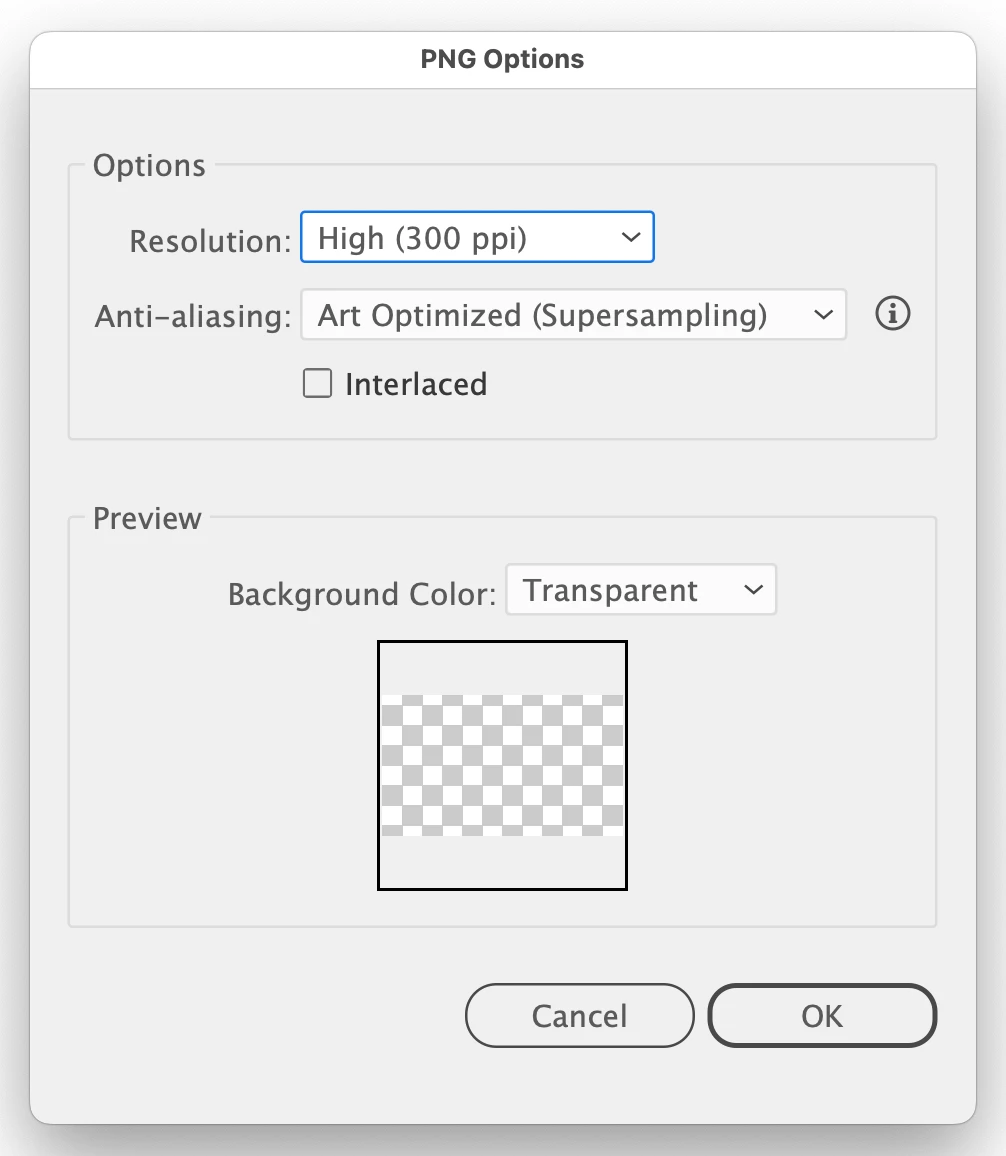
Preview of exported png not showing

  • July 17, 2024
  • 2 replies
  • 545 views

For the past few months since one of the recent updates in Illustrator, when I export something as a png, the image is not showing up in the preview box. All that shows is an entirely transparent window. It is actually exporting fine, but I always like to see the preview when I'm in the process of creating the png. See screenshot of a file I was working on this morning. Any ideas?
This topic has been closed for replies.

2 replies

Ton Frederiks
Community Expert
Community Expert
July 17, 2024

Same problem here, but it does export correctly.

Try using Export for Screens as an alternative (and don't forget to check the export settings for art optimized anti-aliasing).

And vote:

https://illustrator.uservoice.com/forums/601447-illustrator-desktop-bugs/suggestions/48119207-preview-in-png-export-options-panel-doesn-t-work

BECreativeSC
Inspiring
July 17, 2024

I am using Export for Screens, and get this preview each time. Oops, no I'm not. I just tried that and there's no preview image. My files export perfectly as pngs, my only issue is that I get no preview image, and I like to see that because sometimes I catch odd little artifacts that I might have left on the artboard that are white.

Ton Frederiks
Community Expert
Community Expert
July 17, 2024

Works fine for me, you may want to report that at Uservoice.

Jess Telmanik
Community Expert
Community Expert
July 17, 2024

Thank you @BECreativeSC, I have been seeing this as well but it's alway been when I was in a rush and I promptly forget right after. 
Will pass this along to the team and see what they say!