
Answered
Print/Export Document Raster Effect
Hi!
I'm trying to find out how a 256 x 64 px OLED screen behaves when I throw text at it.
Now setting up displaying it in Illustrator is a no-brainer. Getting it out of Illustrator as a 1:1 scale print is a whole other topic however.
Is there a quick way to print a preview 1:1 scale with the rasterisation effect?
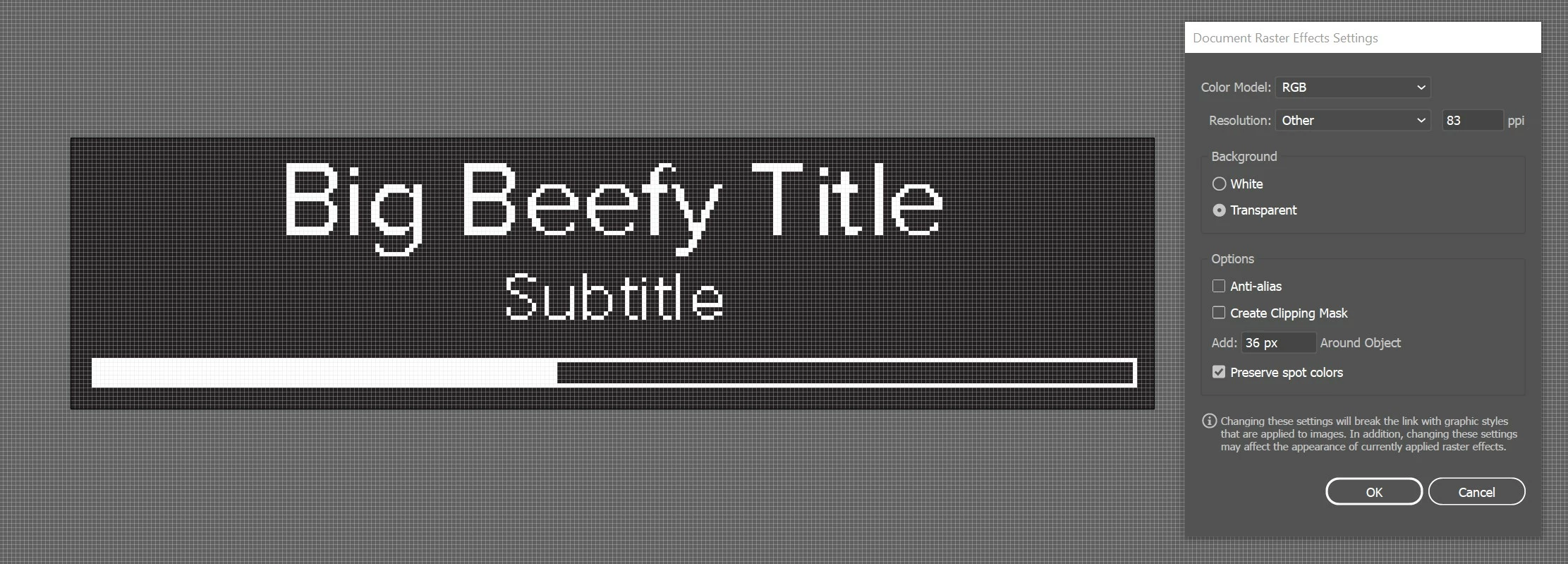
Before you tell me to do it in Photoshop: Yes I know I could easily do it there as well, damn I could even use MS Paint, right? However I prefer to use multiple artboards and arrange graphics artwork next to the artboard as well. Photoshop does not do that. Preferably I would work in Figma for that matter, but unfortunately it doesn't allow me to turn off anti aliasing.
Thanks in advance!
 AdChoices