_p_g_
Inspiring
January 24, 2019
Answered

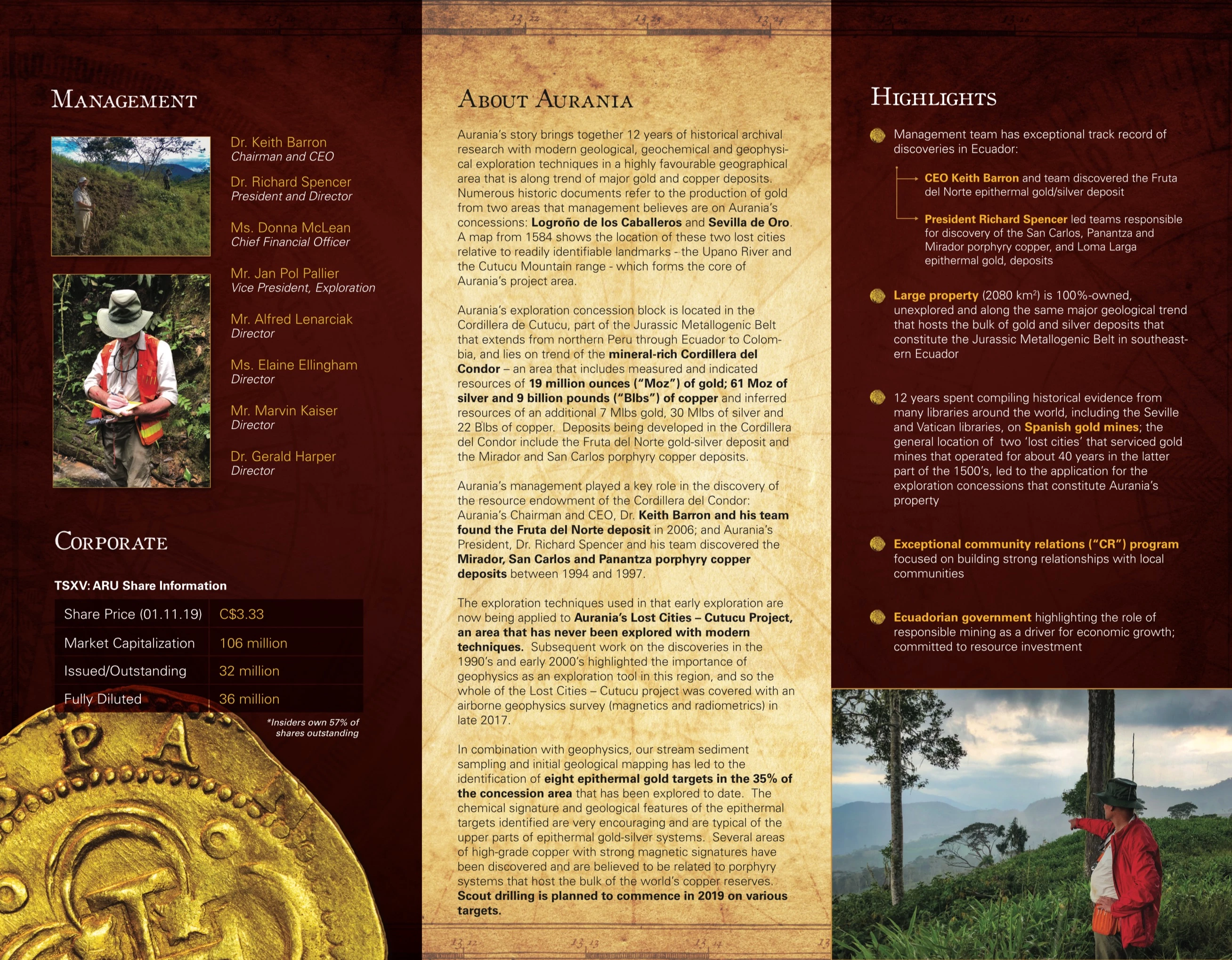
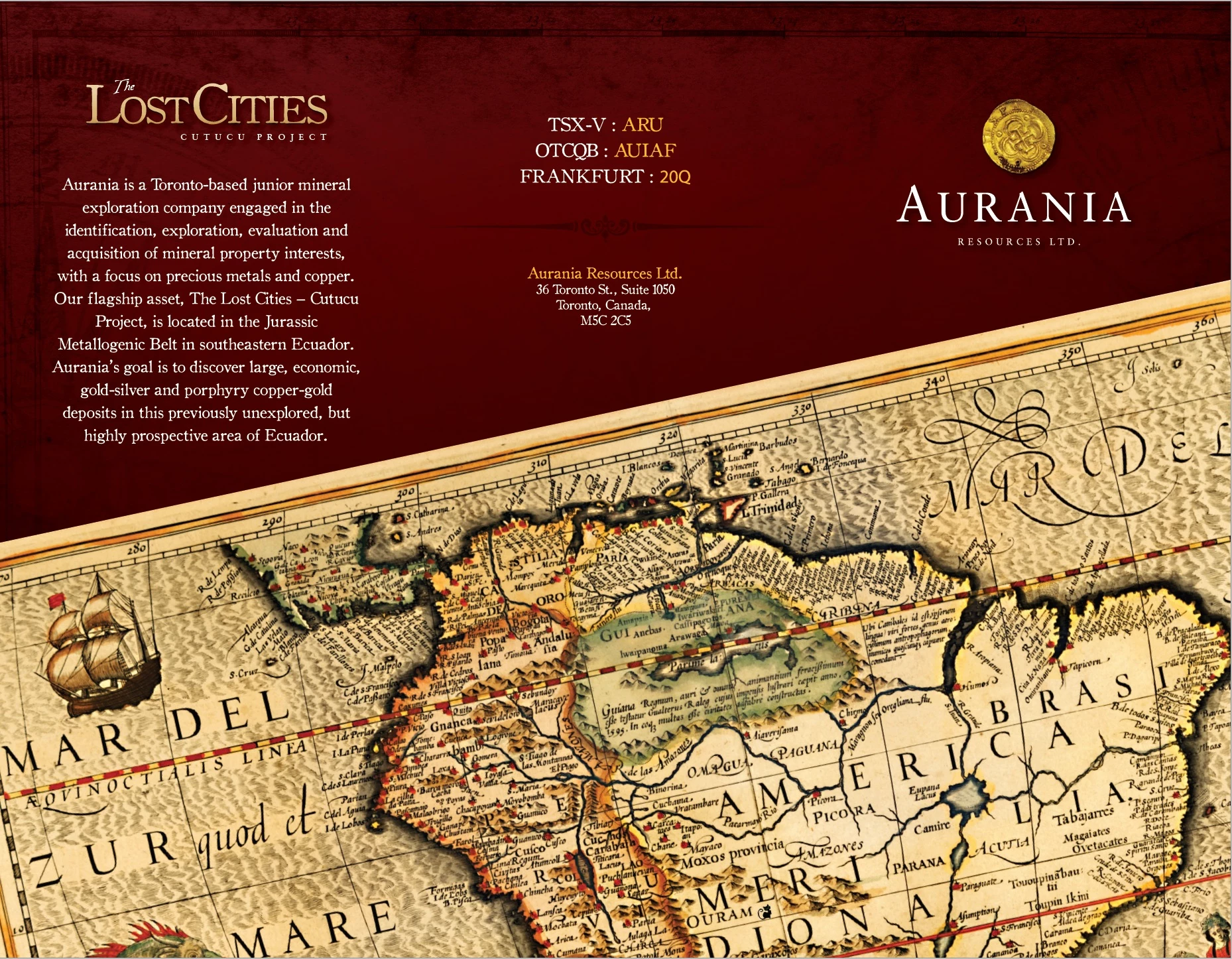
Printed artwork shows thin lines

  • January 24, 2019
  • 2 replies
  • 4172 views

Hi, I just had a trifold brochure printed and noticed there are thin lines around some (most) of the graphics.  The artwork was created in the latest illustrator cc and I am pretty certain the pdf preset i used to output was 'Press Quality' at pdf1.4.  I've only ever seen those lines in the past when artwork had to be flattened during pdf creation using an old version like X-1a... and even then the lines didn't print and were only visible using non-acrobat pdf viewers.

To prevent reoccurrence I need to determine why this happened, if it was my mistake during export or an issue at the printer.  When I check the pdfs they look fine on screen.  Is there an Acrobat preflight analysis I can run to confirm/deny if I did in fact output the pdf with a version or settings that would cause this (closeup screenshots below)? 

Thanks!
This topic has been closed for replies.
Correct answer _p_g_

My theory is this is to do with the transparency. You used [Press Quality] which uses PDF 1.4 (supports transparency). [PDF/X-1a:2001]  uses PDF 1.3 (no transparency), so perhaps your printer does not support PDF 1.4 (transparency).


So after having some folks who know what they're talking about on the PDF/Prepress forum take a look at my pdf with a fine toothed comb I'm happy to say there isn't anything up with my pdf, or my output process.  Our theory is the printer, although he said he didn't, somehow messed with my files (likely when placing them 2-up for printing). 

2 replies

Inspiring
January 24, 2019

This seems like a question to bring to your printer.  If you go in person, take your home print with you.

_p_g_
_p_g_Author
Inspiring
January 24, 2019

They are on the other side of the country now... no plans to go back.  I called and they said they used my file... did not re-export or alter in any way.  I got them to print one out and they could see the lines too... the owner suggested it might be something to do with their RIP system but doesn't think so (a "Fiery 308" RIP for Minolta).

When i open the pdf in acrobat dc pro and click 'Edit PDF' I can see white boxes around the placed graphics that correspond with where the lines are on the printed version.  See screenshot below.   Not all of those lines show on the print piece though... in the case shown below, the only lines showing are the bottom and right line on the big box around the logo... not the long horizontal line below, or the box around the doubloon (coin).  So strange.

What would make these boxes show up in print?

Inspiring
January 24, 2019

Do you have the opportunity to flatten as a high res png and try printing that way?  Maybe their system is getting caught on individual objects in the pdf.

Inspiring
January 24, 2019

Try printing on a home printer, just as a test, and see if they appear there.

_p_g_
_p_g_Author
Inspiring
January 24, 2019

Nope looks fine.

I'm wondering if maybe the printer re-exported my pdf to an older pdf version without interactive transparency.  Even then, I'd still have the question why the lines would show in print when they are known to be screen artifacts.

=\