
Answered
Pro Tips Please! Complex design creating for a silk screening on a bottle
I created a VERY complex design for a logo that we want silk screened onto a bottle. I need to get the art off to the silk screeners all ready to go. When I "object-path-join path" to combine all the paint brush strokes into one - Illustrator ends up putting weird streaks and lines through the art. So maybe this is not the way. What is the best way to "flatten" the art into one shape and reduce file size? The logo will have words that I can outline..... but how do I "outline" this artwork for best results? THANK YOU! 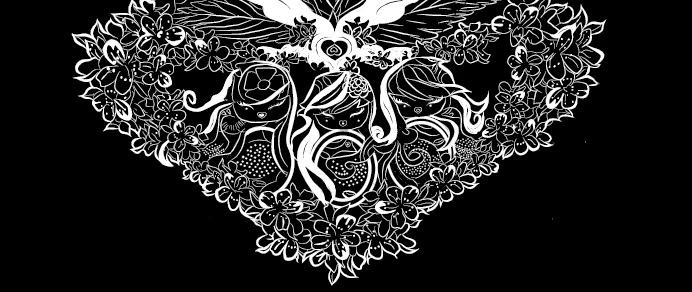
 AdChoices