Participant
October 24, 2022
Question

Problem Exporting DXF Files

  • October 24, 2022
  • 2 replies
  • 272 views

Problem with DXf files.

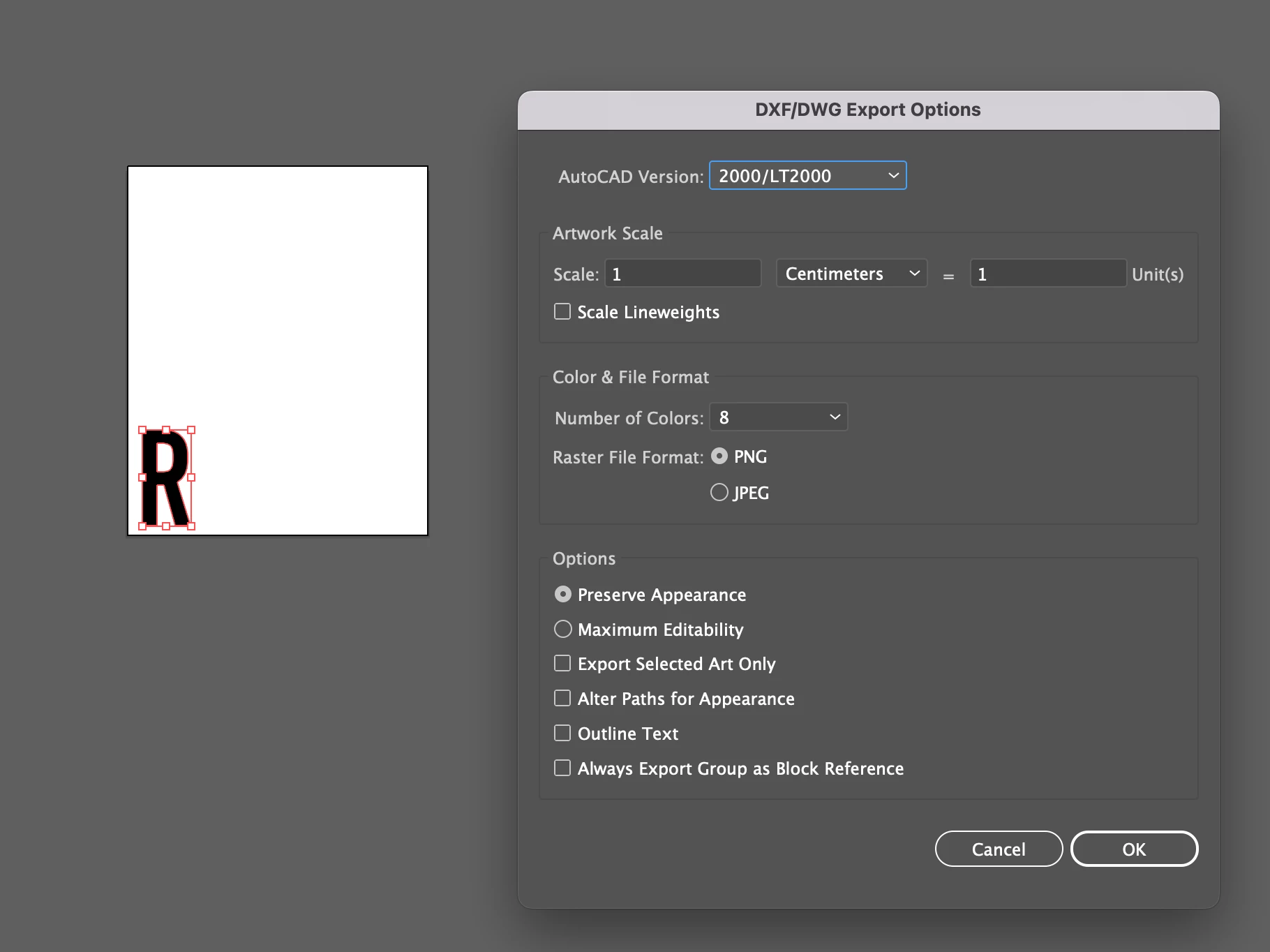
I am having a nightmare with exporting DXF files for my letter bending machine. It is becoming a huge headache.

When I export and then try open, I either has it coming up with it not being closed or a dodgy shape. 

I have tried multiple ways of exporting. 

I have attached a example of the file when exporting to when I reopen in illustrator, you can see it is not correct.

I am running illustrator 2023 
This topic has been closed for replies.

2 replies

Participant
October 24, 2022

As you also see it is not closing the lines

Anubhav M
Community Manager
Community Manager
November 2, 2022

Hello @Amanda23681098dcl9,


Thanks for confirming that. This seems to be a problem with the GPU preview.
Would you mind exporting this as a JPEG and checking if the problem persists? Also, try switching to CPU Preview (Ctrl+E for Windows / Cmd+E for macOS) and share your observations.


Looking forward to your response.

Regards

Anubhav M
Community Manager
Community Manager
October 24, 2022

Hello @Amanda23681098dcl9,


Sorry to hear about this experience. Would you mind pressing the Ctrl+E (Windows) / Cmd+E (macOS) keys on your keyboard after reopening the exported DXF and checking if it helps?


Looking forward to your response.


Thanks,

Anubhav

Participant
October 24, 2022

What does this do?