
Inspiring
December 27, 2023
Question

problem import SVG

  • December 27, 2023
  • 2 replies
  • 197 views

Hello,

I have created this SVG inside Illustrator:
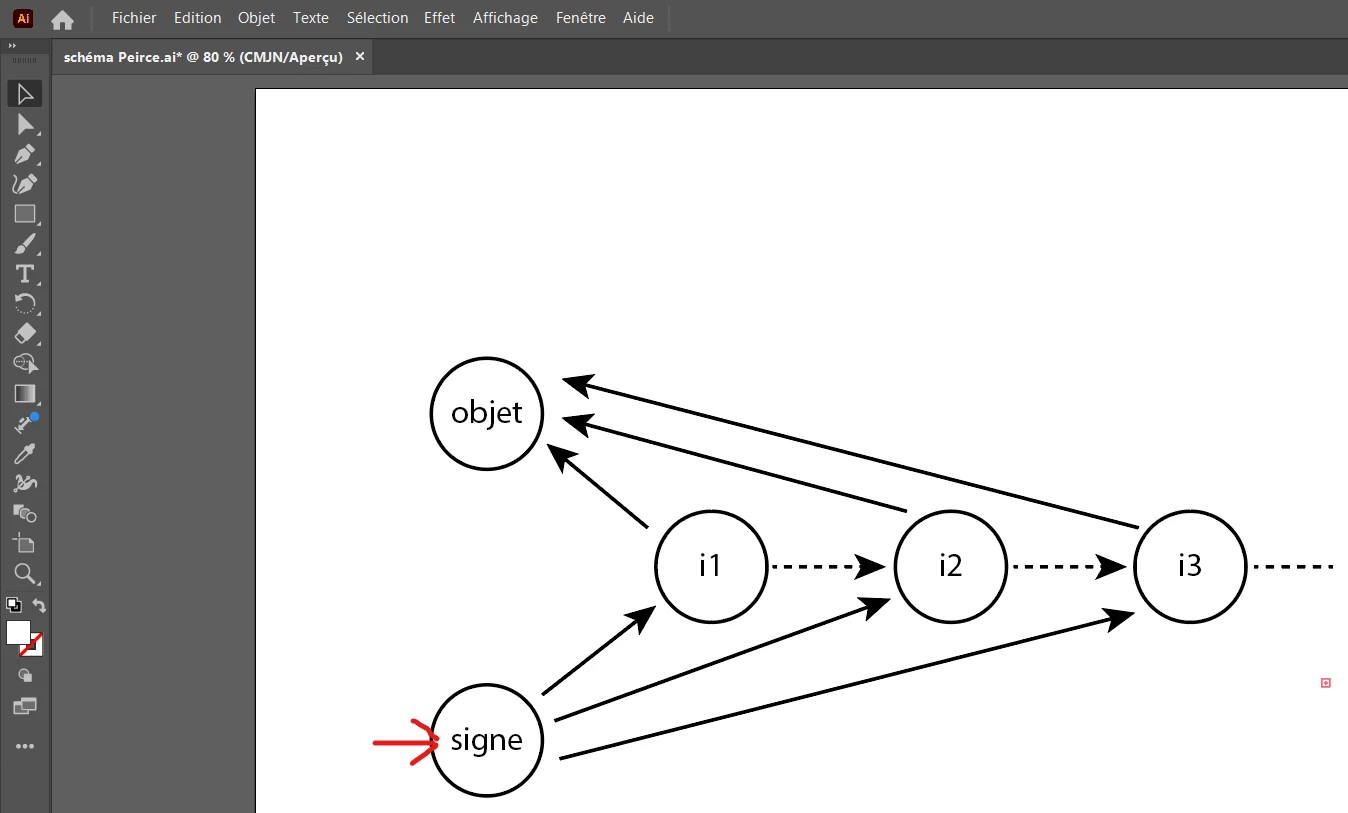
 

But inside Microsoft Word, if I do Insert/image, I have imported my SVG inside Word, but as you can see at the red arrow, there is a difference in the letters (it does not corresponds to what I have made inside Illustrator). Why ?
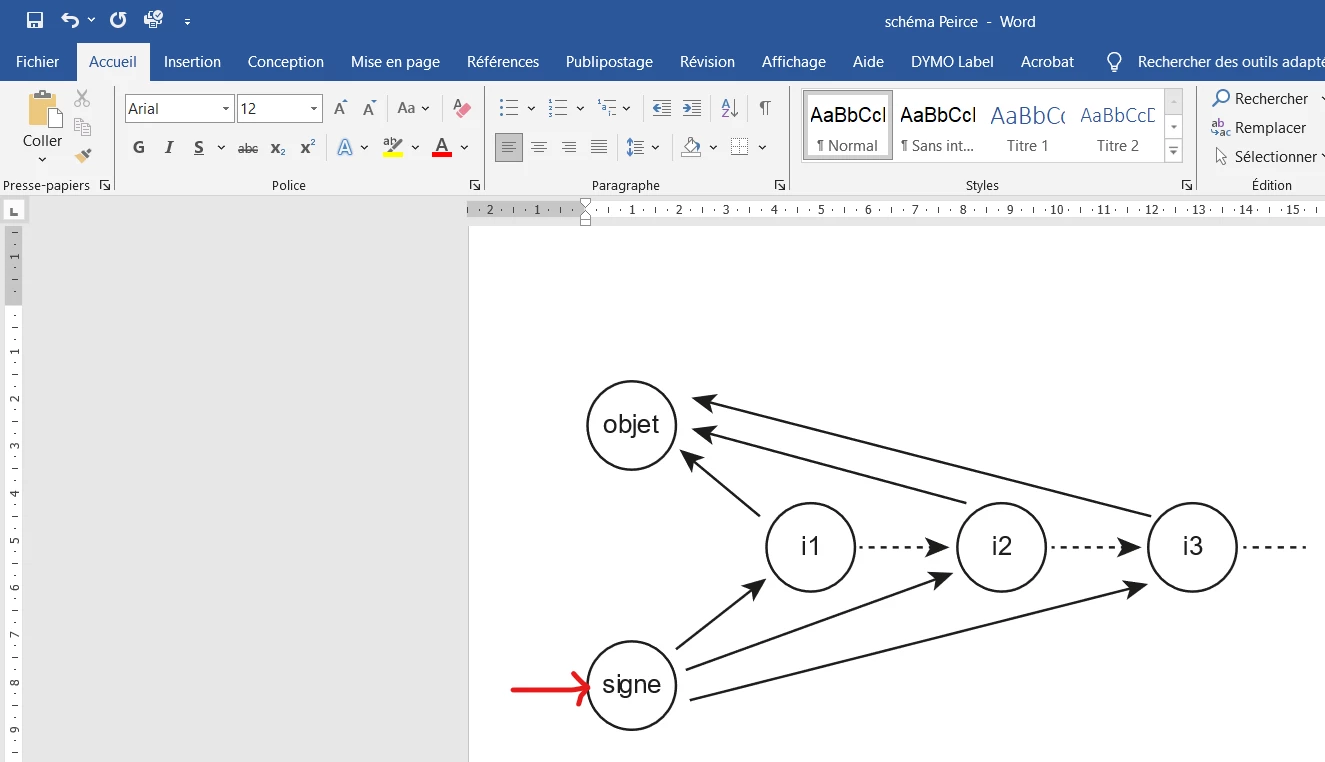
 

This topic has been closed for replies.

2 replies

Inspiring
December 27, 2023

Hi Monika,

You are right ! My text was not outlined (not vectorized). So I selected each word and done Shift+Control+O, and here is the result in Word if I do Insert/image (at the top = ancient, at the bottom = new) :


Now, about my workflow :

1) I select all the graphic (Control+A)

2) File/export the selection

3) choose SVG and Export :


Please tell me :

- if all is OK in my Word file.

- if all my settings are OK


PS : when you say "is still one text object or multiple", what do you want to say ?

Monika Gause
Community Expert
Community Expert
December 27, 2023

Did you outline the text? Obviously not, since it's a different font now.

Which settings did you use when exporting?

Is this still one text object or multiple?