ninose11
Inspiring
January 1, 2024
Question

Problem: Importing layers from Illustrator to After Effects with Overlord

  • January 1, 2024
  • 1 reply
  • 1778 views

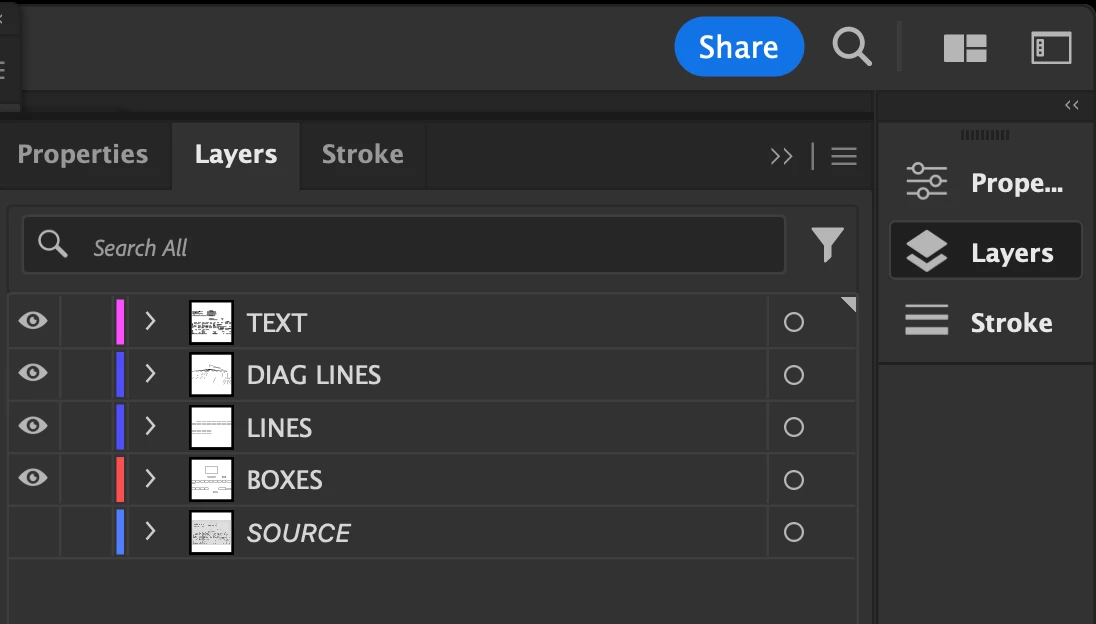
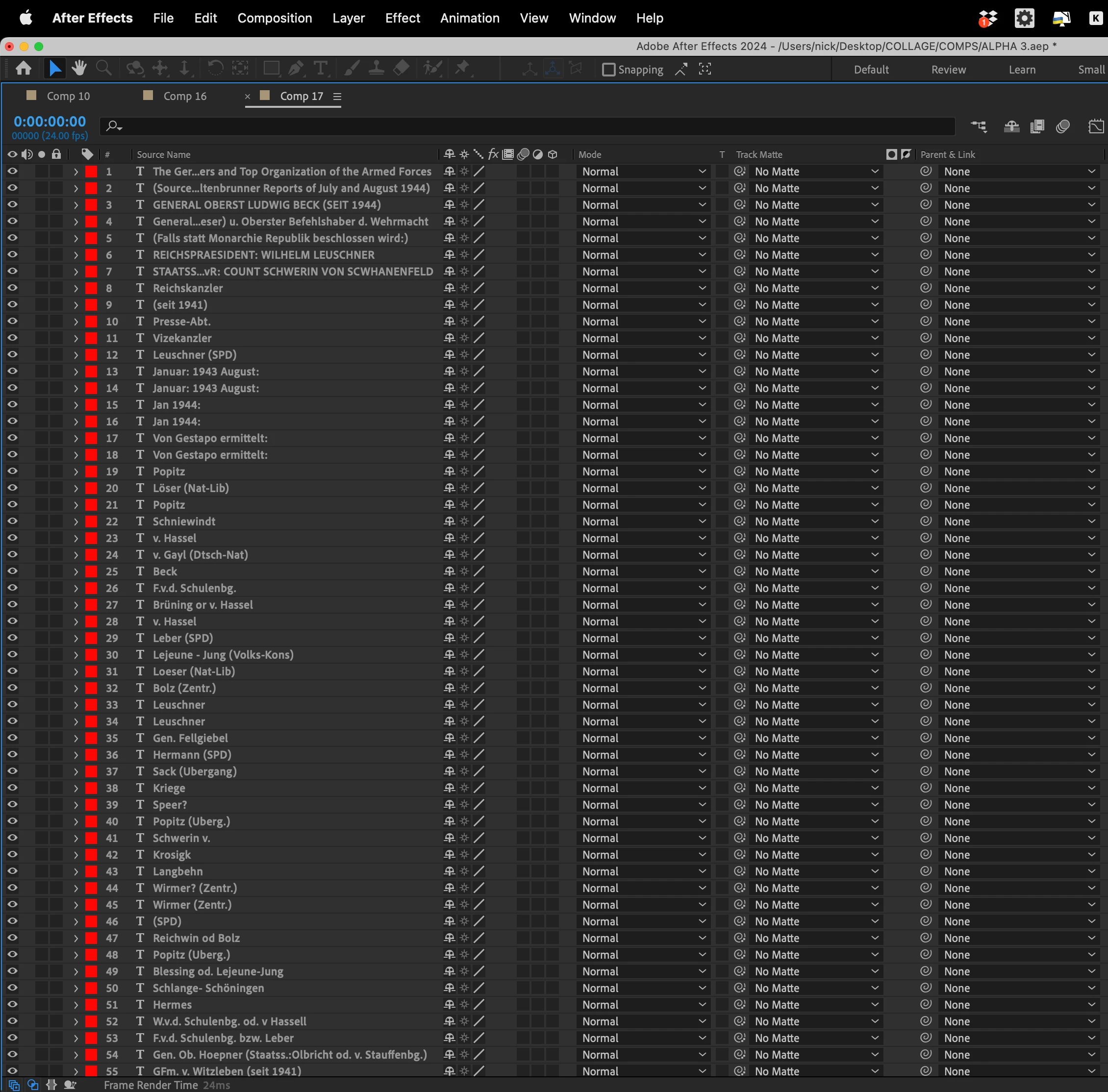
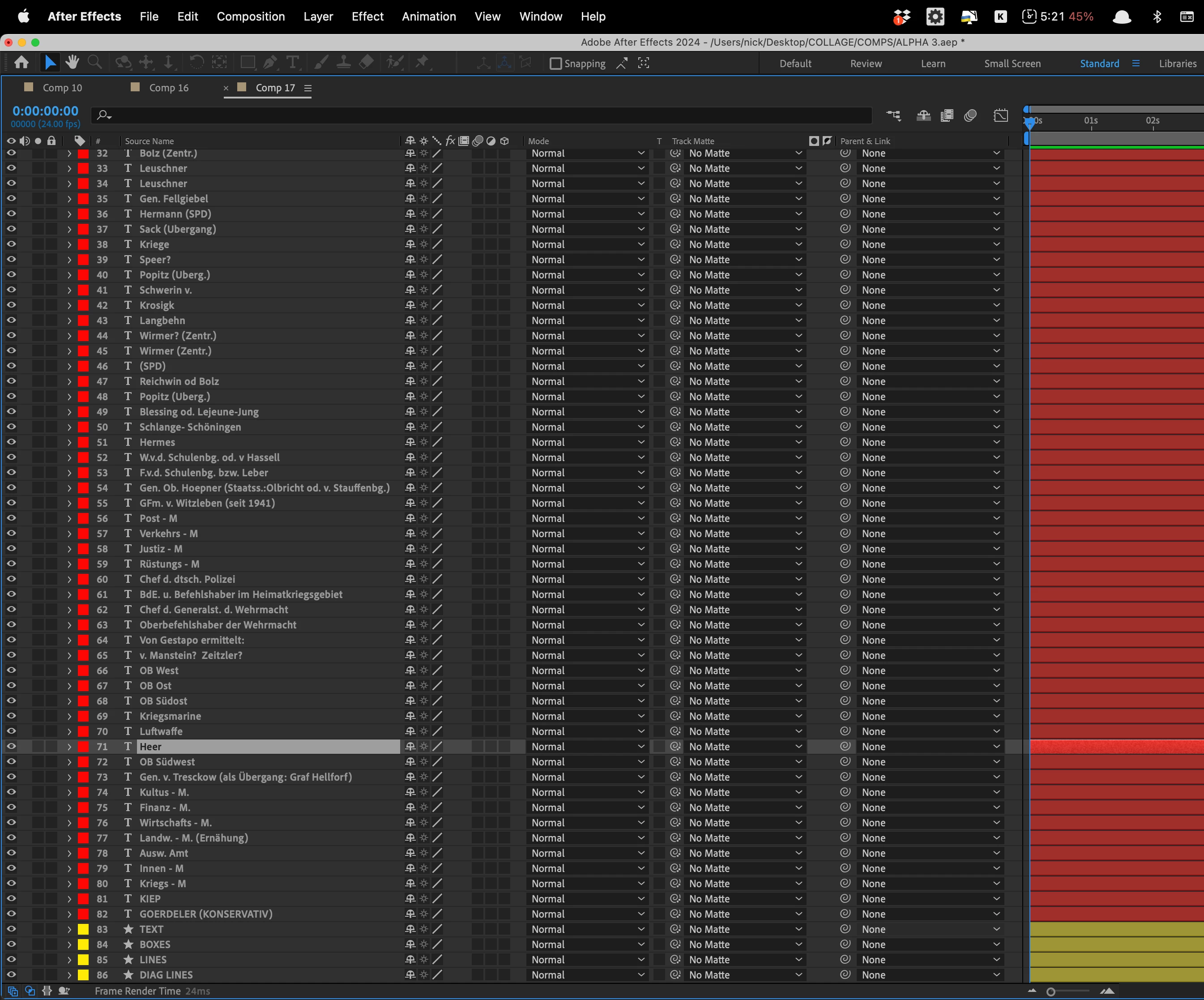
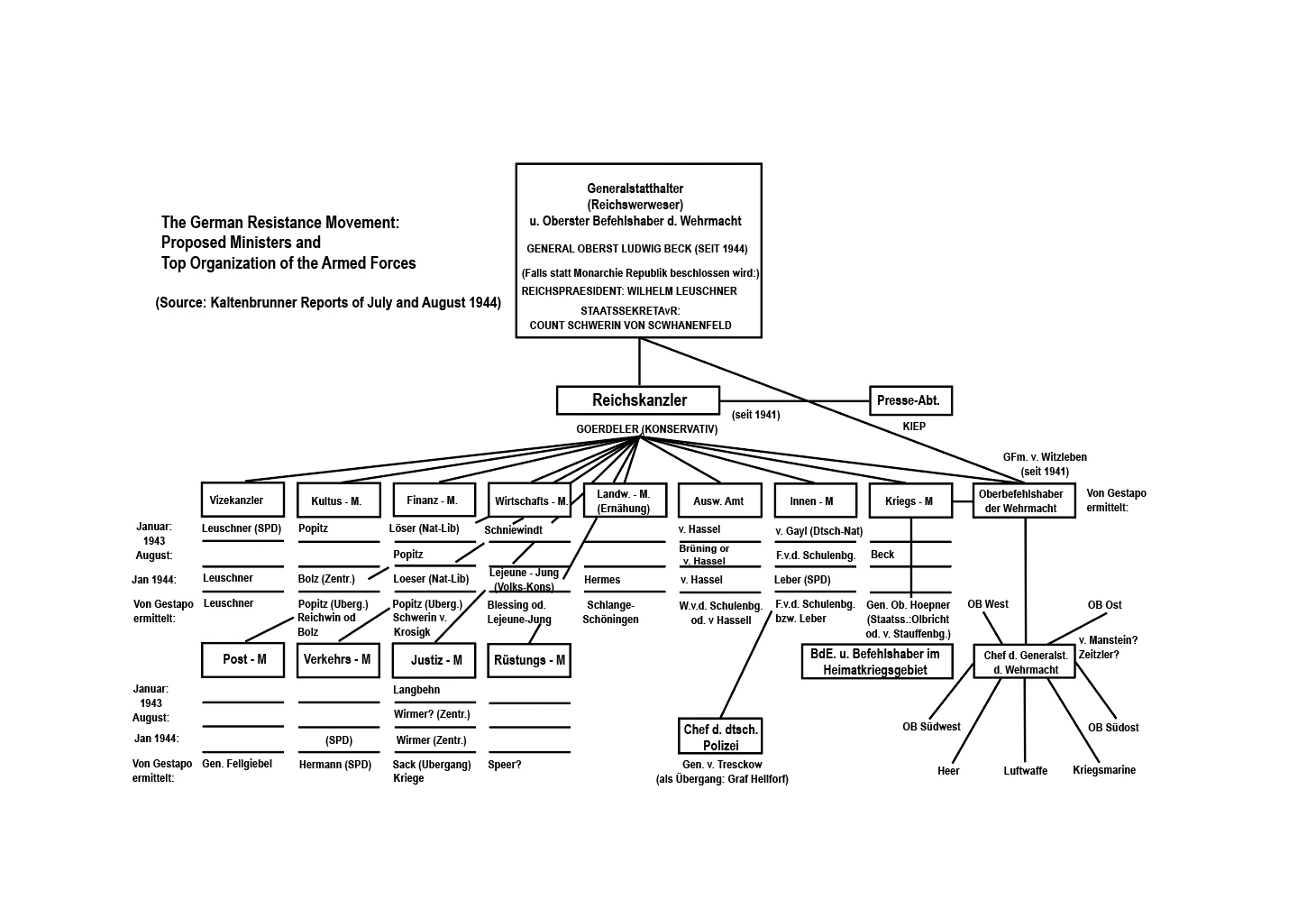
I have a multi-layered Illustrator diagram complete with boxes, lines, and text. One layer for each. The problem is that when I use the Overlord plugin to import my Text Layer with 84 sublayers, I want the text layer to show up as a single layer not as 84 sublayers. What I don't understand is that the boxes and lines have sublayers but these sub layers don't get imported into AE, only the containing layer, which is what I want. I don't need to animate the 84 text sub-layers, just the one text layer. I have no idea what I'm doing wrong or overlooking. Thank you in advance very much to anyone who can help me or point me in the right direction. 


This topic has been closed for replies.

1 reply

Anshul_Saini
Community Manager
Community Manager
January 12, 2024

Hello ninose11,


It seems like there might be an issue with how the layers are structured in your Illustrator file or how Overlord is interpreting them. To address this:


  1. In Illustrator, select the text layer that you want to import into After Effects.
  2. Expand the text by going to the Object menu, then choose "Expand."
  3. After expanding the text, ensure that each layer of the text is selected.
  4. Convert the selected text parts into a compound path. You can do this by going to the Object menu and then choosing "Compound > Make."


By creating a compound path, you are essentially merging the individual text components into a single layer. Once you've made these changes, try importing the Illustrator file again using the Overlord plugin in After Effects.


This should result in the text being treated as a single layer instead of multiple sub-layers. If the issue persists, make sure to check the Overlord documentation or reach out to the plugin's support for more specific guidance.


I hope this helps! Let me know if you have any further questions or if there's anything else I can assist you with.


Best,

Anshul Saini

ninose11
ninose11Author
Inspiring
January 17, 2024

Thank you so much for your help Anshul. I'll try that. In After Effects,  to solve my issue, I just precomped those 84 text layers and then applied a wipe effect which worked well. But thank you in any case for taking the time to help me out with this. I'm sure others will find it very useful. 🙏🙏🙏