Answered

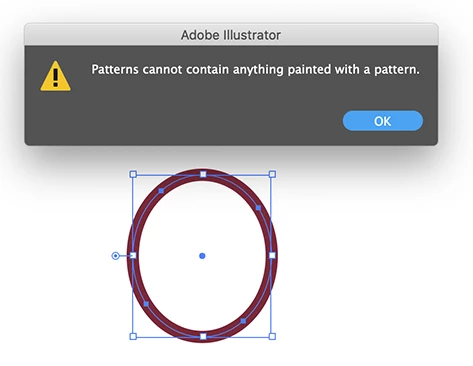
If you select your objects and choose: Object > Pattern > Make, you will get a warning about objects containing patterns. But there are no (visible) patterns in your file.
It looks like the stroke in your red ovals contains the mystery pattern.
Select one of them and go Select > Same > Stroke color and replace it with the color used for the background.
It should work after that.
Already have an account? Login
No account yet? Create an account
Enter your E-mail address. We'll send you an e-mail with instructions to reset your password.


 AdChoices