
Problem with clipping mask and cut paste
Let me reface this with everything I know about any Adobe program is from YouTube.
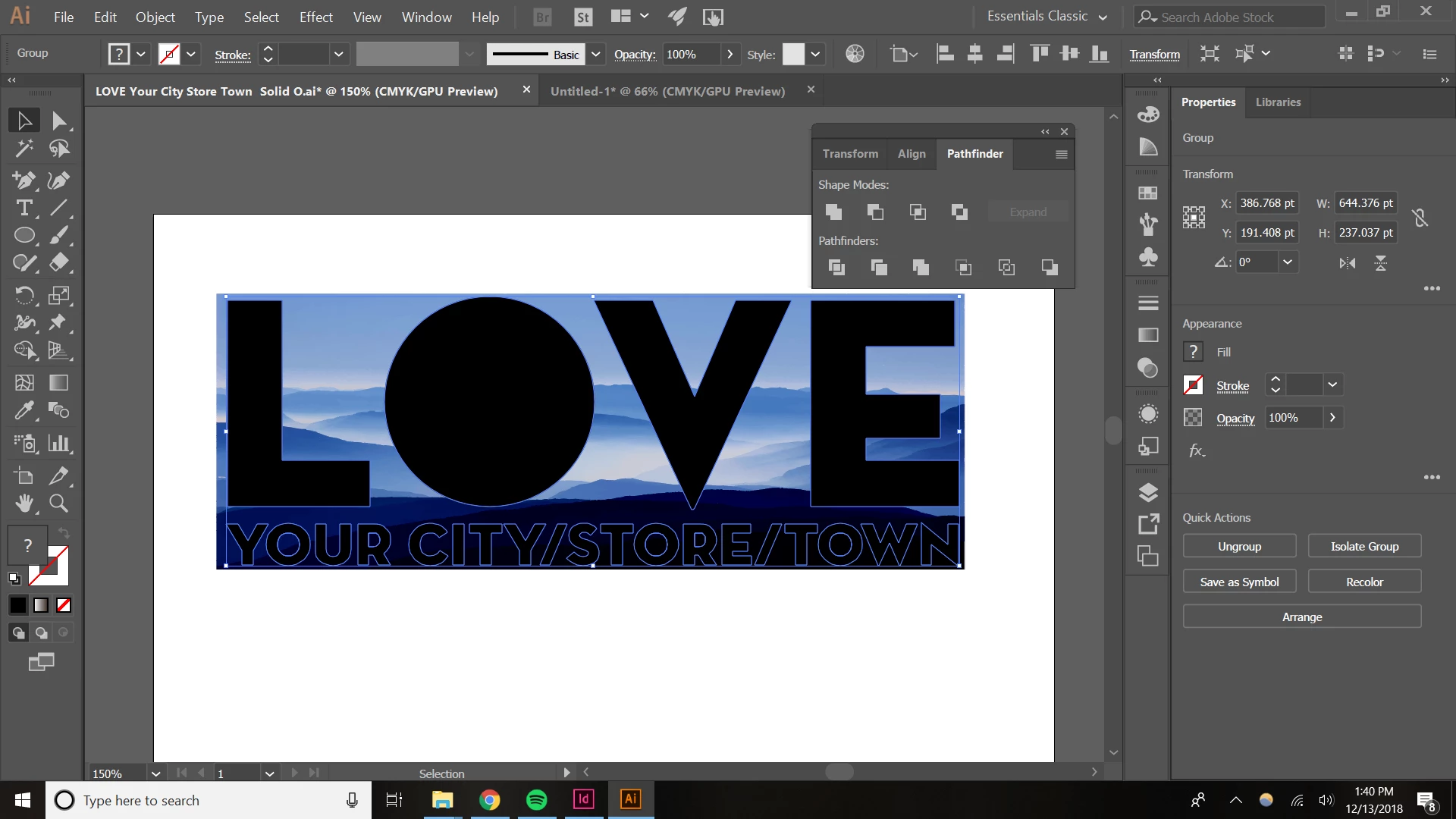
So, I want to clip the mountain image to take the shape of the "LOVE Your City/Store/Town" design. I can do it in Photoshop with a paste special, but I'd like to learn how to do it Illustrator as well.
LOVE Your City is grouped:
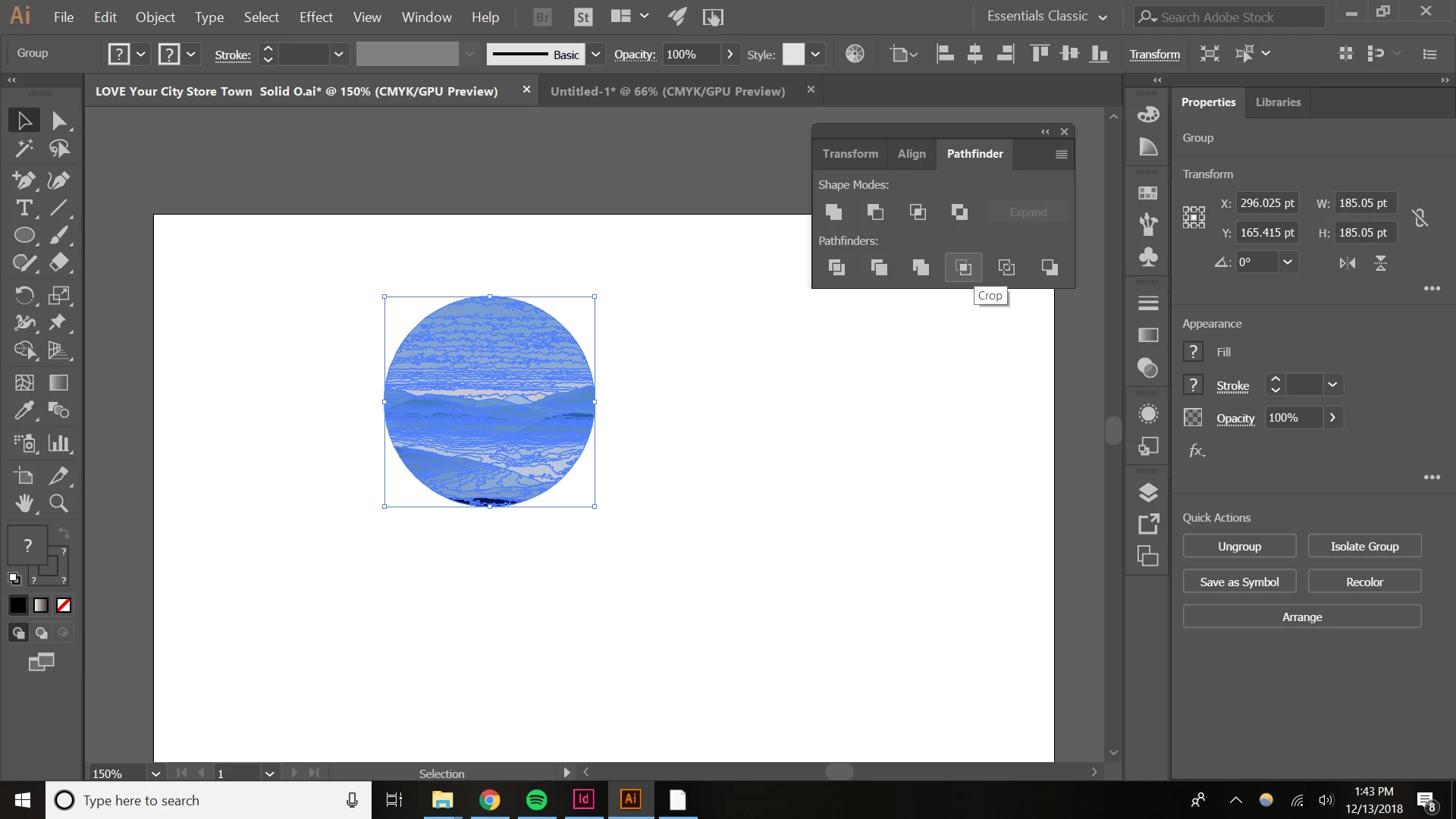
When I ctrl+a > crop in the pathfinder tool, this happens:
When I select the LOVE design and make it a compound path, this happens:
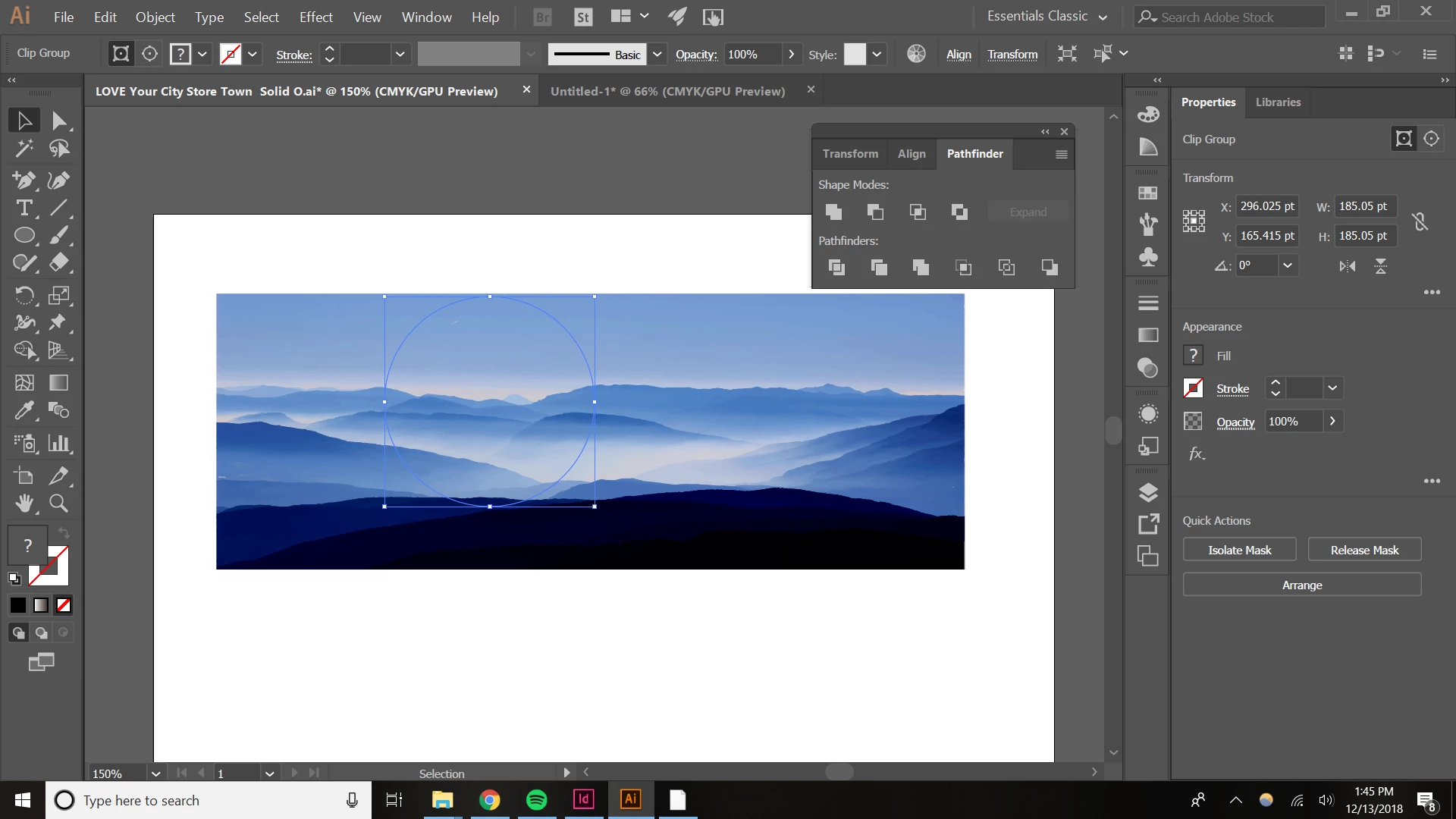
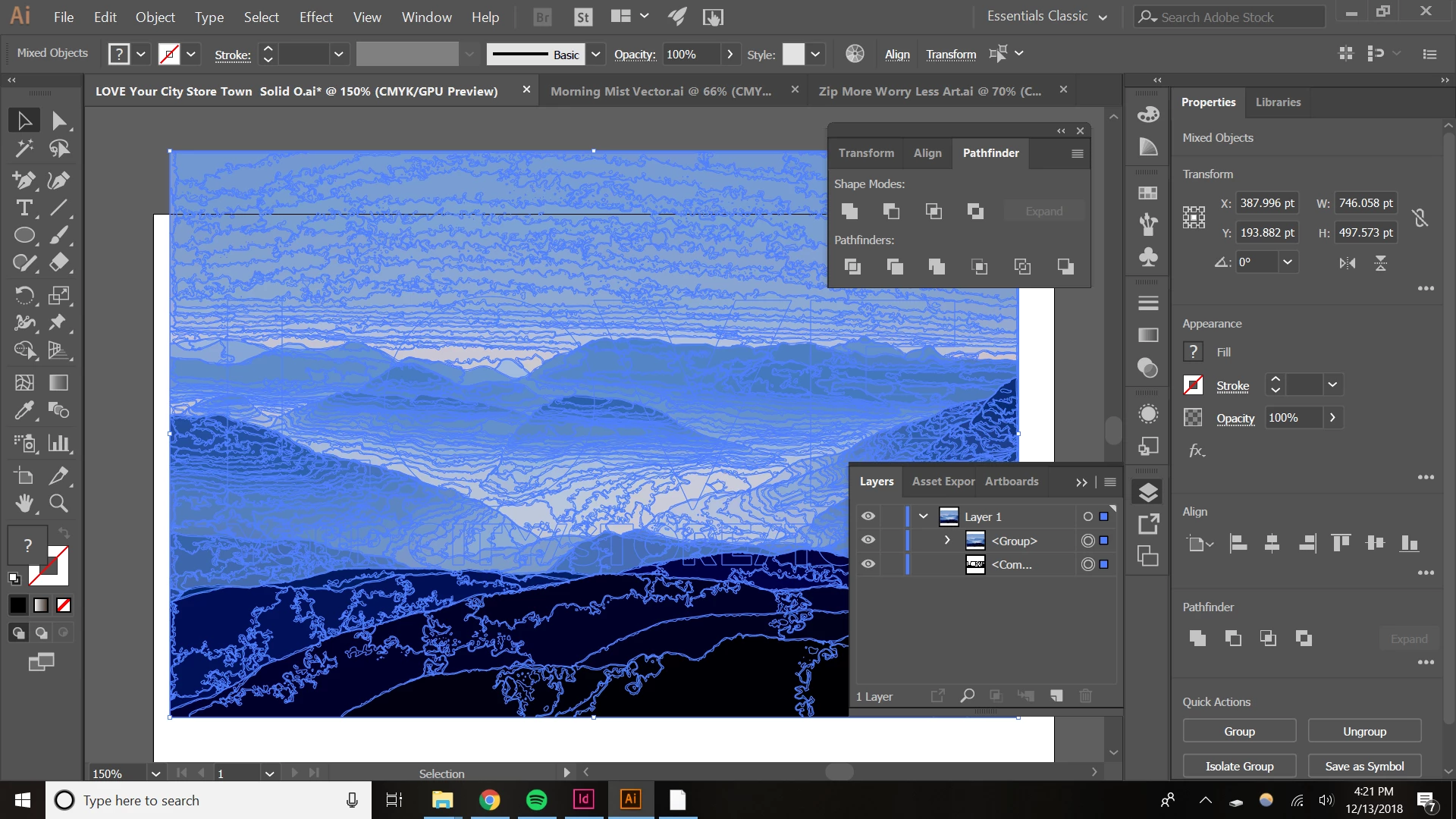
When I put the LOVE design behind the mountain design like so:
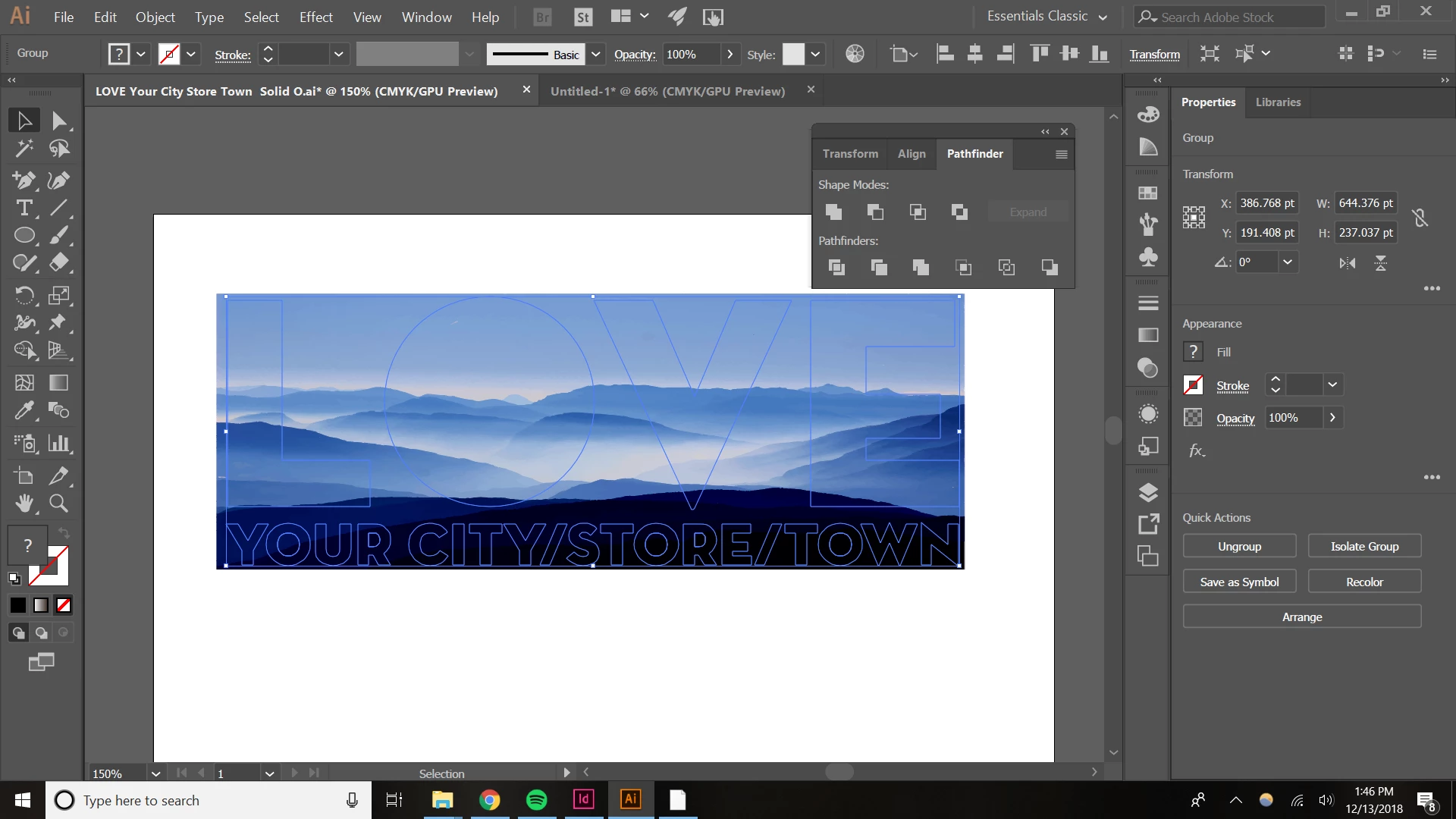
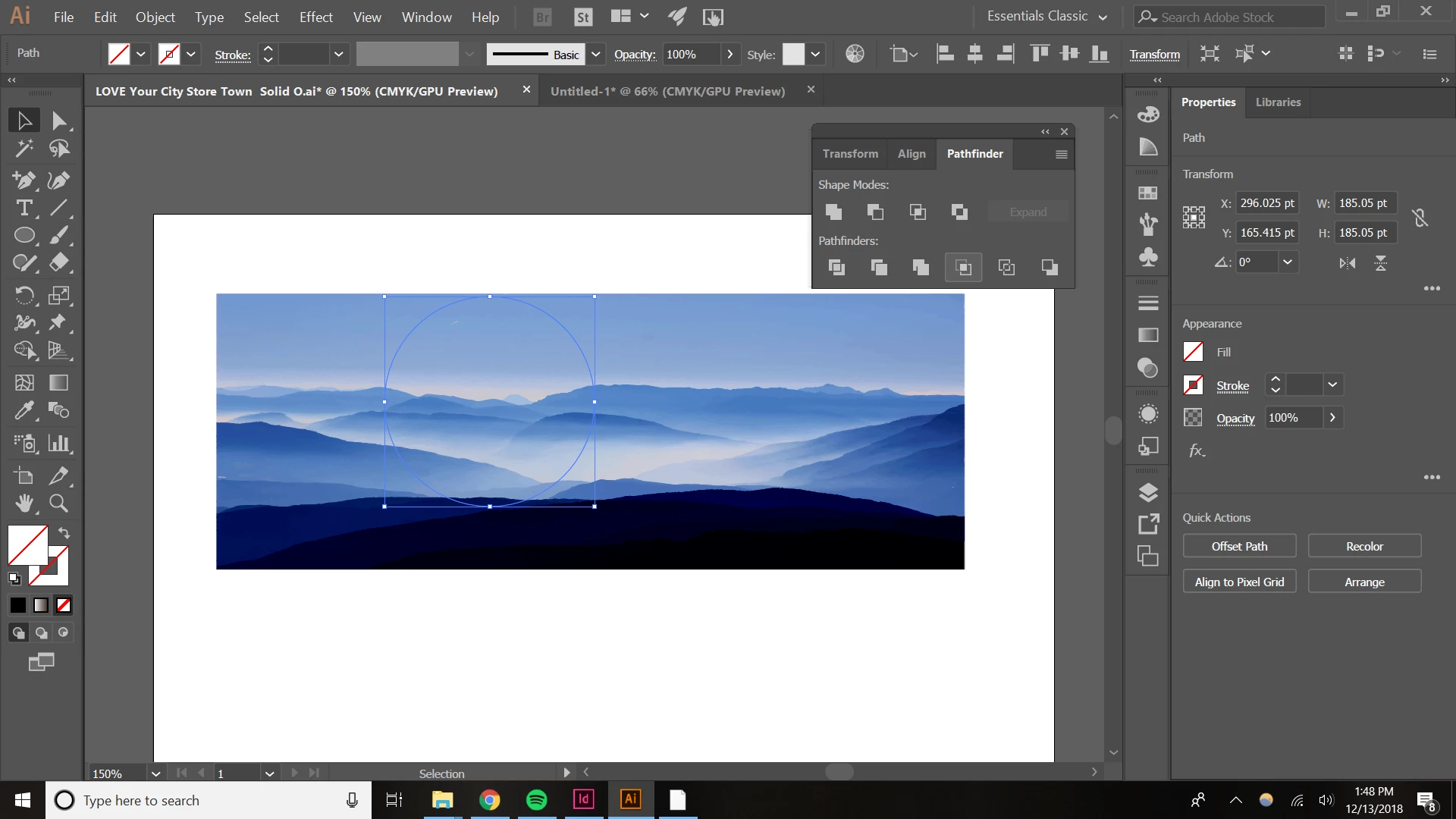
When I press crop in pathfinder this way, this happens:
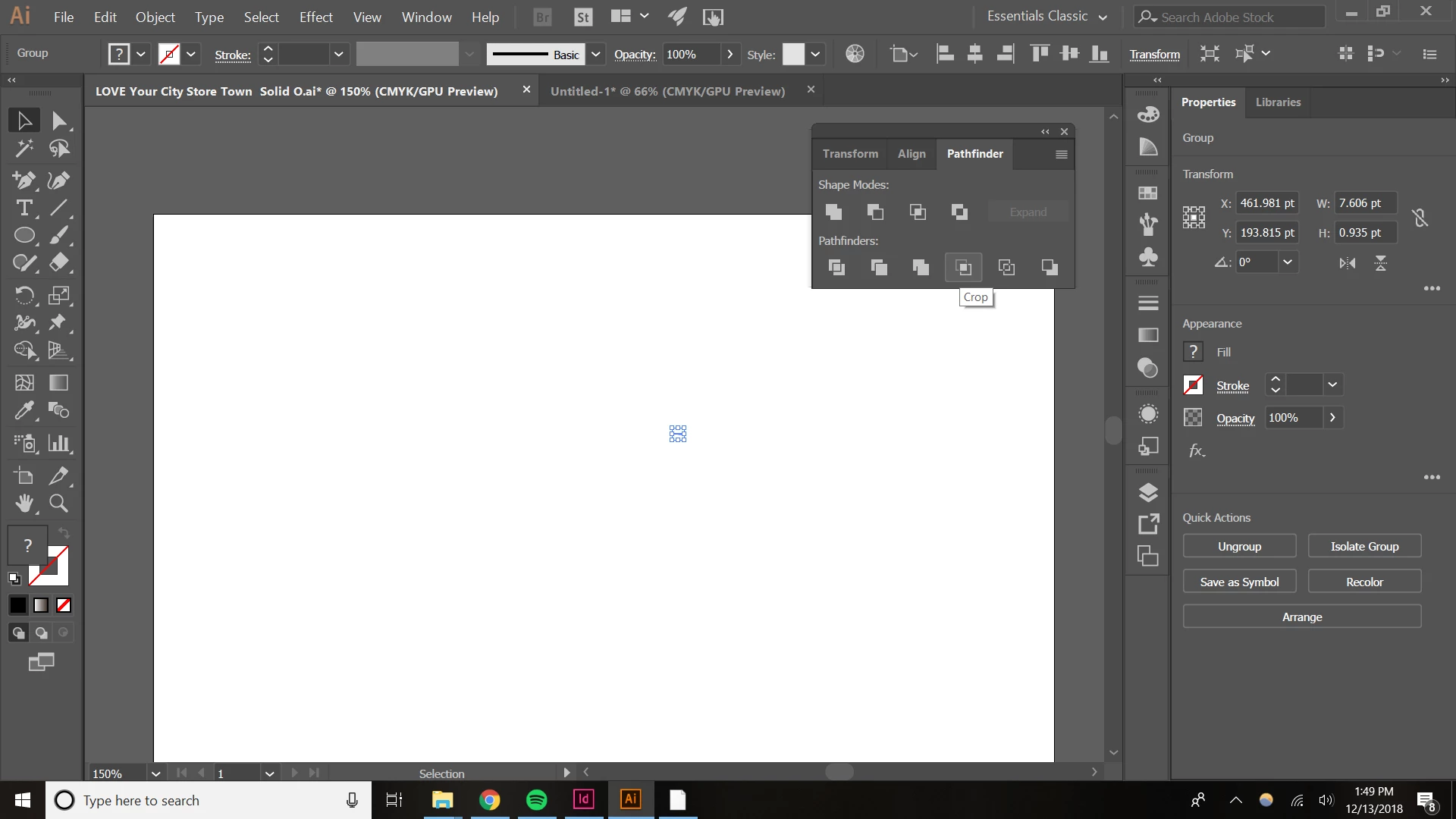
When do the same as above, but ctrl+a first, this happens:
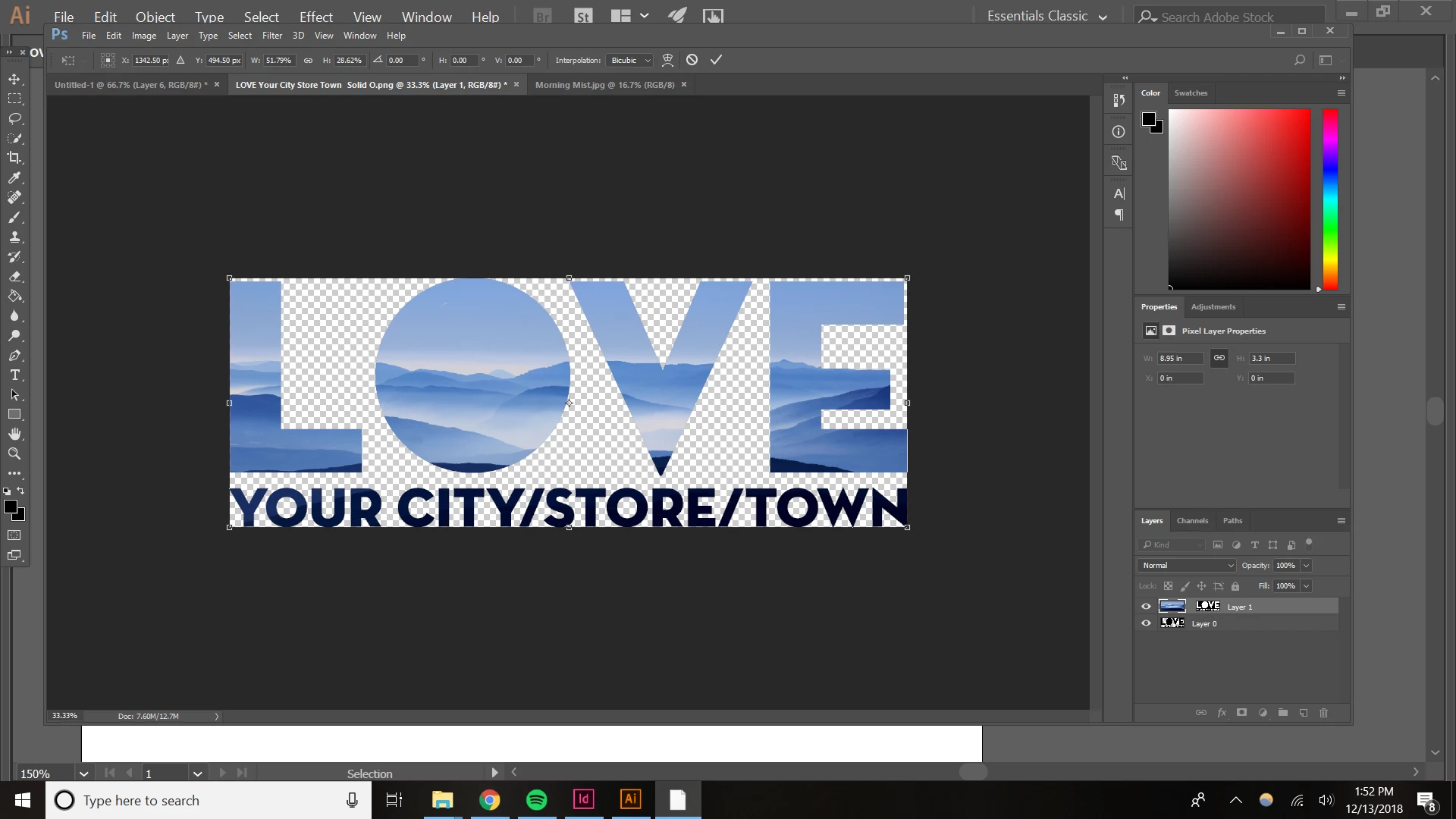
So that is the extent of my knowledge of ways to attempt to do this in illustrator. Ultimately I'd want it to look like this (past special method from Ps):
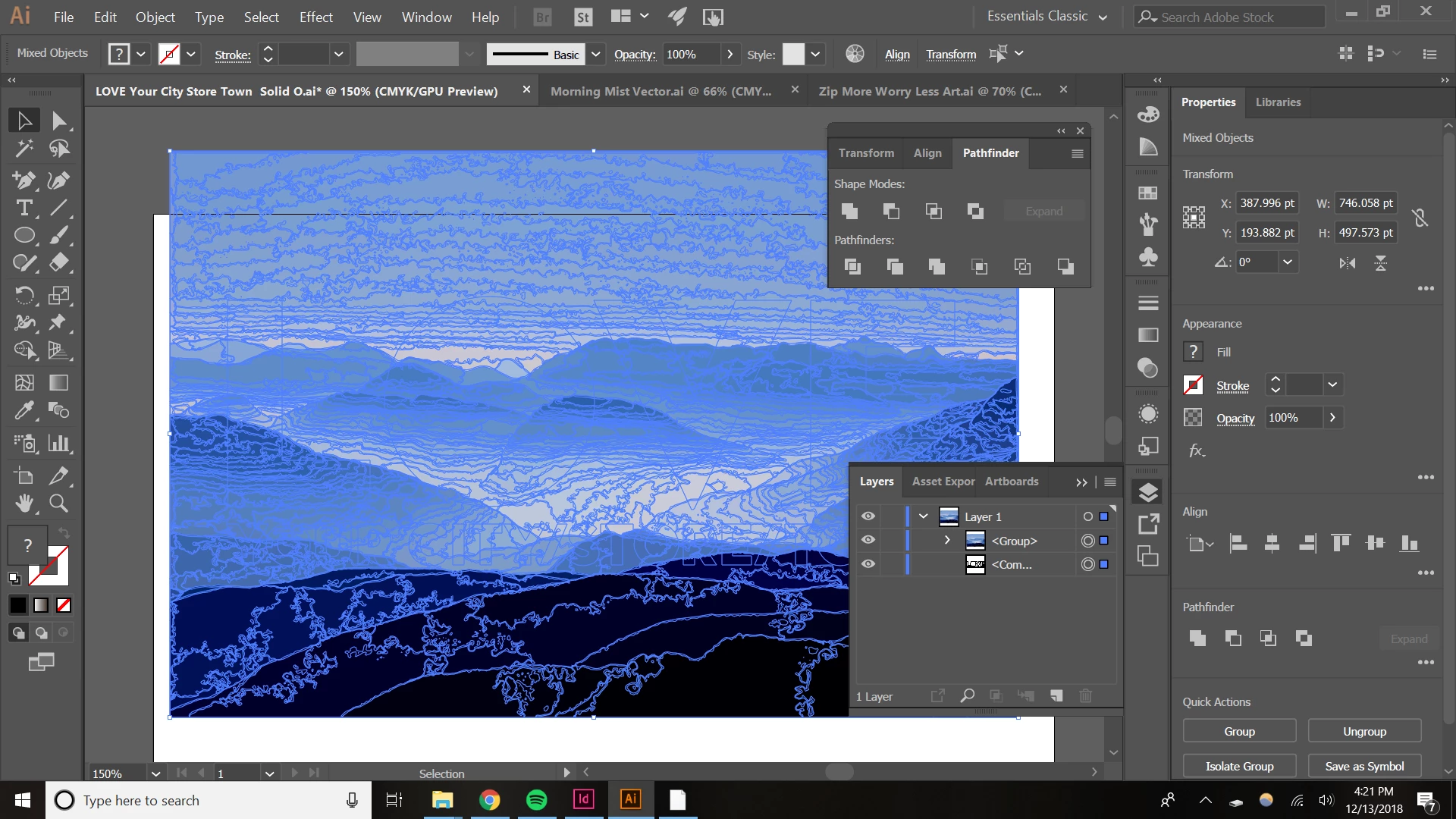
Please help!
 AdChoices