
Answered
Problem with Color Profile Changing in Illustrator Update 25.2.1
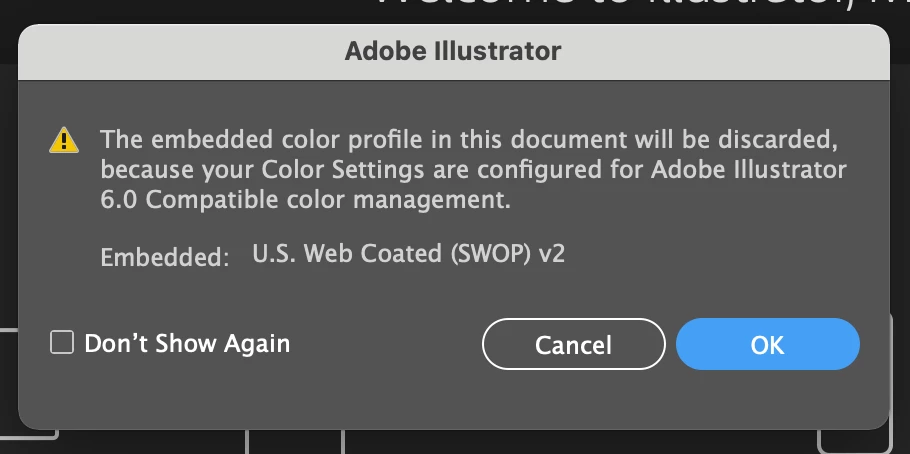
How do you change the color managemnet settings in order to keep this from happening in the newest updated version of Illustrator (25.2.1)?
How do you change the color managemnet settings in order to keep this from happening in the newest updated version of Illustrator (25.2.1)?
Yah, it's a bug. Supposedly the latest Photoshop update has instigated the problem (You'll find it's also messing with your Color Settings in Photoshop, InDesign and Bridge... not just Illustrator). The usual route to reset the Settings in Bridge will not stick. Other than the suggestion to roll back from Photoshop 22.3 to 22.2, you can delete the following preference file and it seems to fix the issue... at least until they issue updates to deal with it:
With all Adobe apps closed, Go to ~/Library/Preferences/Adobe/Color and delete the file "ACEConfigCache2.lst".
Open Bridge, reset your Color Settings, and it should fix all the other apps.
Already have an account? Login
Enter your E-mail address. We'll send you an e-mail with instructions to reset your password.
 AdChoices