Inspiring
January 25, 2023
Answered

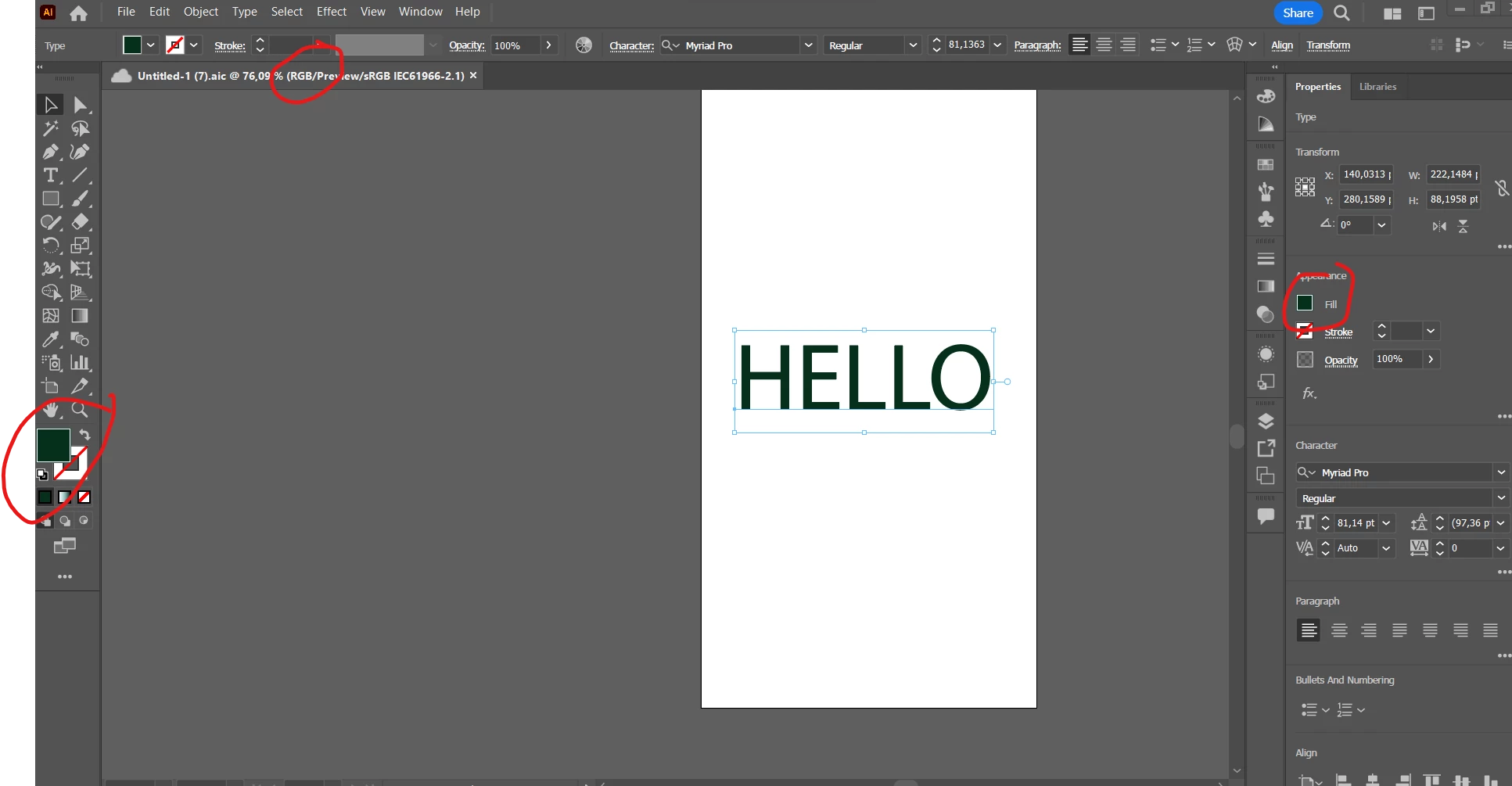
Problem with my black being green

  • January 25, 2023
  • 3 replies
  • 860 views

Hi there


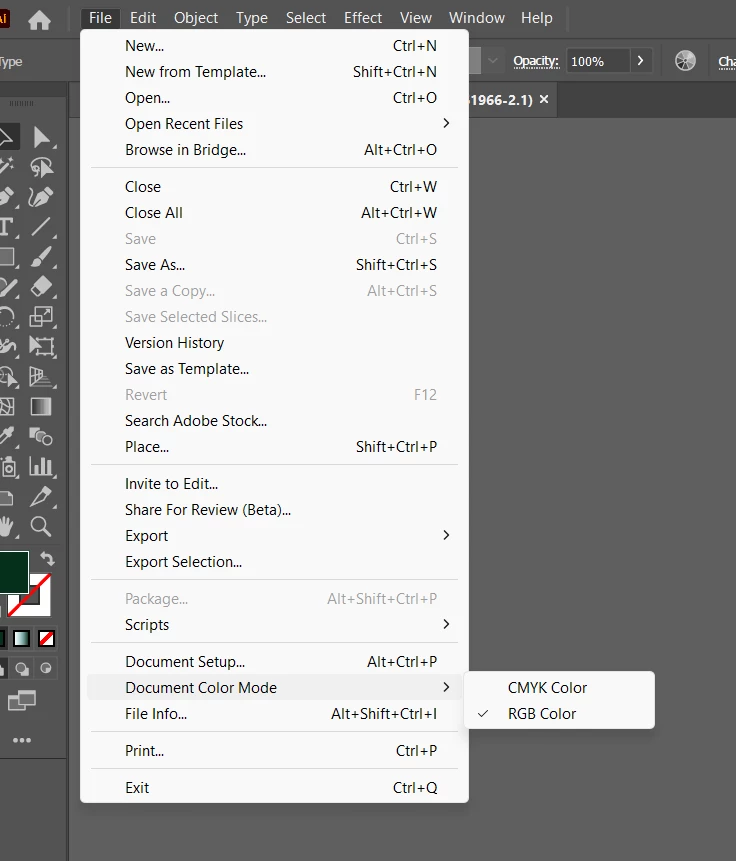
So I had to print a document in CMYK and when I turned it back to RGB my colors stayed the same.

I have closed and restarted the app more times than I can count. 


I uninstalled and reinstalled the app Illustrator which I mostly work in, but the problem seems to be across all the adobe apps like photoshop as well.


I press Ctrl + Alt + Shift when I opened the app to see if that would reset, no luck.

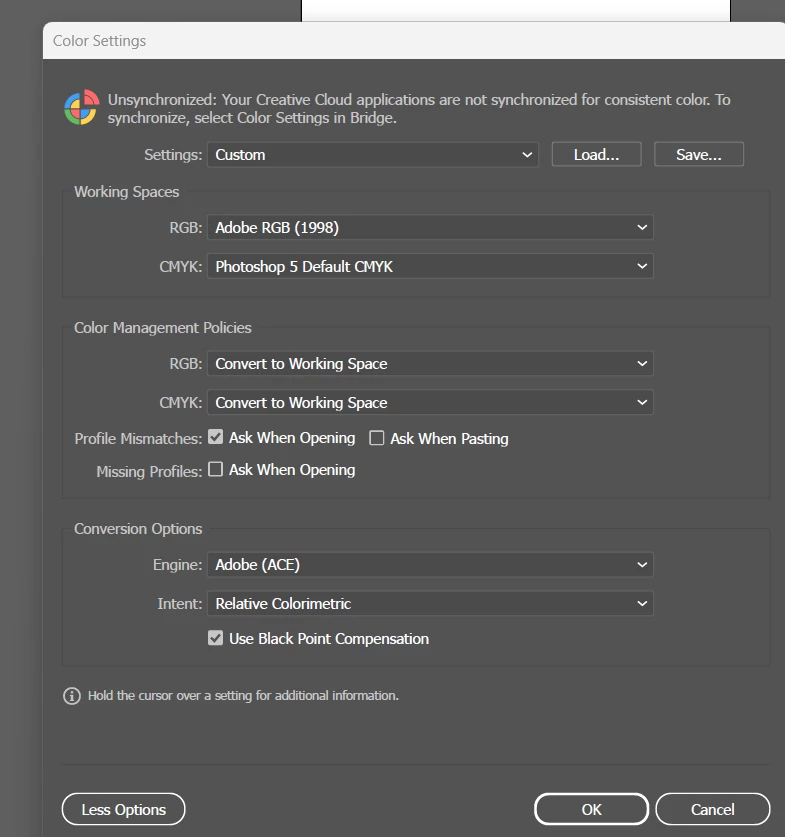
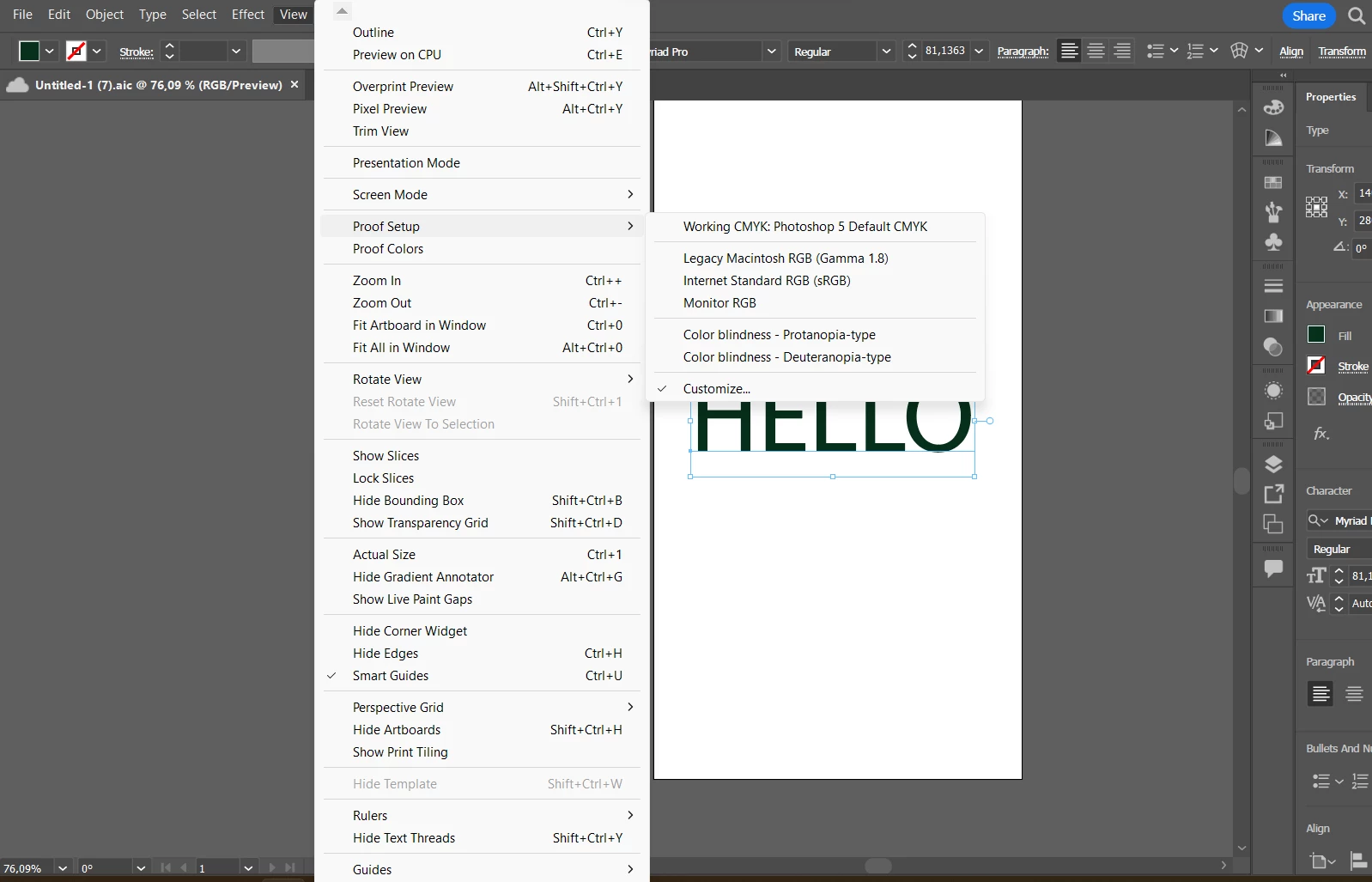
I changed all the settings everywhere to RGB but it still stays the same. I unchecked the proof colors in view tab, no luck. PLEASE HELP!!! I am so frustrated at this point and my work is at a standstill. 
This topic has been closed for replies.
Correct answer naomid9573217

Unfortunately you just shared the file for review not for downloading.


The black looks black on my screen. You might want to read about color management and how to calibrate your monitor and system. Maybe get a professional to set it up for you.


I have figured it out. The company that helped me with printing turquoise on a mug changed my monitor from RGB to their settings which was in CMYK. So I had to go into Bridge to change my monitor settings. 


Thank you for all your help. Everything is back to normal again. 

3 replies

Met1
Legend
January 25, 2023

As soon as you saved your file in CMYK mode the colors changed (depending on the color management profile you are using), they'll change again from CMYK to RGB (depending on the color management profile you are using) but these are two one way streets following on from each other, not a two-way with a u-turn. Instead of all the gymnastics you are doing to get back to the original, just select the color, select same fill, and manually change it to the RGB you want. Ditto for stroke.

Inspiring
January 25, 2023

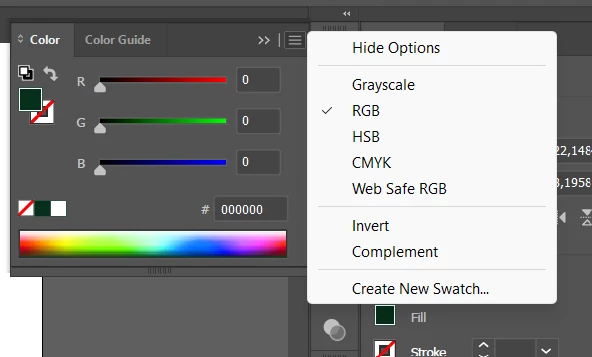
The problem is my black is green. So I can't just change the colour. 

😞

Monika Gause
Community Expert
Community Expert
January 25, 2023

Can you please show us the Appearance panel with object selected?

That's Window > Appearance.

Inspiring
January 25, 2023

Monika Gause
Community Expert
Community Expert
January 25, 2023

Unfortunately something covers that panel. But it lokks like there's nothing else applied to the text. Maybe you'd like to check your color settings? Photoshop 5 Default is not the best setting for CMYK.

Is some color proof turned on?

kglad
Community Expert
Community Expert
January 25, 2023

<moved from enterprise&teams>

Inspiring
January 25, 2023

Hi, I am not sure what this means


Monika Gause
Community Expert
Community Expert
January 25, 2023

A moderator has moved your post to the appropriate forum.