Marignaatova
Participant
August 11, 2023
Question

Problem with PDF opening

  • August 11, 2023
  • 3 replies
  • 1425 views

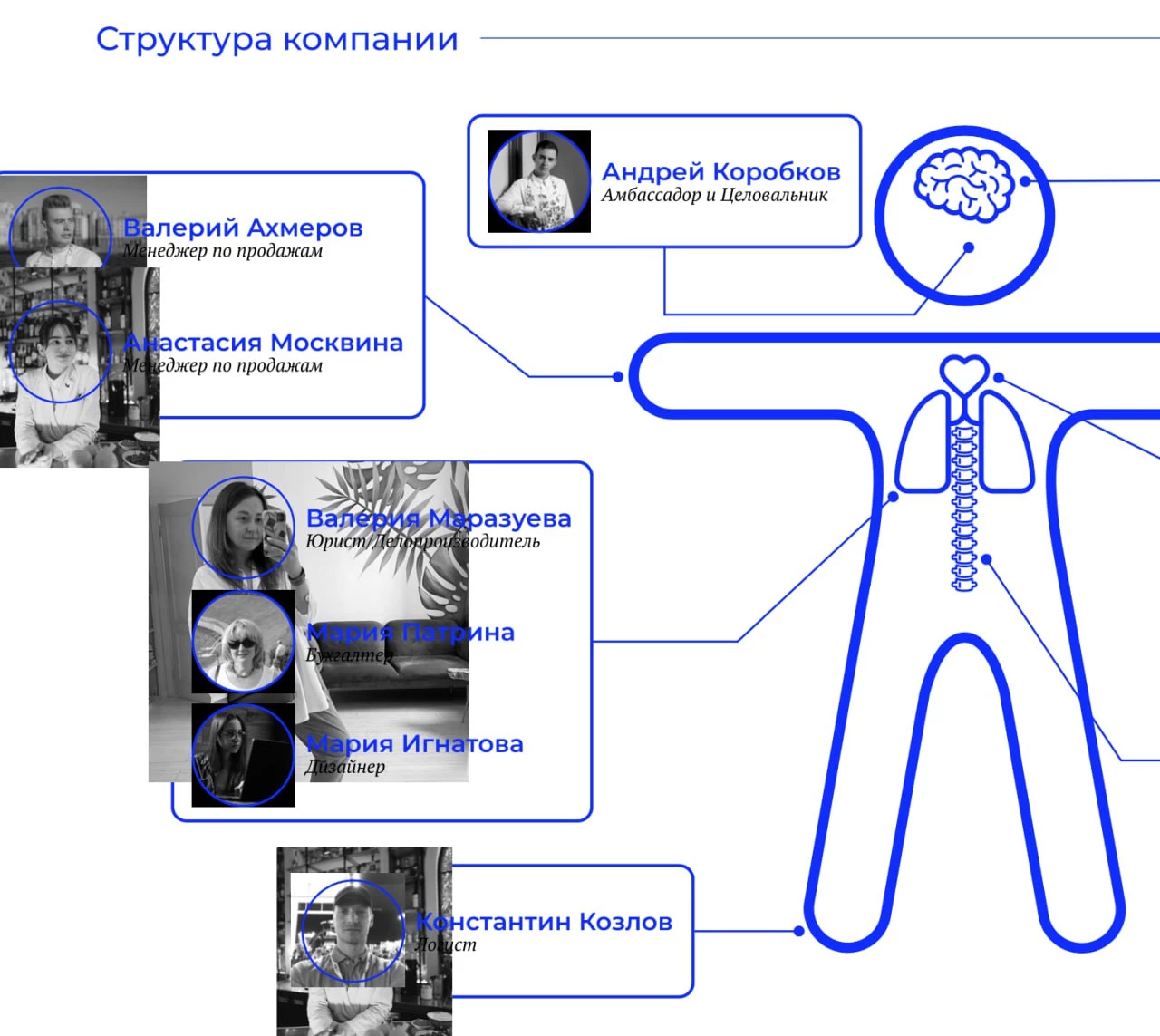
When I export a file from Figma in PDF format, and if Mask groups are used in this file, they are disassembled after export, when opening this file in Adobe Illustrator/

How can I solve this problem? This is very inconvenient and often leads to unforeseen situations.

I am hope for your help. I attach an examples before/after



3 replies

Participant
July 28, 2025

There is a workaround for this. Open the file in Illustrator, open layers. Under "Layer 1" will be "<Group>" and then below that "<Clip Group>". If you drag "<Clip Group>" above "<Group>" all your layers will be visible. 

Participant
November 4, 2025

You're a lifesaver!

Monika Gause
Community Expert
Community Expert
August 11, 2023

Illustrator is not a general purpose PDF editor.

And PDFs were never meant to be edited in the first place.

Marignaatova
Participant
August 11, 2023

But it is the only way to edit some file from Figma in AI (sometimes I have to prepare for printing some files from Figma so I have to use AI) and also some printers use Illustrator to prepare files for printing, and if they open such a file in Illustrator, they will see a broken illustration. I'm also curious as to why this is happening.

Monika Gause
Community Expert
Community Expert
August 11, 2023

PDF was never meant for editing. It is a presentation and output file format. The whole point of it ios to present all documents in the same way on any system and no matter in which app it has been created.


You can be lucky that there is something to edit at all. Here are the technical details: https://prepression.blogspot.com/2014/09/the-ten-commandments-of-pdf.html 

Michael Bullo
Community Expert
Community Expert
August 11, 2023

Does it look equally broken if you open it up in a PDF viewer such as Acrobat?

Marignaatova
Participant
August 11, 2023

It depends. Sometimes yes, but usually only in AI