Participant
April 11, 2025
Question

Problem with shape builder tool precision

  • April 11, 2025
  • 2 replies
  • 331 views

Hello!

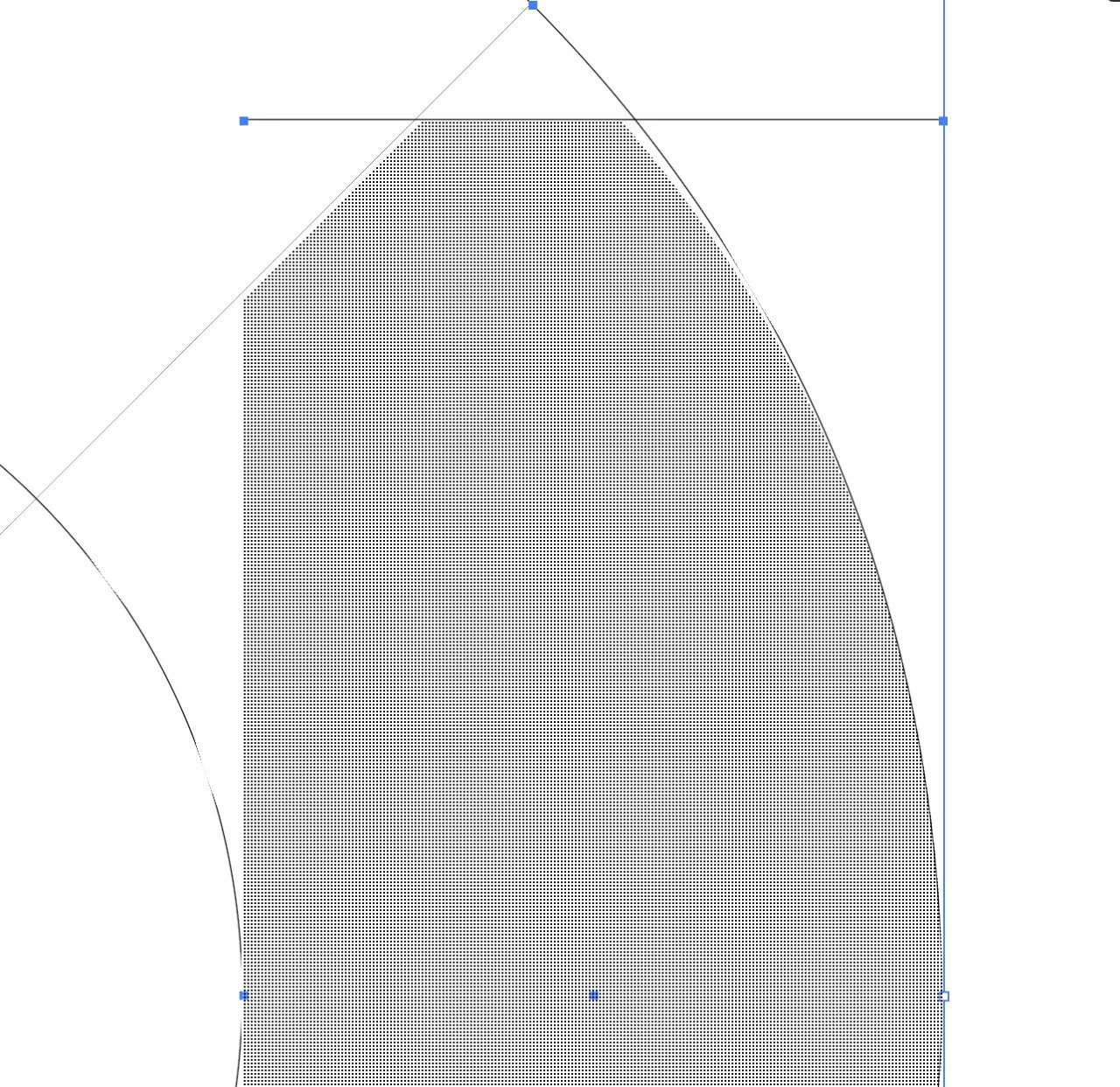
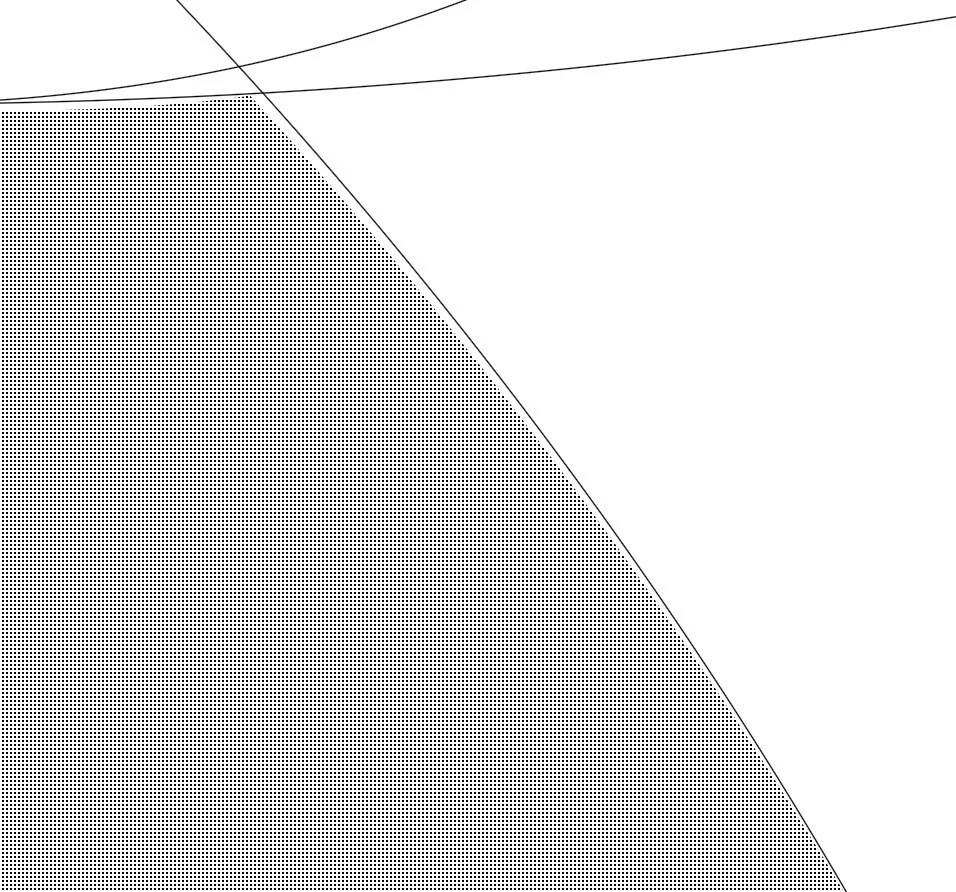
A colleague of mine is experiencing an issue with the Shape Builder Tool in Illustrator. She's digitizing a sketch to create a logo, and after creating all the necessary paths to serve as a base, she tried using the Shape Builder Tool to combine them into final shapes.

However, when she activates the tool, the live preview highlights incorrect shapes, which are quite different from what the visible paths that the tool should logically create (as shown in the attached screenshots). There are unexpected white gaps, and when she clicks to confirm the shape, it’s created exactly as shown in the incorrect preview, not based on the actual path intersections.

She’s already tried the following with no success:
- the good old restarting the computer
- uninstalling and reinstalling the same version of Illustrator
- installing an older version of Illustrator
- recreating everything in a brand new file

Nothing has solved the issue so far. Any idea what could be causing this?


2 replies

Jacob Bugge
Community Expert
Community Expert
April 11, 2025

Giovanni,


Ask her what happens if she goes back to the original objects, then holds Ctrl/Cmd and presses E, then tries to start over.


Ctrl/Cmd+E toggles between GPU and CPU, the former sometimes being a bit unruly.


This is what GPU is about:
https://helpx.adobe.com/illustrator/kb/gpu-performance-preview-improvements.html


GPU is faster, sometimes too fast, so it gets ahead of itself and moves in mysterious ways.


Graphics cards are included in the system requirements:
https://helpx.adobe.com/illustrator/system-requirements.html
https://helpx.adobe.com/illustrator/system-requirements/earlier-versions.html
https://helpx.adobe.com/illustrator/system-requirements-old-versions.html


Apart from an inadequate card, the issue can be caused by lack of driver updating, lack of proper recognition of the card by the computer, and whatnot (including rifts in the space time, moon, weather, and the fact that Illy (job description Adobe Illustrator, and she is always eager to help) sometimes moves in mysterious ways).


Here are a few more pages about GPU troubleshooting:
https://helpx.adobe.com/illustrator/kb/gpu-performance-errors-troubleshooting-workarounds.html
https://helpx.adobe.com/illustrator/kb/illustrator-gpu-performance-driver-update.html

Participant
April 11, 2025

I actually forgot to mention that she already tried switching from GPU to CPU preview, and nothing seems to have changed. The issue is temporarily fixed, but if it is anything like the last time it presented itself, it's still going to happen randomly. It seems to be breaking and fixing itself with no real explanation 😅

Jacob Bugge
Community Expert
Community Expert
April 11, 2025

Ah, Giovanni, thank you for sharing. To me it looked like one of the GPU mysterious ways.

Kurt Gold
Community Expert
Community Expert
April 11, 2025

Can you share this file and post a public download link?

Participant
April 11, 2025

I'll see if I can post this on Monday. Thanks for your help!