Participant
February 22, 2023
Answered

Problemas para guardar archivos a

  • February 22, 2023
  • 4 replies
  • 2346 views

Buenas tardes estimados, 

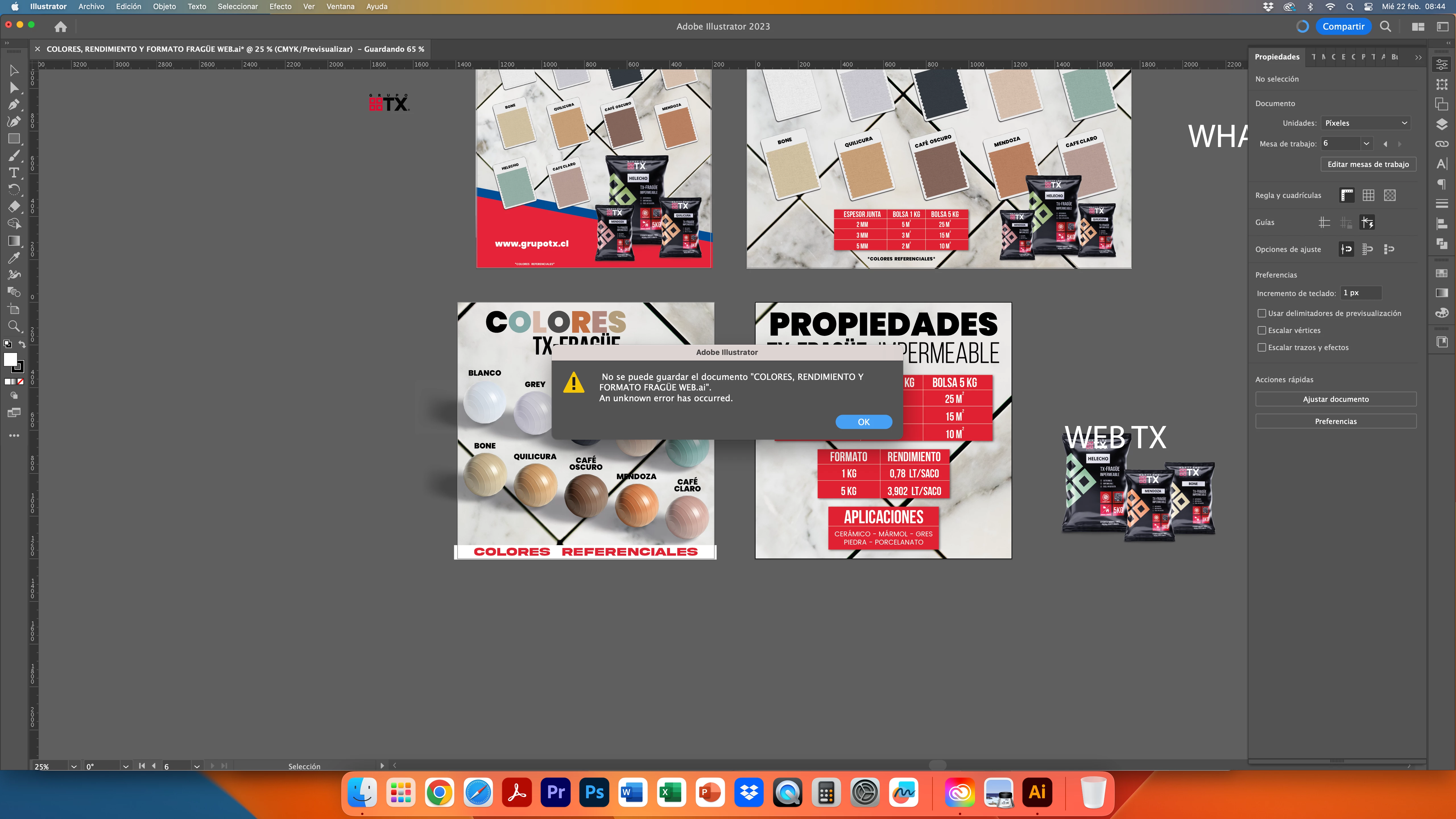
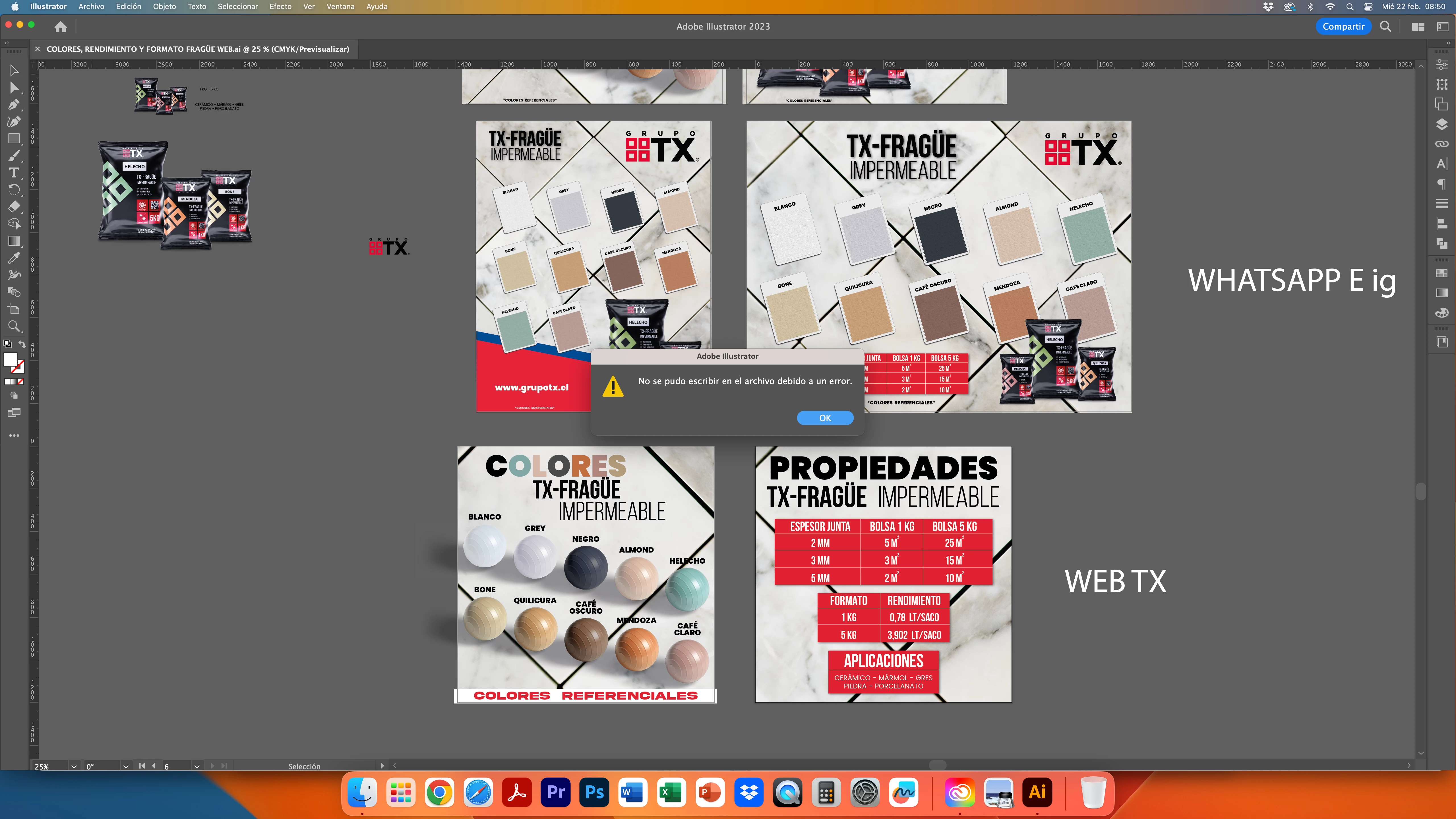
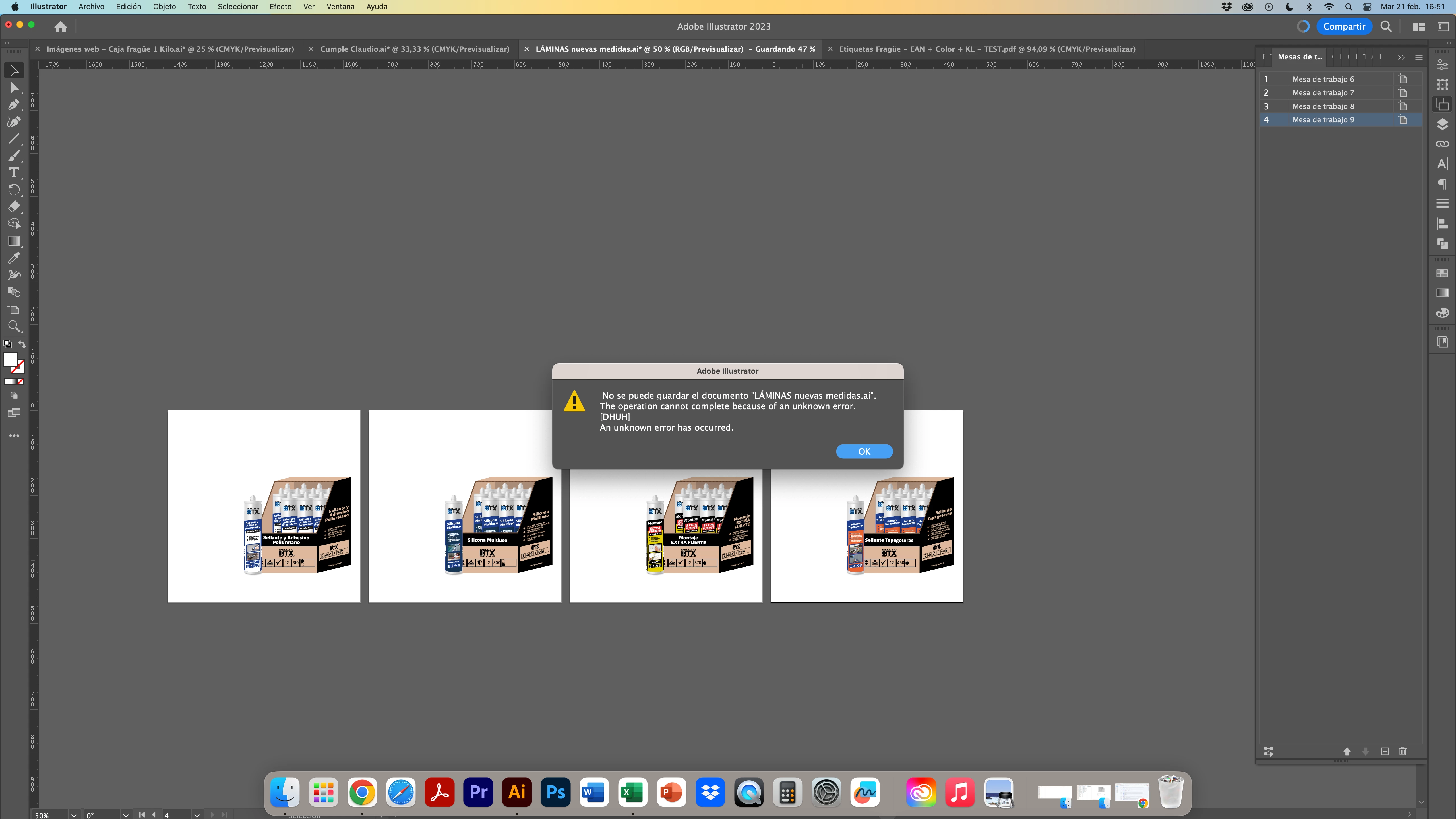
Mi illustrator esta con problemas desde hace meses en mi MAC, adjunto pantallazos del error que no me deja guardar ninguno de mis archivos. Solicito ayuda a la brevedad por favor, quedo atento.
Gracias y saludos!!
  

This topic is closed to new replies. Start a new post to keep the conversation going.
Correct answer Kevin Stohlmeyer

Hi @22563 there is a known issue with Dropbox - you need to disable live syncing when working out of the folder or it can corrupt files by backing up the temp files.

That or drag files out of the sync folder and work locally, then drag back to backup.

4 replies

Met1
Legend
February 22, 2023

You'll need to translate the messages.

But, are you saving to the Cloud, network, or local hard drive.

Do you have enough free space?

Have you just updated, either Illy or OS (What OS?)

22563Author
Participant
February 22, 2023

Thank´s mate, I thought that some one that know spanich will answer me, I know some english so let me try.

Answers first;

- I´m saving to dropbox and my own computer

- Yes I have plenty space

- And yes, I just update Illustrator


May be can be that the technician just change my ram memory on monday and update the Mac version from CATALINA to VENTURA, my problem came from linke 5 months dough.


The problem is that some illustrator files are damage and when I open it I can´t save again, not in Illustrator or PDF.

Also some letters disappear in some files.

The only way that I don´t have problems to save, is if I make a new file from scratch, I can´t eaven copy and paste the graphic than I need.

Kevin Stohlmeyer
Community Expert
Kevin StohlmeyerCommunity ExpertCorrect answer
Community Expert
February 22, 2023

Hi @22563 there is a known issue with Dropbox - you need to disable live syncing when working out of the folder or it can corrupt files by backing up the temp files.

That or drag files out of the sync folder and work locally, then drag back to backup.