
Participant
October 26, 2023
Question

problème de dégradé

  • October 26, 2023
  • 2 replies
  • 1085 views

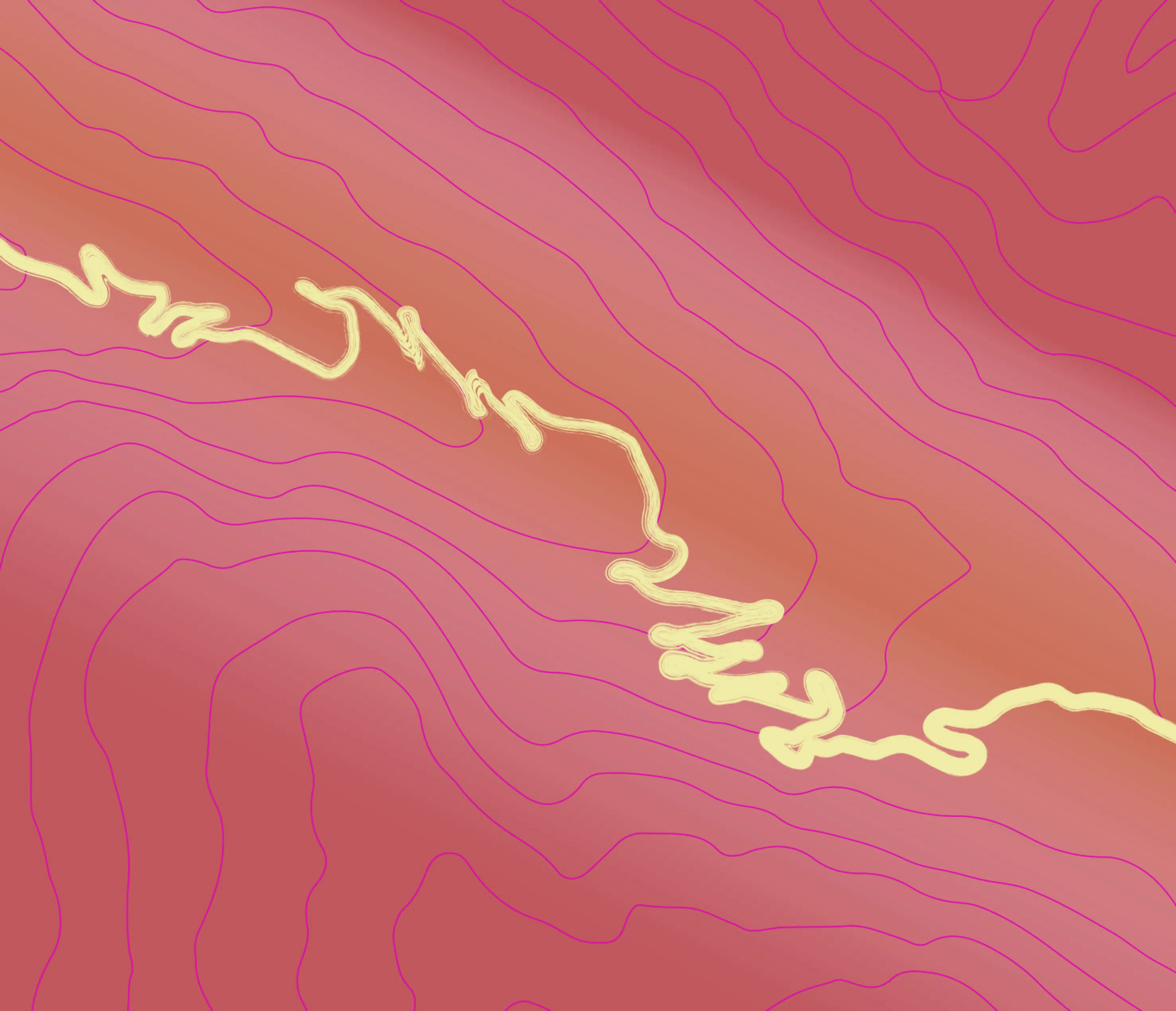
Je fais un dégradé entre deux couleurs très proches mais illustrator me créé un effet blanchâtre (ou bleuté ça dépend des applis) entre les deux couleurs. Je nen puex pas rajouter de couleurs entre les deux puisqu'elles sont extremememnt proches (voisines sur la roue chromatique Pantone). L'exportation en jpg transforme un terracotta en bordeaux !
This topic has been closed for replies.

2 replies

Ton Frederiks
Community Expert
Community Expert
October 26, 2023

Use Overprint Preview to get a better idea of how Spot colors will be printed.

But are you really printing with 7 spot colors? That is going to be very expensive.

Monika Gause
Community Expert
Community Expert
October 26, 2023

You can't judge that on screen anyway. Those are 2 spot colors. In order to judge what will happen there, you will need to make a proof print.

Participant
October 31, 2023

proof print shows that itdoes not work. I change my options.

Monika Gause
Community Expert
Community Expert
October 31, 2023

You will probably need to fake the gradient by making two gradients. Each between 100 and 0 percent of one of those Pantone colors. Then overprint the top one and then adjust the center point of the gradient to get the look you want.