
Known Participant
March 13, 2024
Answered

Problème dégradé Illustrator

  • March 13, 2024
  • 1 reply
  • 716 views

Bonjour à tous,
J'ai besoin d'un renseignement.
J'ai fait un tracés avec des formes (pour délimiter sur le sol), puis j'ai utilisé un dégradé sur ce dernier comme vous le voyer sur mon image jusqu'ici tous va bien.    Mais un imprimeur m'a demandé de lui mettre tous les éléments en vectoriel sur un dossier plus petit en pêle-mêle pour son imposition.
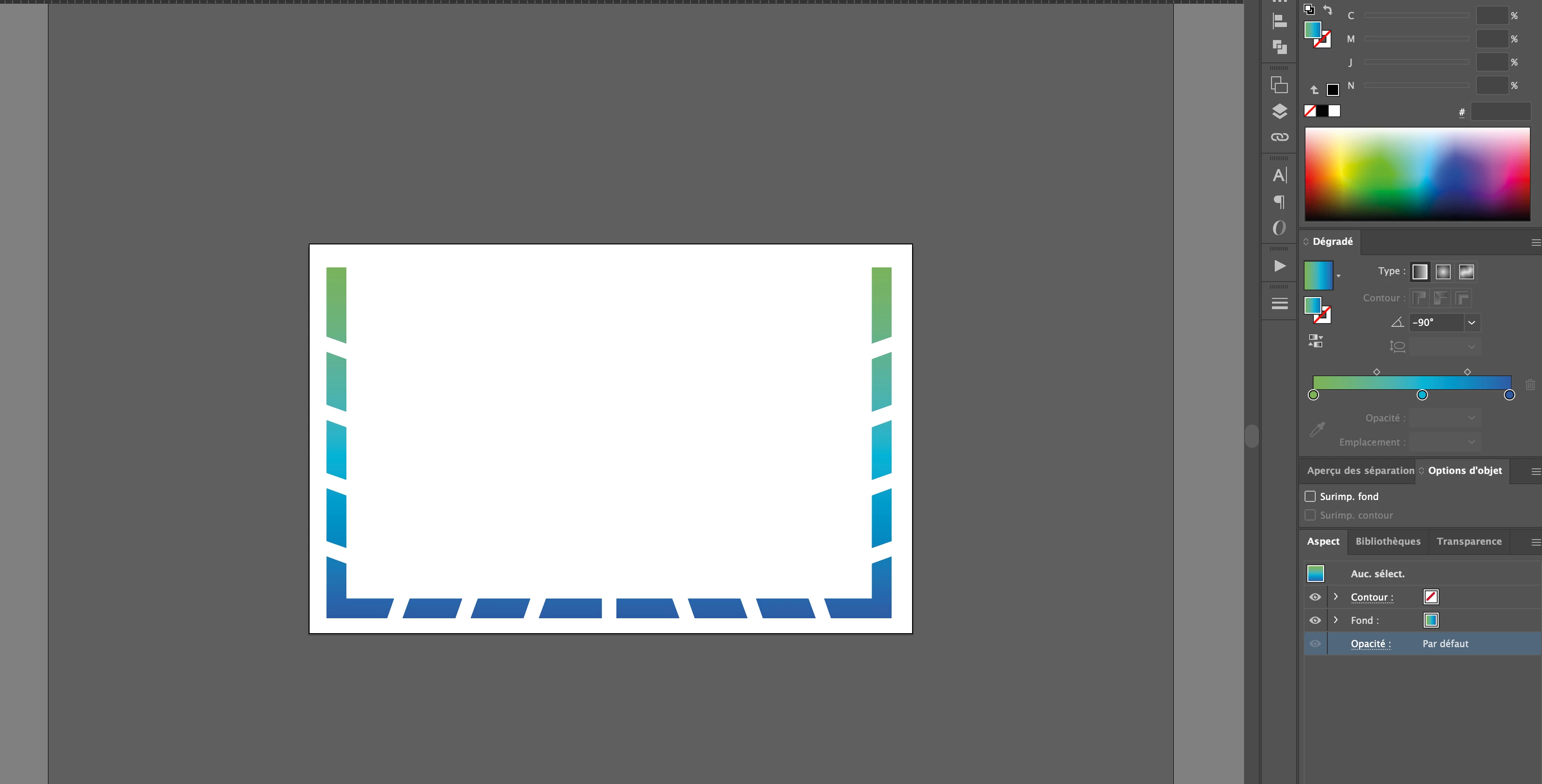
Mais le problème, c'est que quand je bouge mes formes le dégradé change et moi, j'aimerais qu'il reste comme sur la première image
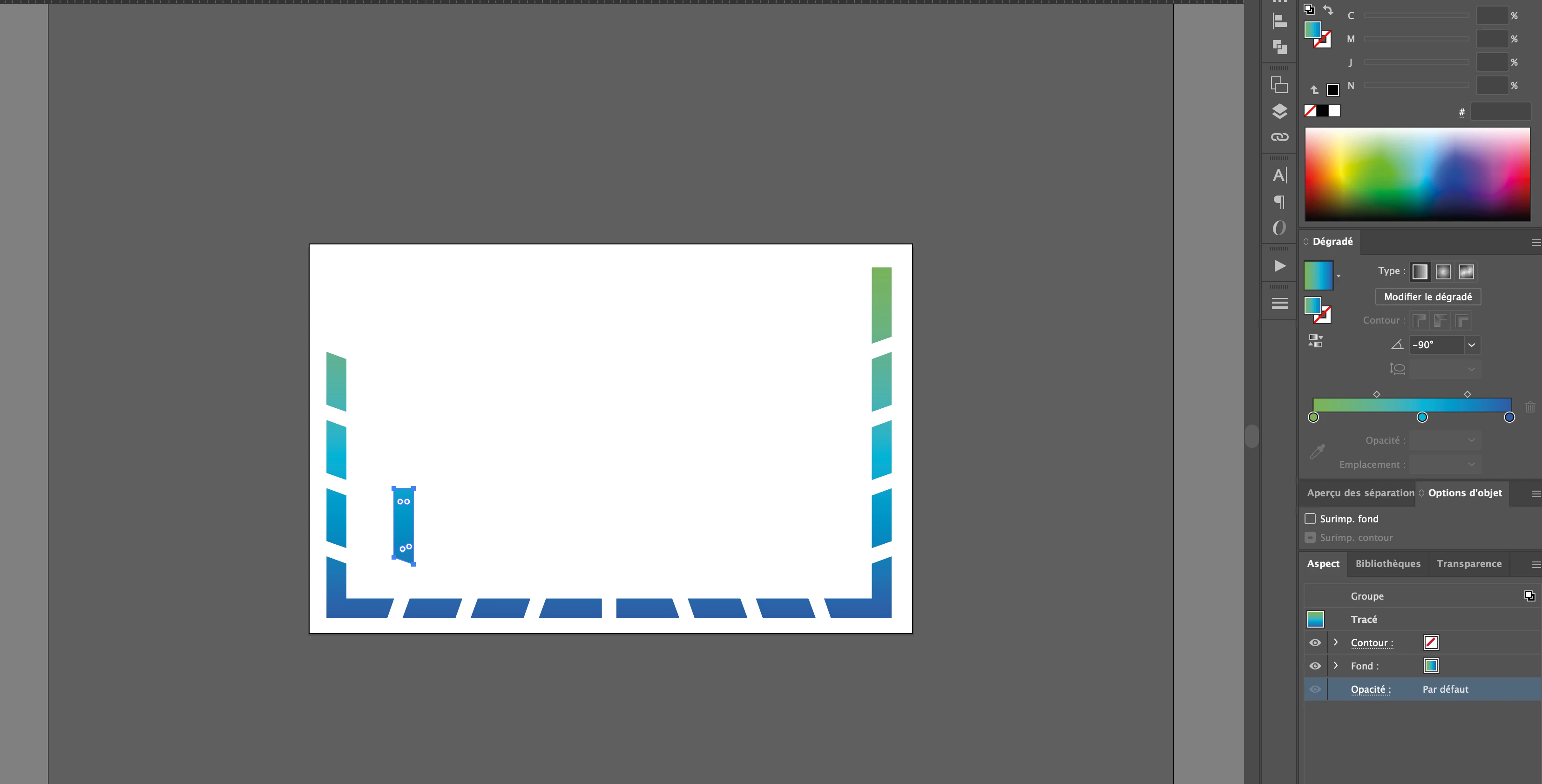
Que chaque forme et le bon dégradé vus sur la première photo, donc comment fixer chaque morceau du dégradé sur chaque forme à laquelle il correspond ?

This topic has been closed for replies.
Correct answer Monika Gause

You applied a fill to the group and then moved an element. What you want to have, can only happen when you first apply the same gradient to a couple of objects, then unify that gradient and then move a part. Like this. Watch the layers and appearance panel and compare to yours.

https://youtu.be/l7YwGATregM

1 reply

Monika Gause
Community Expert
Monika GauseCommunity ExpertCorrect answer
Community Expert
March 13, 2024

You applied a fill to the group and then moved an element. What you want to have, can only happen when you first apply the same gradient to a couple of objects, then unify that gradient and then move a part. Like this. Watch the layers and appearance panel and compare to yours.

https://youtu.be/l7YwGATregM

Known Participant
March 13, 2024

Merci beaucoup 😊

Monika Gause
Community Expert
Community Expert
March 13, 2024

Glad you could solve it!