


Problems with digits in arabic and other RTL languages
I cannot change my styles in illustrator to show digits correct in RTL languages.
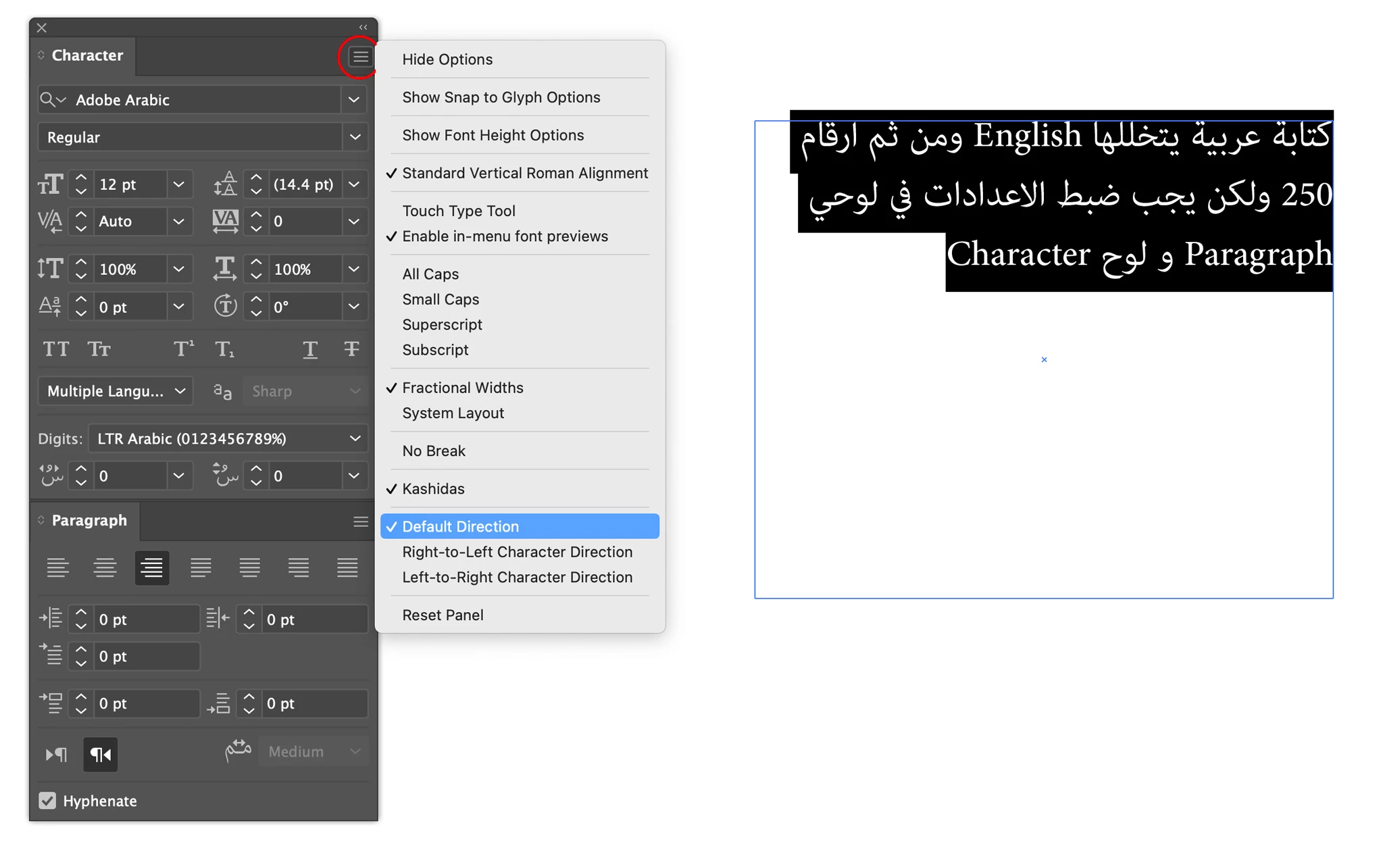
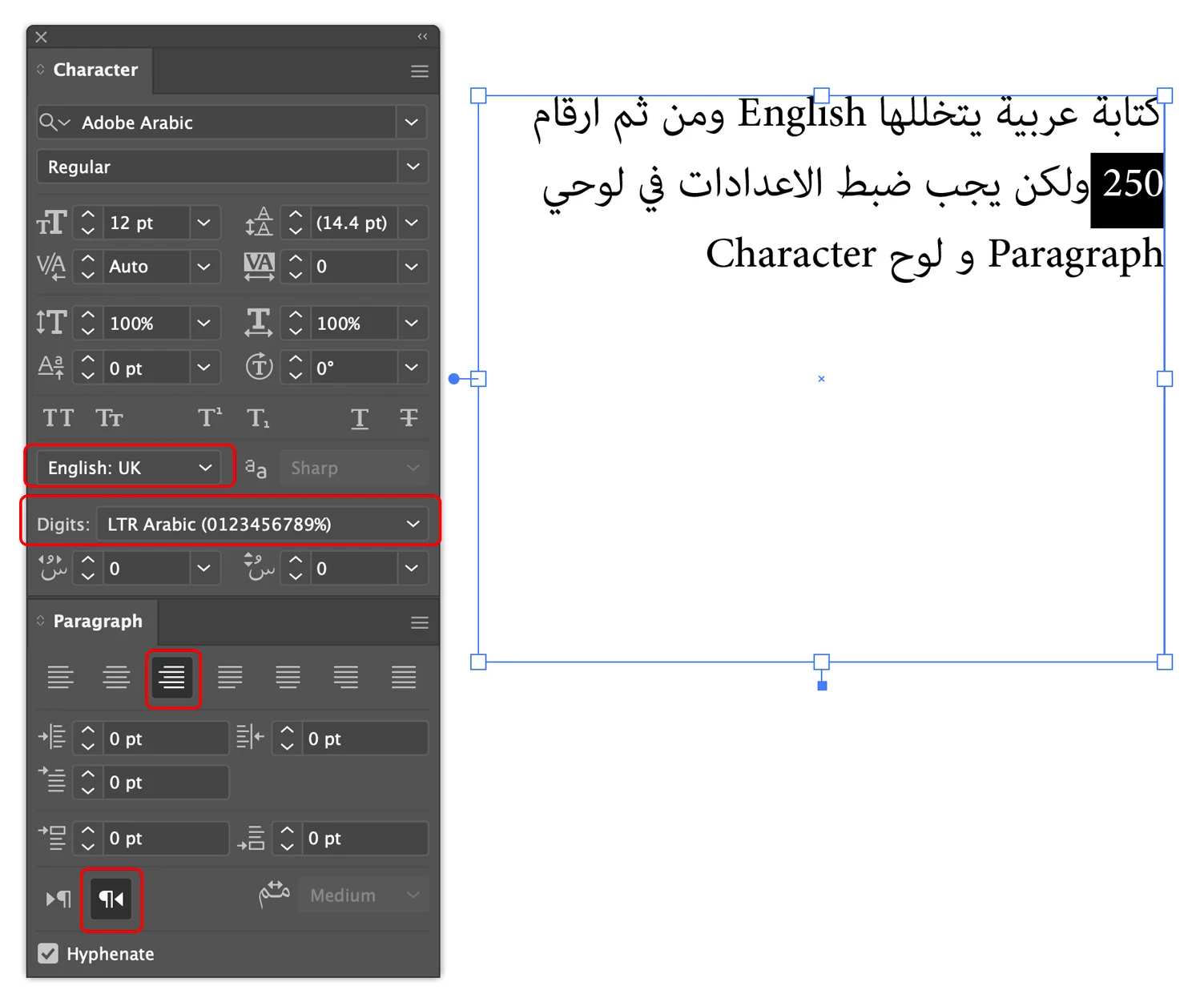
We use to have a lot of texts with digits and values and they should show up "LTR ARABIC (0123...).
I have already downloaded additionally another Illustrator-Version

But anyway, my numbers are wrong with each and every setting.
By the side - I can't see any "Type - advanced" settings in the preferences - shouldn't there be any for middle-eastern text? Do I have downloaded the wrong version?
Please for your help - what I'm doing wrong here?
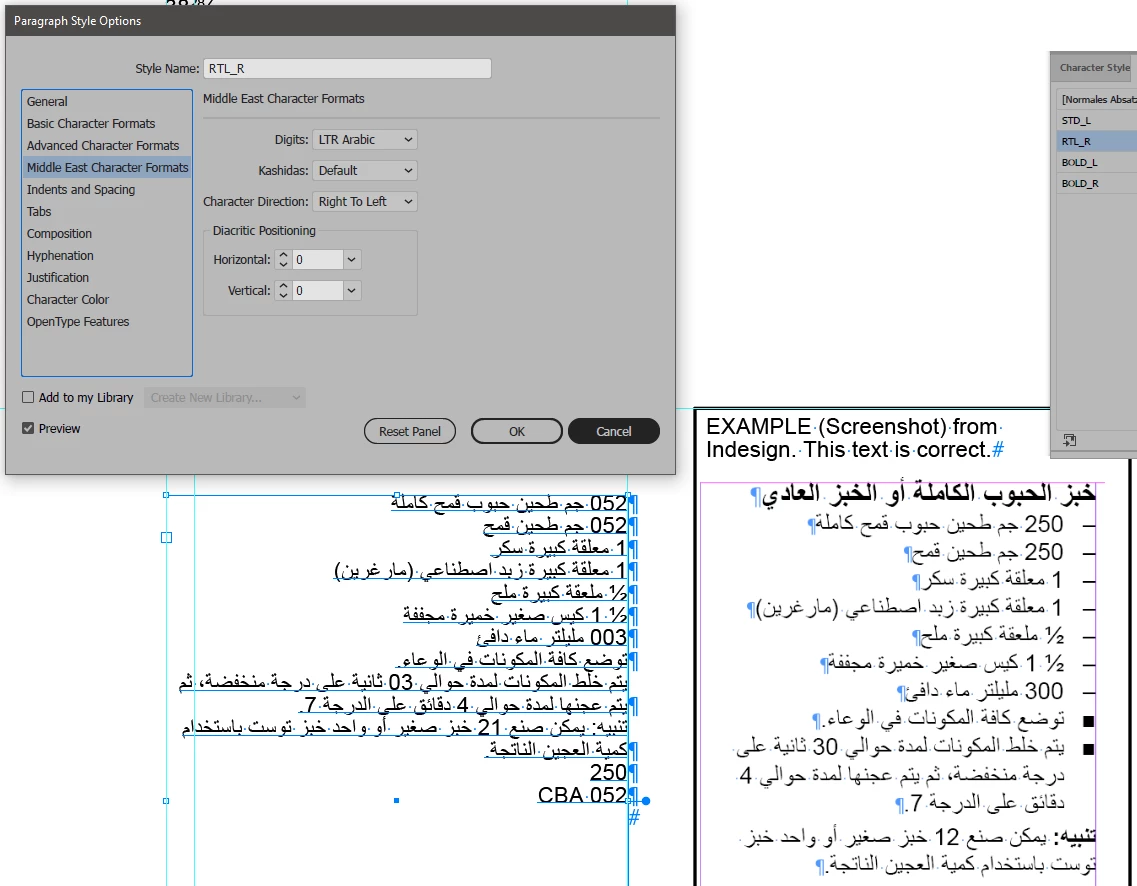
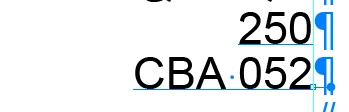
If I type only a number, it stays correct. If I add text, the number flips to RTL:
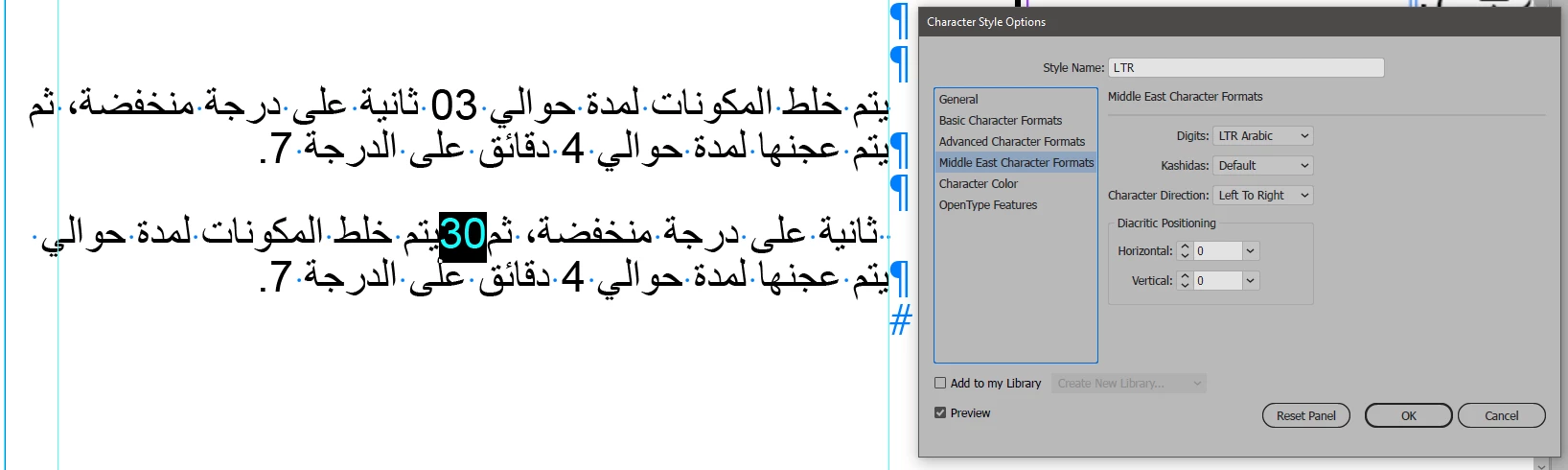
I also tried to manipulate the numbers by a certain character style. If I put that style only on a number within the text, I have changes to the complete text. See here same texts with character format in second version place on "30":

 AdChoices