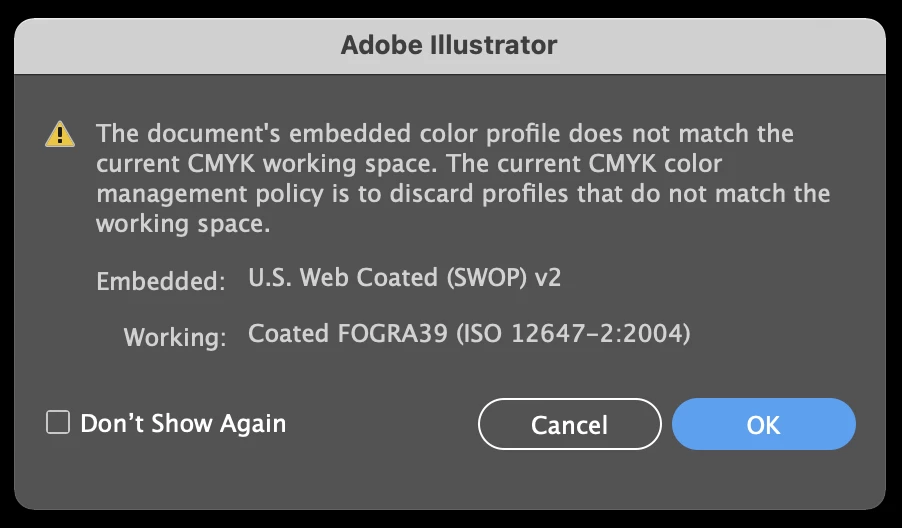
This is just a profile mismatch alert. Illustrator tells you that the profiles differ, which is a good thing to know. So obviously whoever created the file set it up for printing in the US. You are using European settings.
When you output this file this could lead to color changes depending on your settings.
You should learn how color management works, then set up your computer for it and then check if this discrepancy of profiles (US vs. European) is OK.
This is a basic introduction: https://helpx.adobe.com/photoshop-elements/using/setting-color-management.html For using color management professionally, you will need to dive much deeper. There are trainings available (not for free).
Also: there is an issue with your version of Illustrator that it resets the color management. You need to watch out for it as well: https://community.adobe.com/t5/illustrator/emulate-adobe-illustrator-6-0-bug-in-version-25-2-1/m-p/11904922#M268197
 AdChoices