Answered
Put symbol on invisible 3D object
Folks,
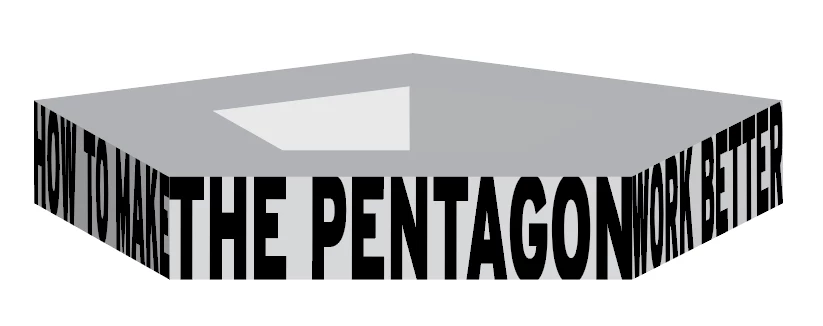
I have text that I want to stand with phrases at even angles to each other (see attached). To do this, I made outlines of the phrases and turned them into symbols. I then made a 3d object and put the phrases on the faces of the object. What I was hoping to do was make the color of the object empty and hope the symbols I've placed on it would remain. Alas, they go invisible too.
Can anyone tell me if there's another way of doing what I'm trying to do?
Many thanks.
 AdChoices