



Question
Question: How do I turn off the crosshairs and permanently hide the video rulers?
Hey, I have the problem that I have a clean area in an old version directly when creating a new project. Just like many in yt video etc.
For me the area looks like this after starting: Foto 1
However, it should look directly clean, as in photo 2. I have tried everything. Only after a few settings. Did I get this set correctly. Such as the video ruler and deleting the crosshairs (crosshairs are a drawing area).
Unfortunately these settings (hiding the video ruler) do not save under View>Rulers>Hide video ruler.
Foto 1:
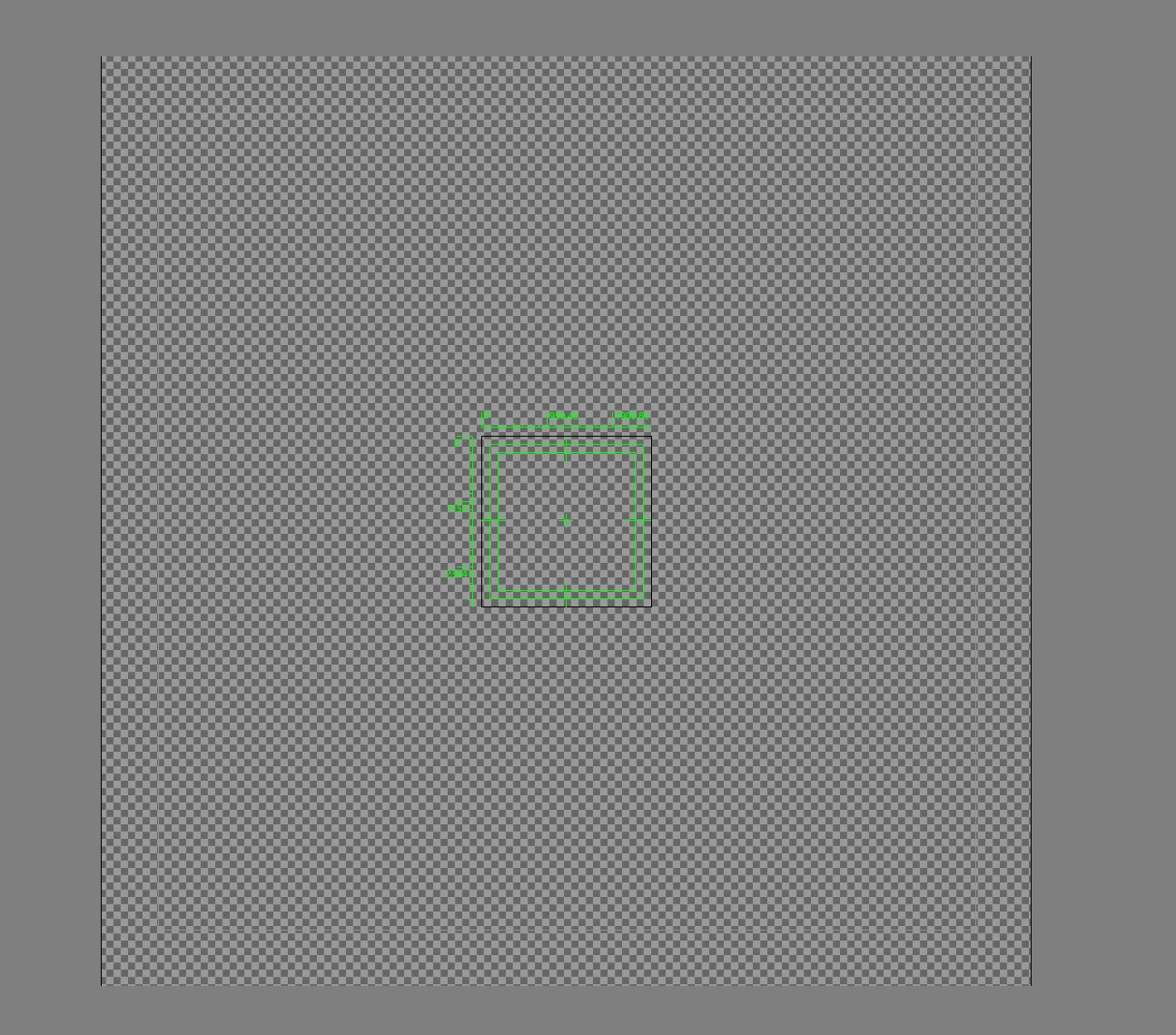
Foto 2:

Thanks for replying.
 AdChoices