Answered
Re: How do I bring back my tools panel?
I cannot find the properties panel.
It is not under the windows panel.
I have also tried resetting the essentials panel.
What am I doing wrong?
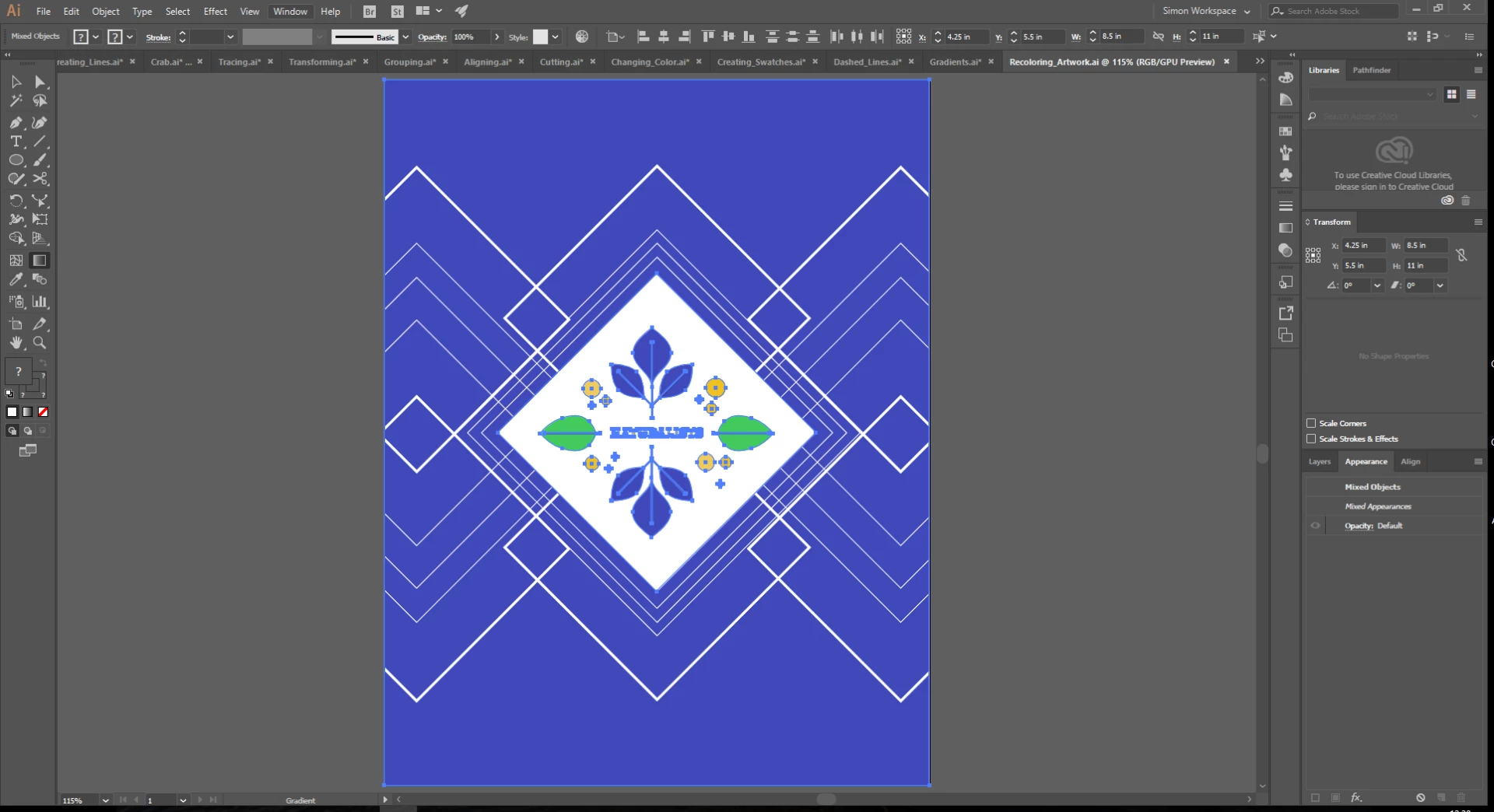

I cannot find the properties panel.
It is not under the windows panel.
I have also tried resetting the essentials panel.
What am I doing wrong?
Thanks,
No help though.
When I go to view apps/Illustrator it says open not update.
Hi DGasparo,
As you have already tried everything to update the application, please contact our support team along with your office IT team, maybe there are some permission issues. You may contact our support team at Contact Customer Care
Regards,
Srishti
Already have an account? Login
No account yet? Create an account
Enter your E-mail address. We'll send you an e-mail with instructions to reset your password.


 AdChoices