
davescm
Community Expert
Community Expert
January 13, 2020
Question

Re: How to have text box with white fill background?

  • January 13, 2020
  • 1 reply
  • 922 views

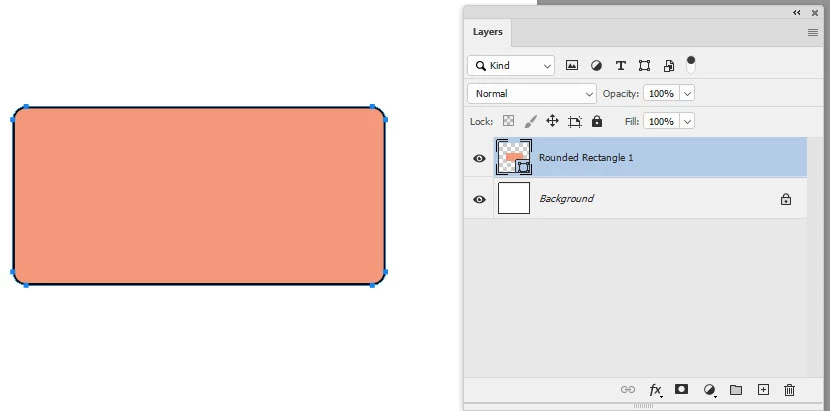
Use the shape tool to draw your shape with Stroke and Fill (I've used a rounded rectangle):
 

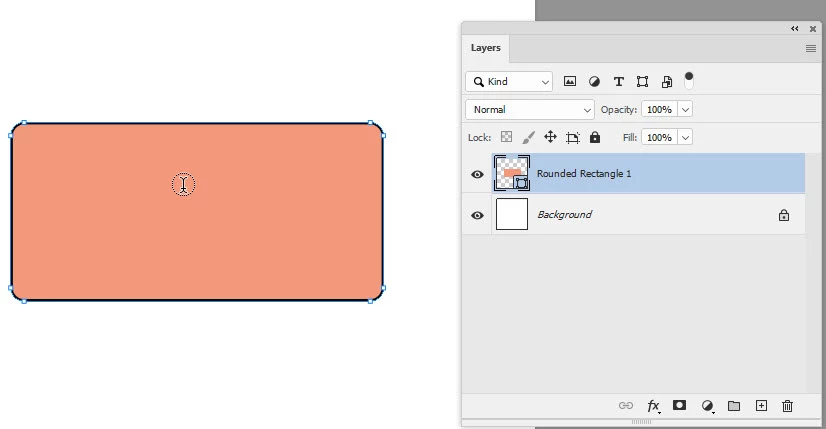
Switch to the Text tool and move the text cursor inside the shape until a circle appears around it.
 

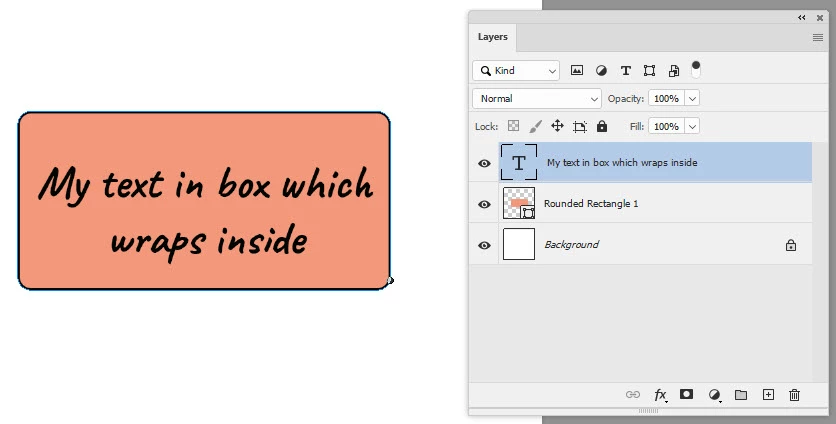
Click and type


Dave


    This topic has been closed for replies.

    1 reply

    chanaart
    Community Expert
    Community Expert
    January 13, 2020

    in illustrator: draw a rectangle or any shape. With the type tool click in side the box to type.

    The fill will be none. select any color for the type. from the type menu bar select area type option to situate the type in the sahpe.

    With the direct selection tool select only the shape and fill it with white.