


Inspiring
June 16, 2025
Answered

Realistic wide paintbrush stroke

  • June 16, 2025
  • 2 replies
  • 231 views

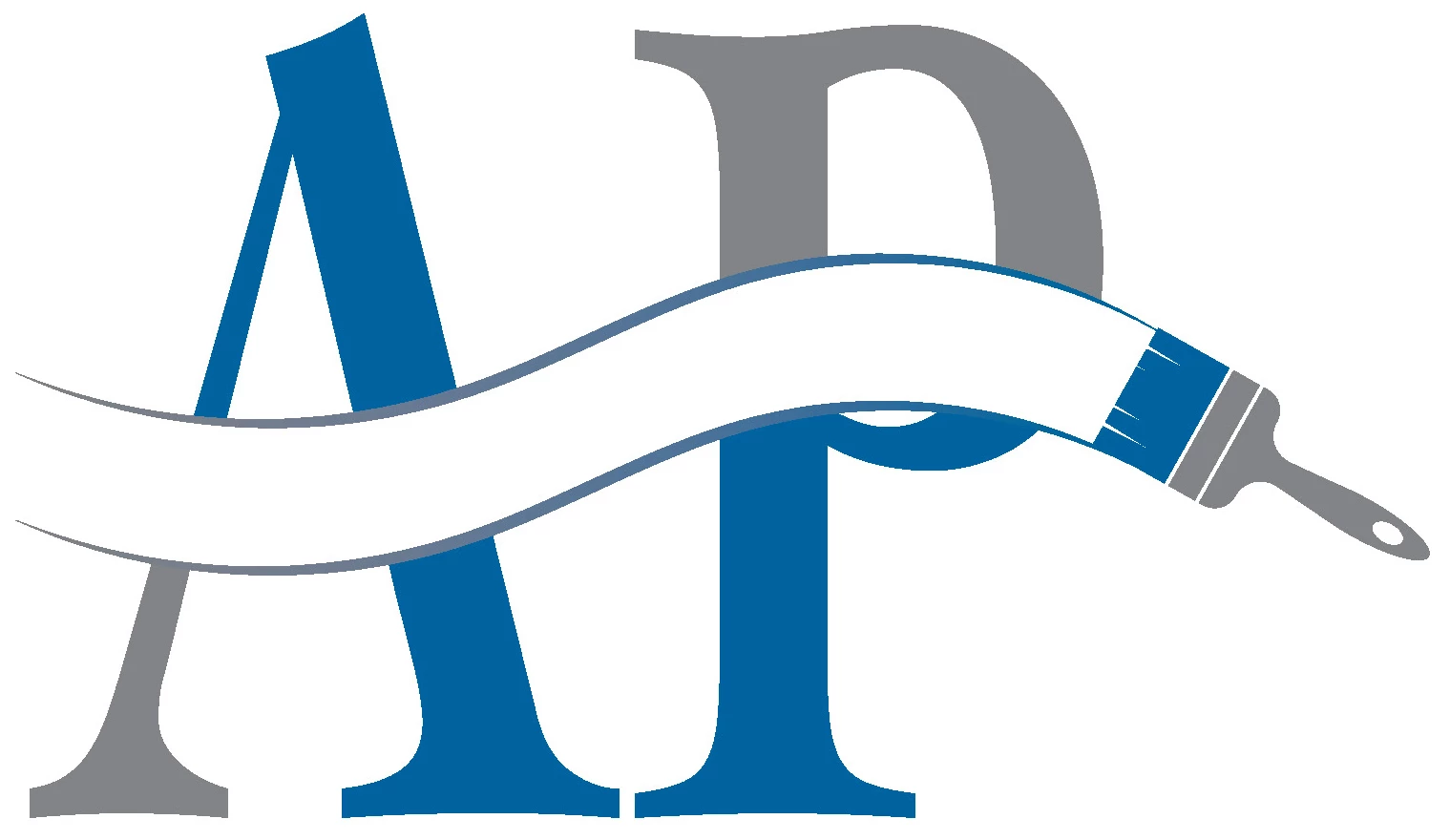
Hello. I'm creating a logo for a house painting business, and they would like to replace the cross stroke in the A with what looks like a stroke of a wide bristle paintbrush. I've made the path; they love the design, but none of the available brushes look realistic when they're 10pt wide. How do I make the path look like it was actually painted? Right now I have the path bordered top and bottom, but in the end I want the white space to be the brush stroke and the borders removed. I'm sure it's a simple answer, but because of the language (brush/paintbrush) my searches turn up the wrong topics.

Correct answer Jacob Bugge

americanprinting,


Surely, the house painting business already has, or can easily make a picture of a real stroke of a wide bristle paintbrush; a more or less straight stroke would be fine as the basis of an Art Brush that could be adapted and curved as you did; if it is a bit wavy/irregular it will just be more realistic.


They can also choose a colour, or you can recolour it as desired.


2 replies

Jacob Bugge
Community Expert
Jacob BuggeCommunity ExpertCorrect answer
Community Expert
June 17, 2025

americanprinting,


Surely, the house painting business already has, or can easily make a picture of a real stroke of a wide bristle paintbrush; a more or less straight stroke would be fine as the basis of an Art Brush that could be adapted and curved as you did; if it is a bit wavy/irregular it will just be more realistic.


They can also choose a colour, or you can recolour it as desired.


Monika Gause
Community Expert
Community Expert
June 16, 2025

There is no need to use a brush for that. Just draw in the lines you want to have there.

Or just make your own brush.