
Really urgent HELP needed for syncing files on 2 accounts TRIED EVERYTHING
For context, I have a personal adobe cloud account, with illustrator and photoshop installed. Now that I am in university and they have adobe clouds accounts for us, I cancelled my personal subscription and I can still access it until 14 september. The thing is that I want to sync the illustrator and photoshop files that I have in my personal account to this school account. How do I do so?
It's really frustrating because when I log in to my university account, this is what it shows.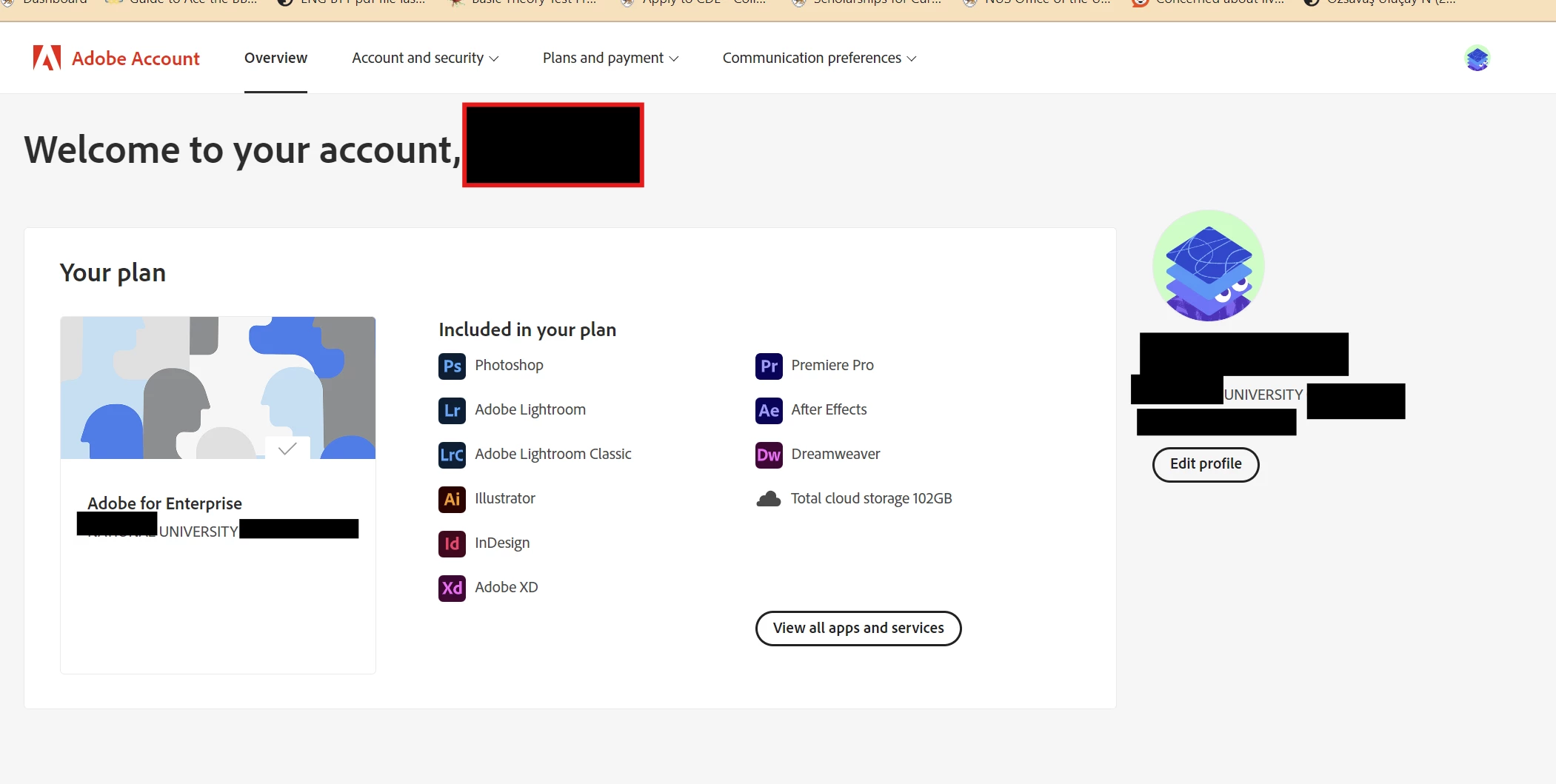
Idk how to access illustrator and photoshop from this university account. I have tried clicking on view all apps and sevices > access your apps and services but all it does is bring me back to illustrator and photoshop on my personal account.
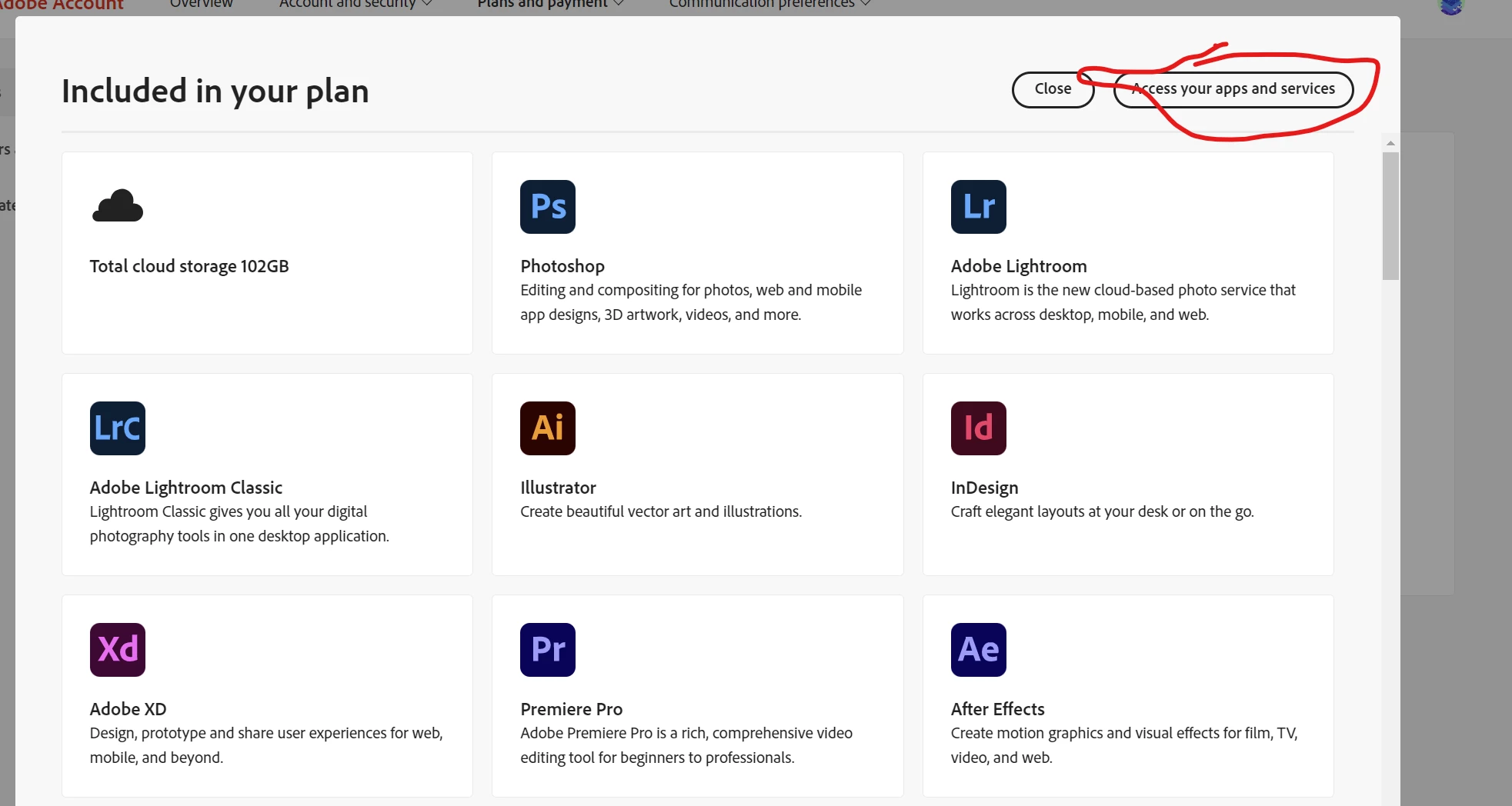
All it does is bring me back to what is clearly my personal account. As you can see, the profile picture is different.
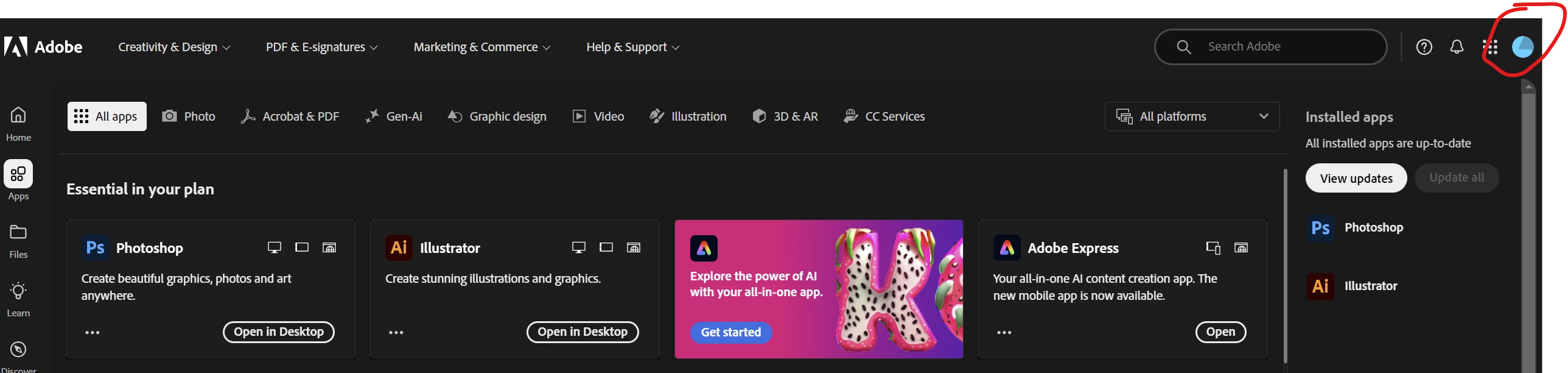
I am really at a loss of what to do and 14 september, the date that I lose access to my adobe cloud documents, is fast approaching. How to sync all my files to my university account and ensure that they are all editable?


 AdChoices