
I'm working on a many-layered file (a vector of hundreds and hundreds of people), and I'd like to make some of them, but not all of them, non-Caucasian.
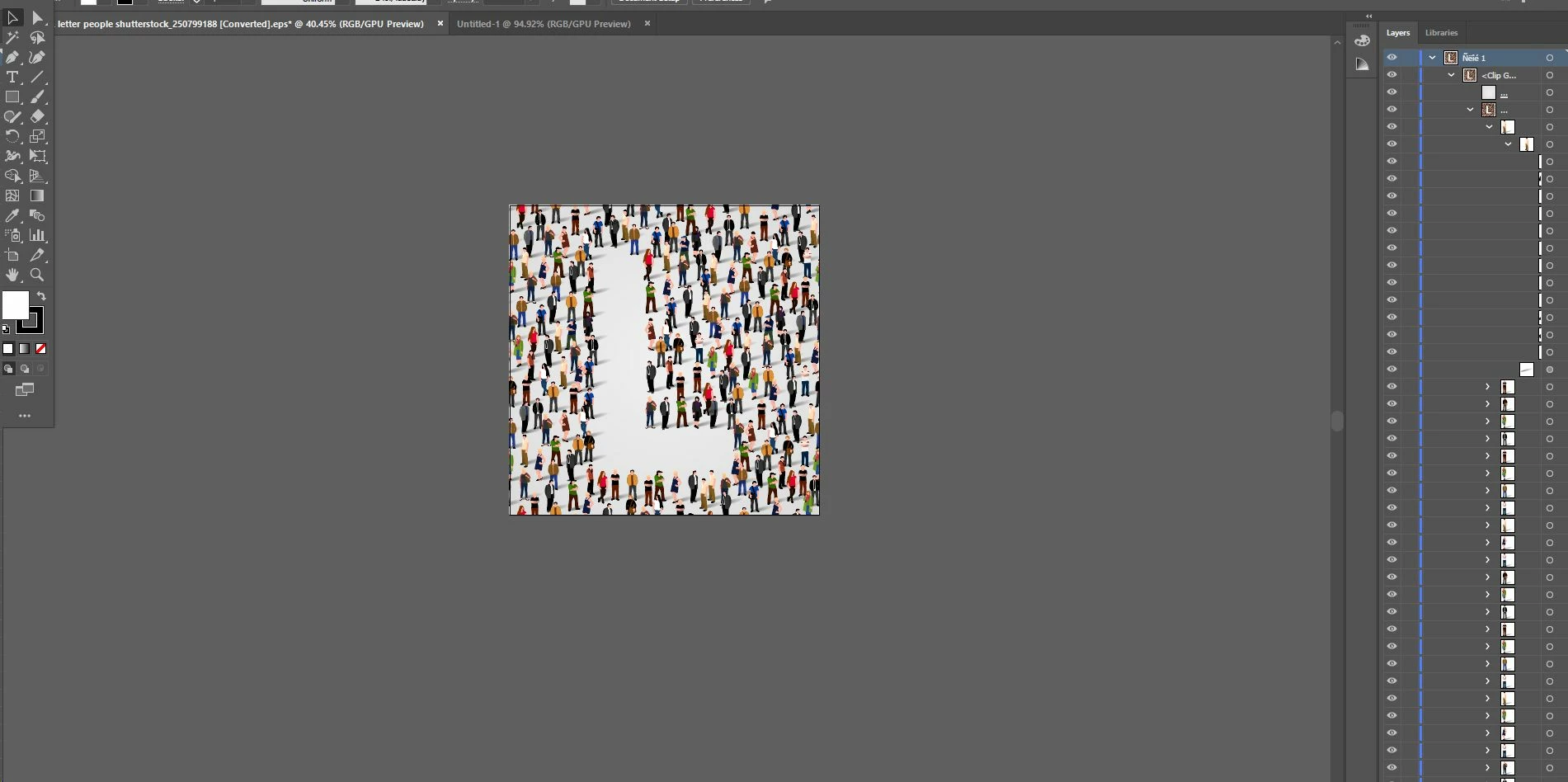
Each person is their own layer in the file.
I'm trying to change some people by using Edit / Edit Colors / Recolor Artwork.
I've tried selecting a layer and going to Edit / Edit Colors / Recolor Artwork, but when I select a single layer Recolor Artwork is greyed out.
I've also tried locking some layers and not others. But the recolor command seems to ignore the layer locks, and recolours the whole file regardless of the locked layers.
Is there any way to force Recolor to "respect" the layer locks, or to activate Recolor Artwork with selected layers?
Here's a screenshot, showing the layers panel and one layer expanded into elements:
 AdChoices