
Recolor Artwork Not Using All Colors in Selected Element (Illustrator 2024)
Hi everyone!
I'm trying to use the recolor tool (for the first time) to recolor the lines in the tachometer with either one of the grouped, bright palettes on the left.
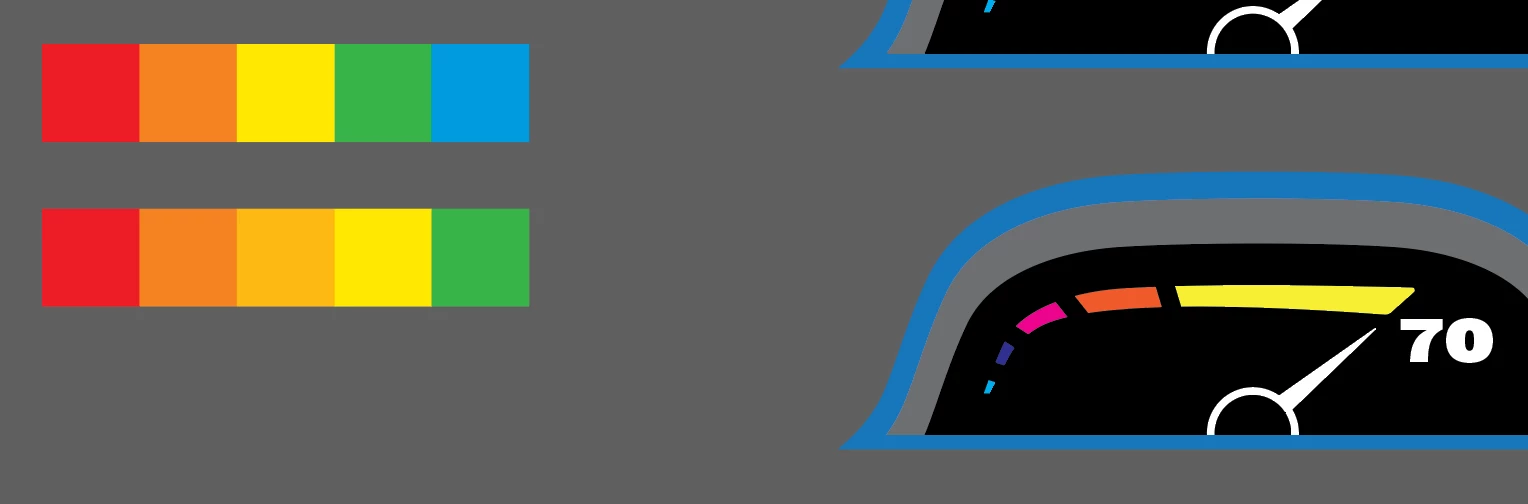
When I go to use the Color Theme Picker and select one of the palettes, it will show all 5 colors on the Prominent Color bar at first. BUT when clicking on the Change Color Order Randomly, it will reduce the number of colors or "mix" some of them together. I've even checked in the Advanced Options window to make sure the Preserve boxes were unchecked, AND the Recolor Art box was checked.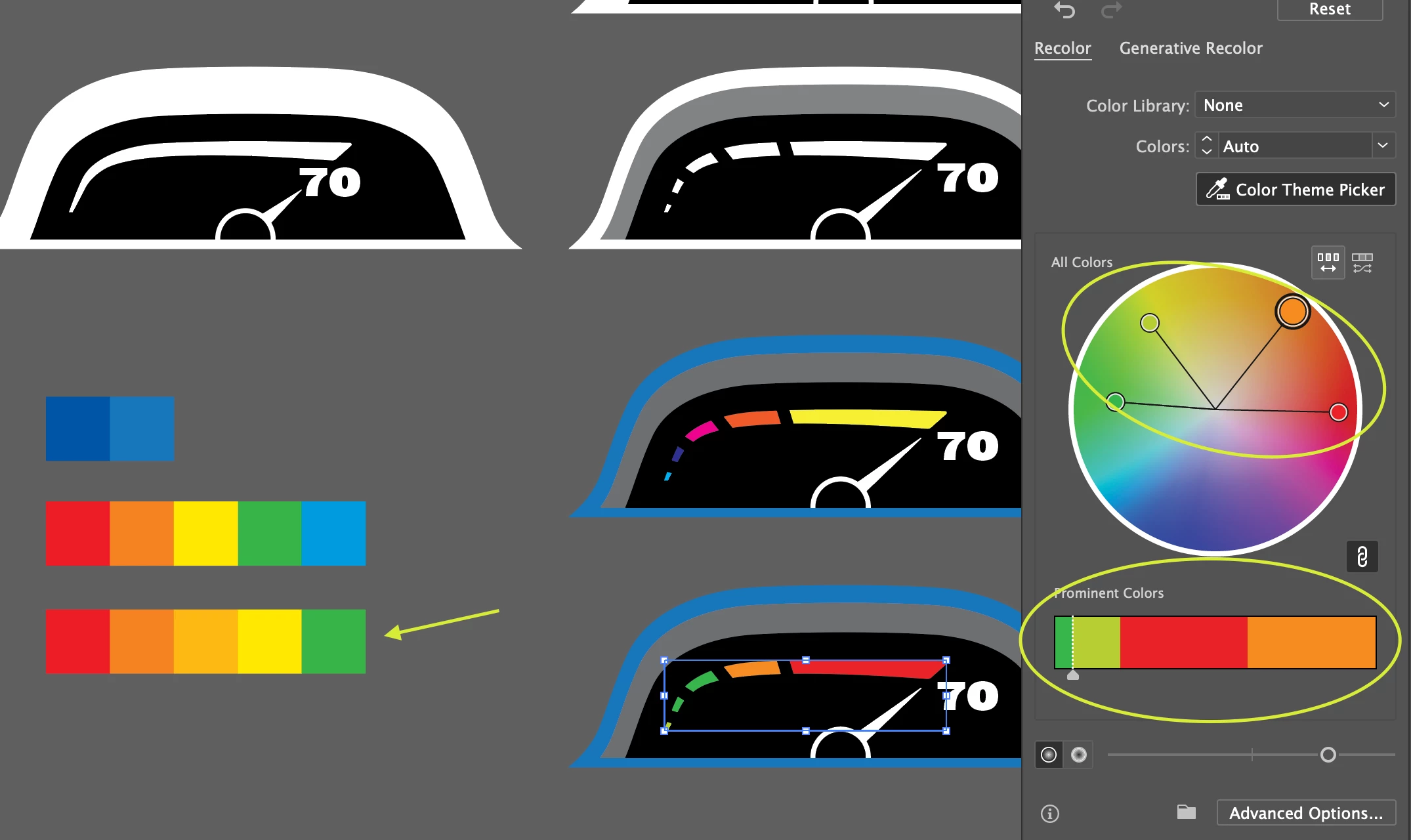
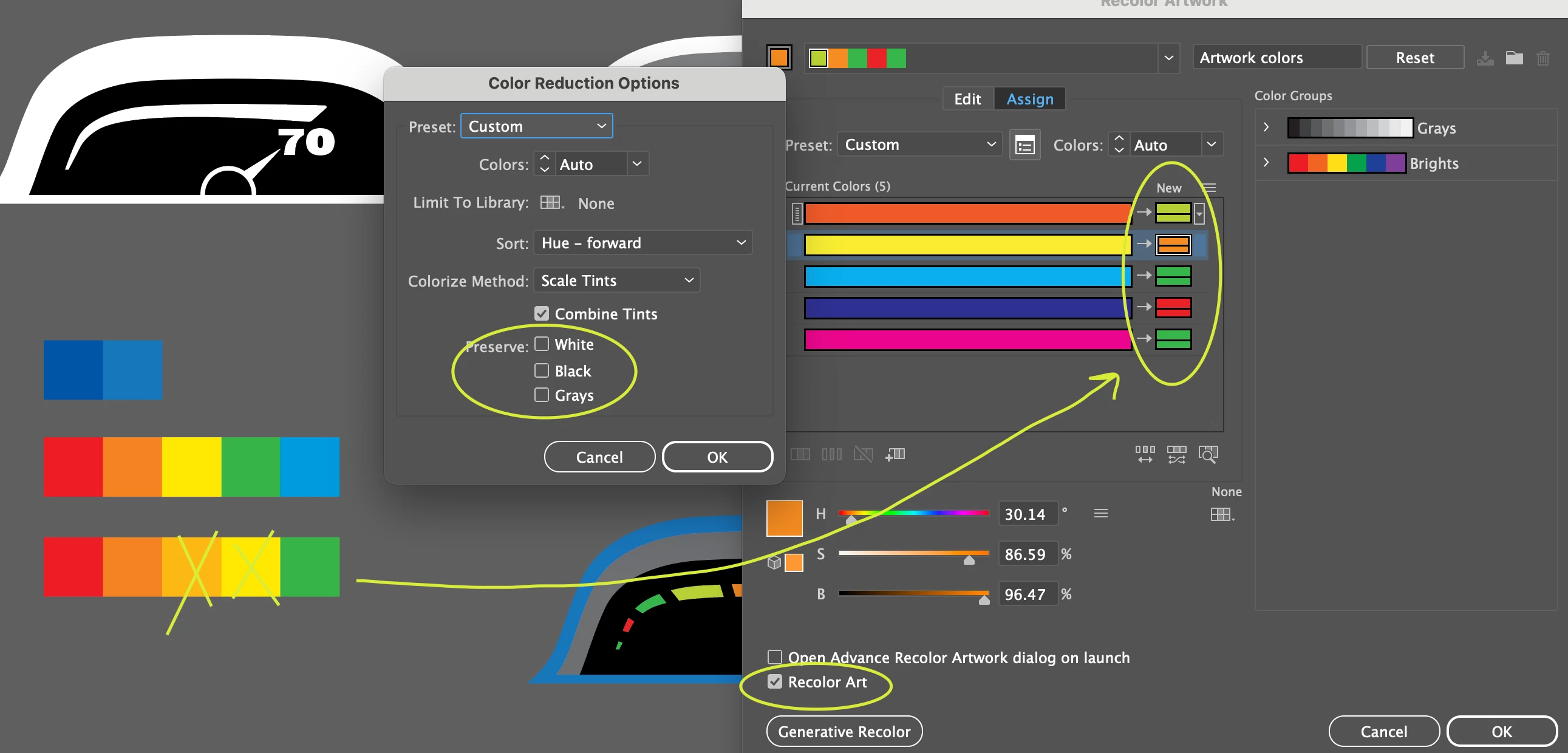
Not sure why it will reduce the colors??? I have also tried ungrouping both the artwork AND the palette to see if it makes a difference, quit and restarted Illustrator, but nothing helped.
If anyone has run into this problem, but have a solution or other tricks to get it to work properly, I highly appreciate you in advance.


 AdChoices