
Recolor Artwork Panel seems stuck & can only move left & right
Hello, I'm new to Illustrator and this one particulat Panel - the Artwork Recolor Panel - seems to be stuck in a horizontal sliding position, even when I restart the program and change workspace preferences (like reset to Essentials...) I can move it all the way right (see 3rd picture) and all the way to the left (over to the tool bar) but it will not "let go" (undock?) from being attached at top and bottom to the artwork screen. (I think I'm using the terms right here...)
There's so much I have to learn that I'm not super stressed by this, but the negative upshot is that I can't access the saturation and hue sliders or the Advanced Options button, because they are not visible on the part of the panel that is displayed. IF however, I select the panel, then *while* I'm holding the mouse button, those items become visible (see second picture) but I can't click on them because the mouse is already in a "held-down clicked state."
I'm guessing it will go away at some point with updates, but if anyone has any quicker fix ideas, I'd be grateful.
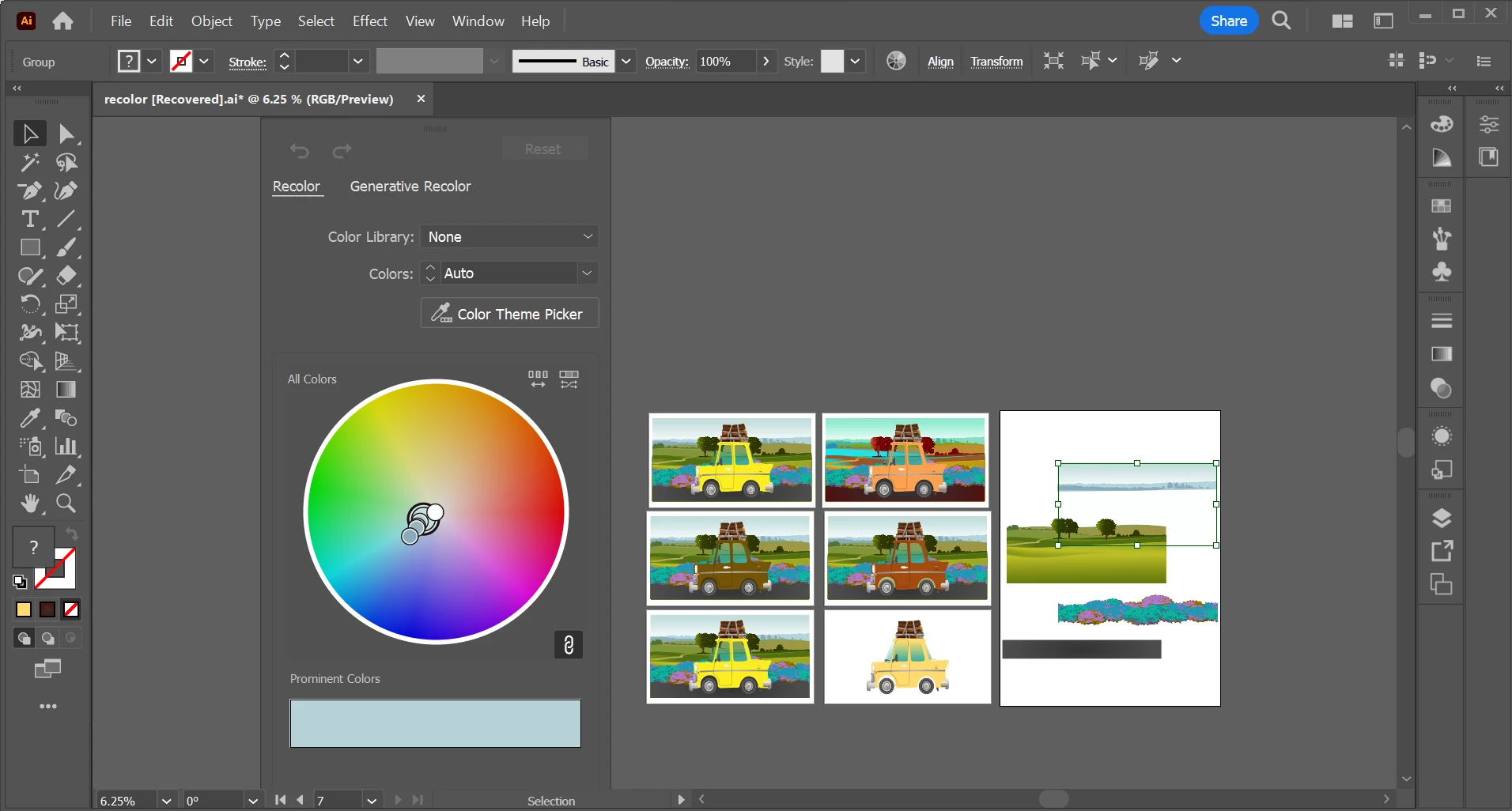
This is what I see when I have the Panel selected, i.e. when I try to grab it from the little gray rectangle at the top of the panel:
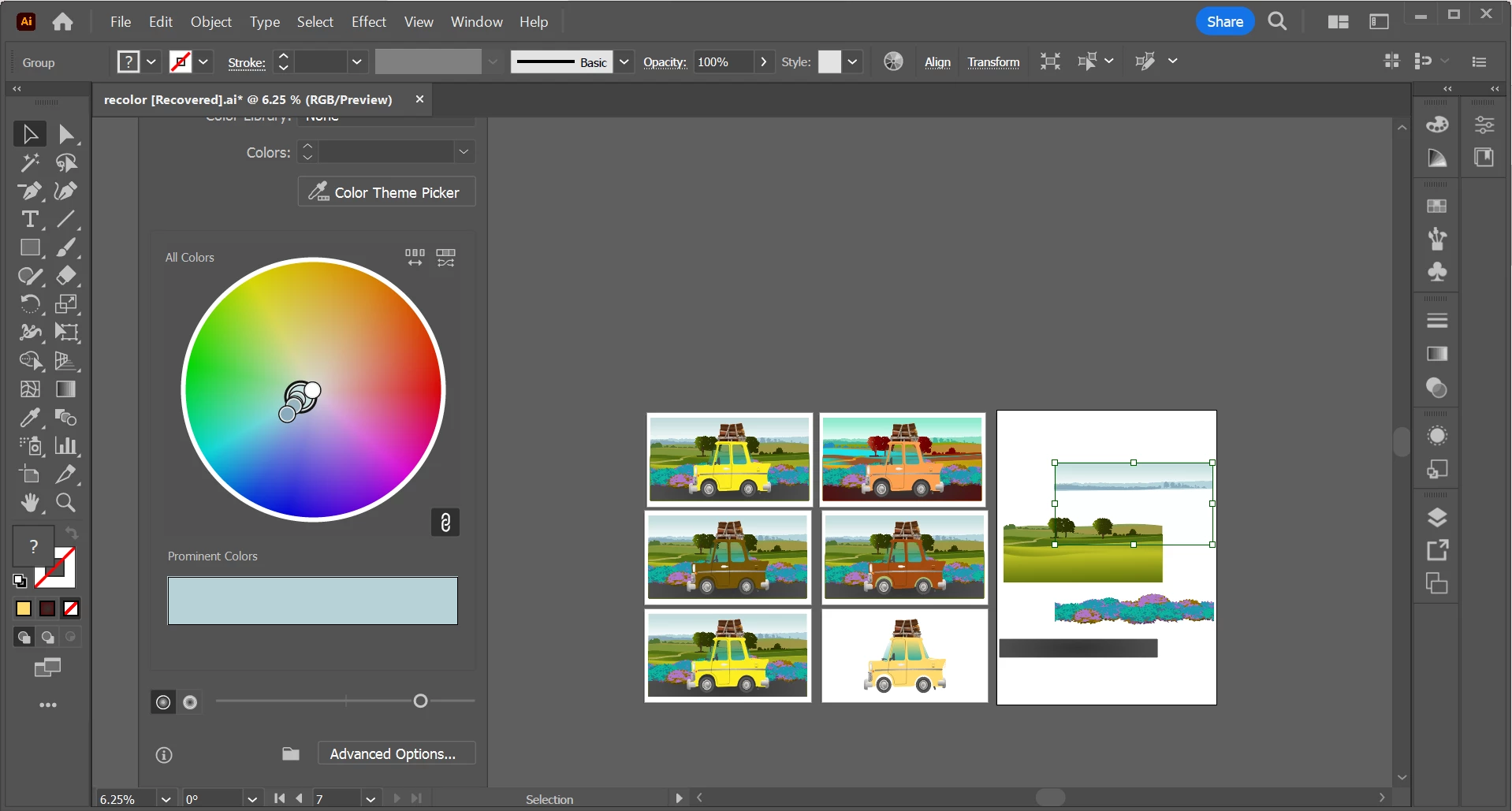
This is what I mean in that it slides all the way to the left, but no further than this (maybe I'm missing something here?)
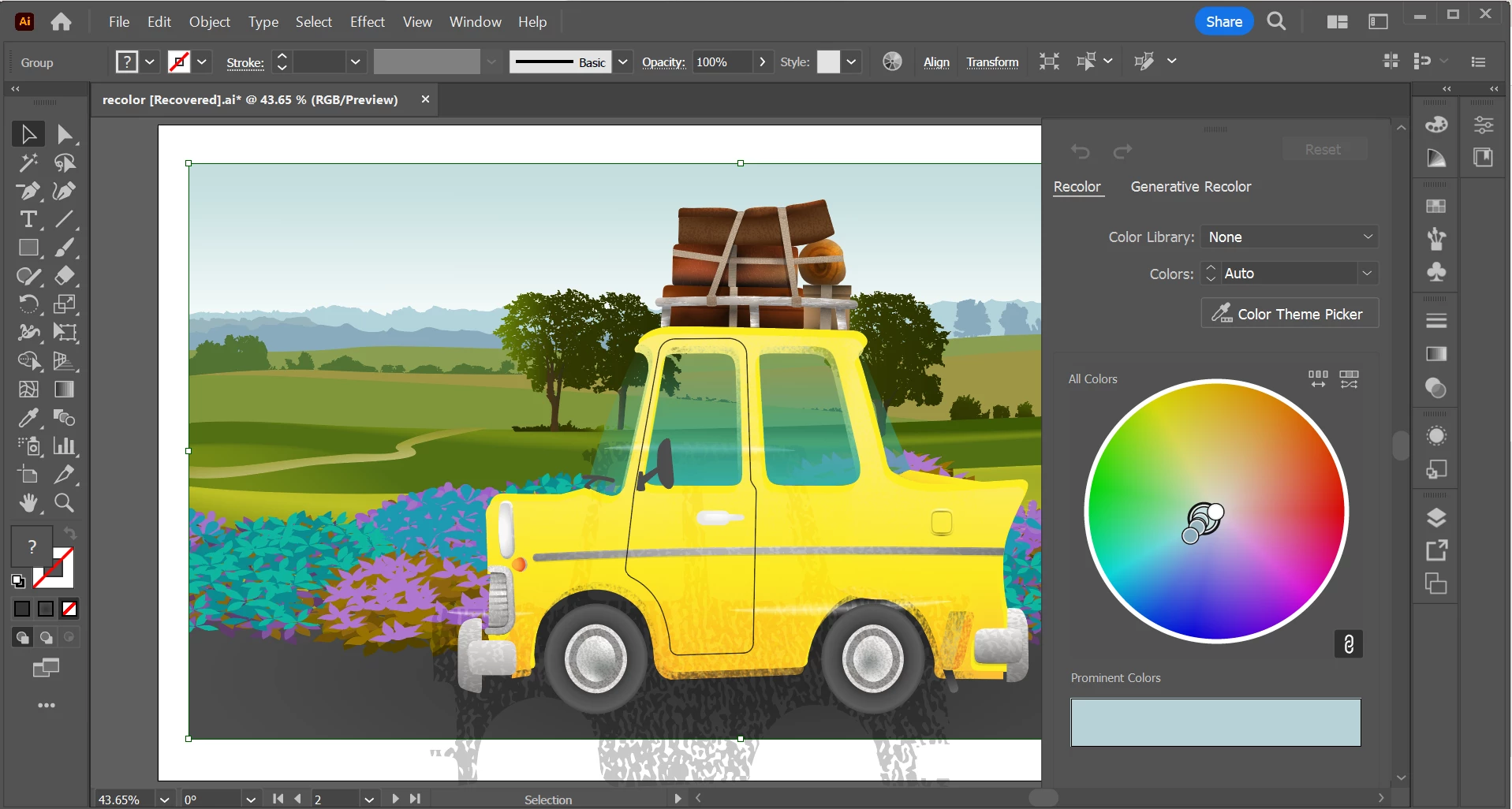
Thank you for any help!


 AdChoices