Participant
August 13, 2026
Question

'Recolour artwork tool' has stopped working

  • August 13, 2026
  • 1 reply
  • 11 views


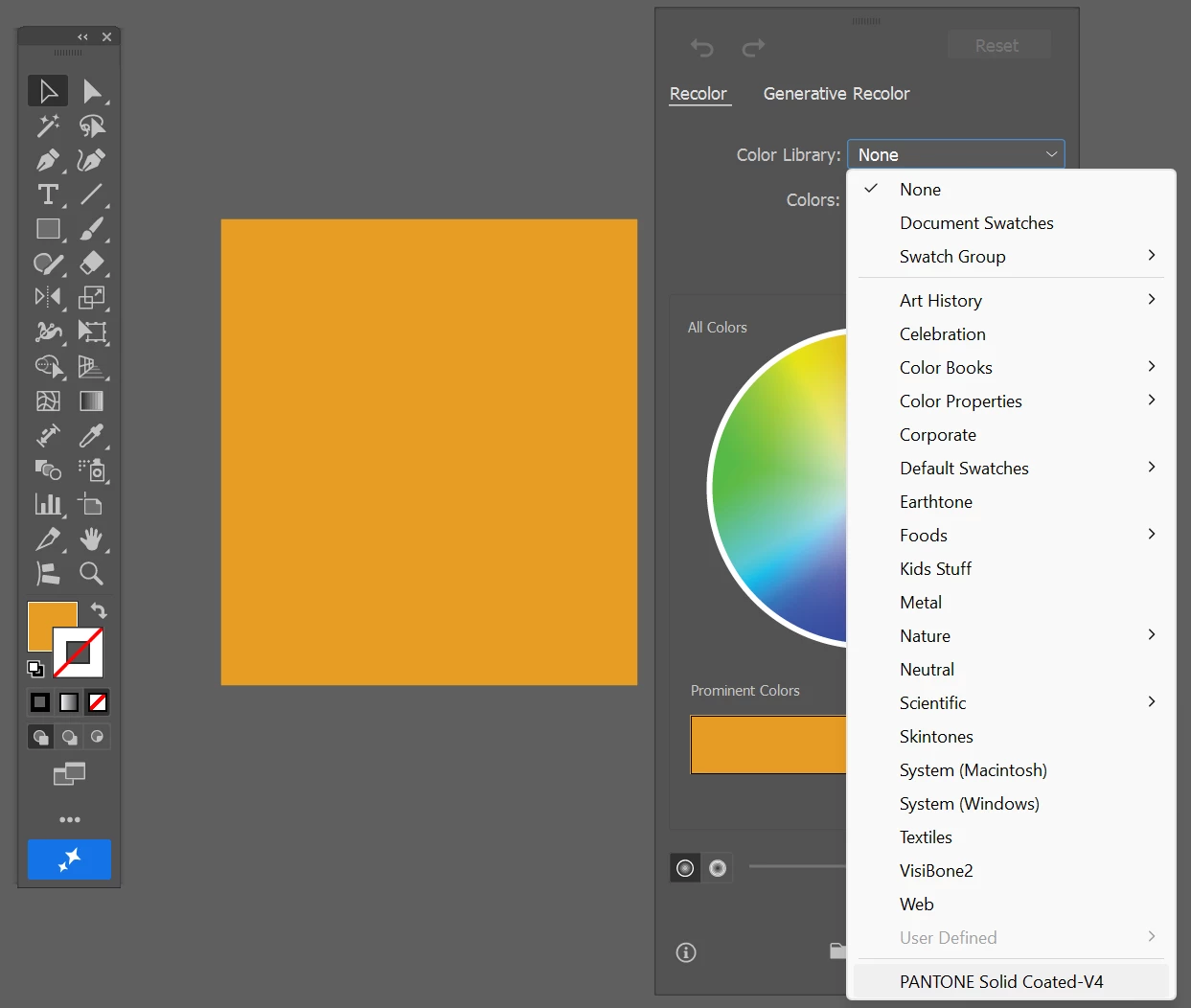
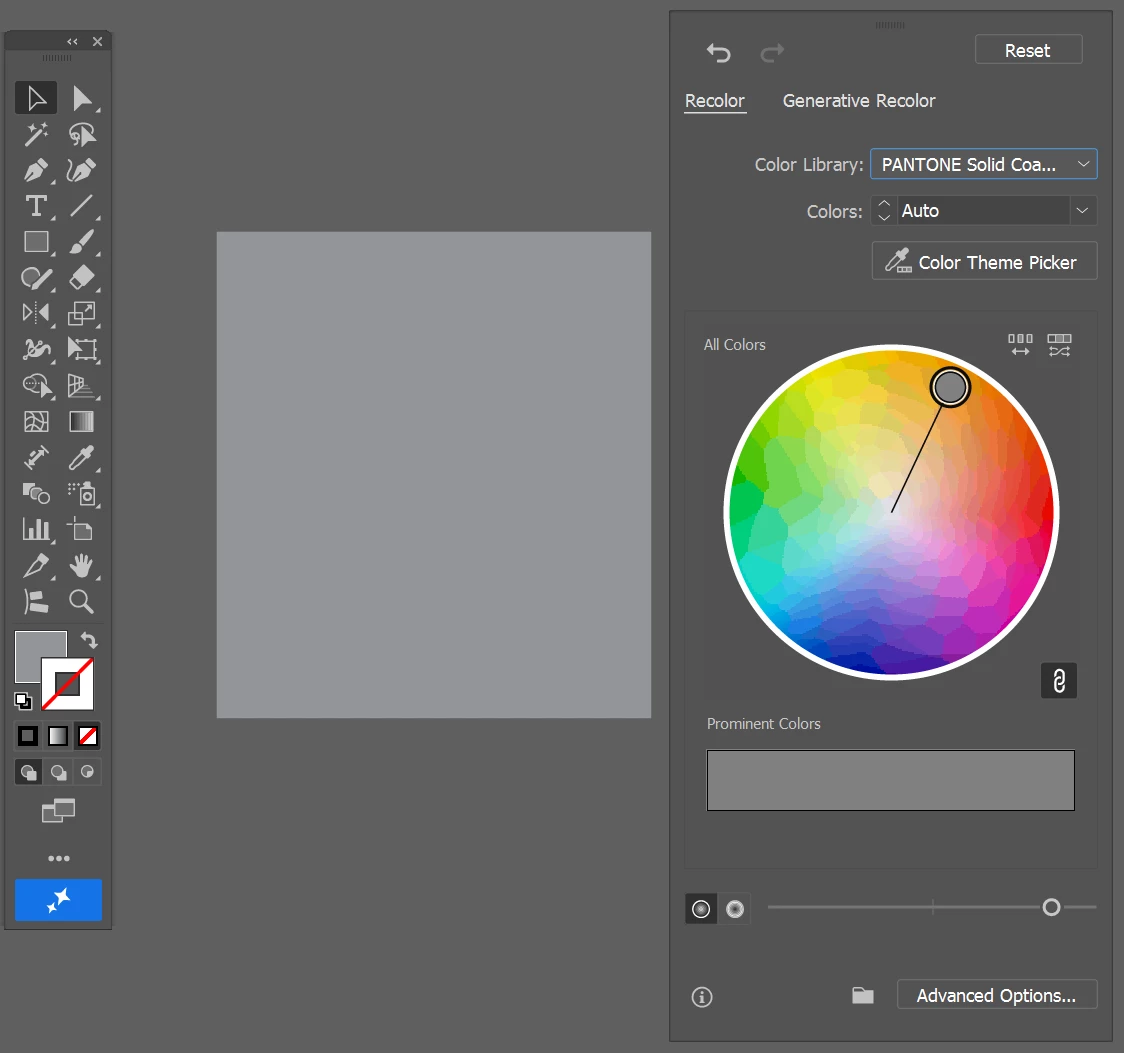
Hi all! The 'recolour artwork tool' has stopped working.... I have clicked on the vector that I want to colour match to a swatch book. Everytime I try it changes the vector to a grey colour. This started a couple months ago, it used to work perfectly. I have clicked on a vector not a jpeg… Can anyone tell me how to fix this? have I changed my settings?
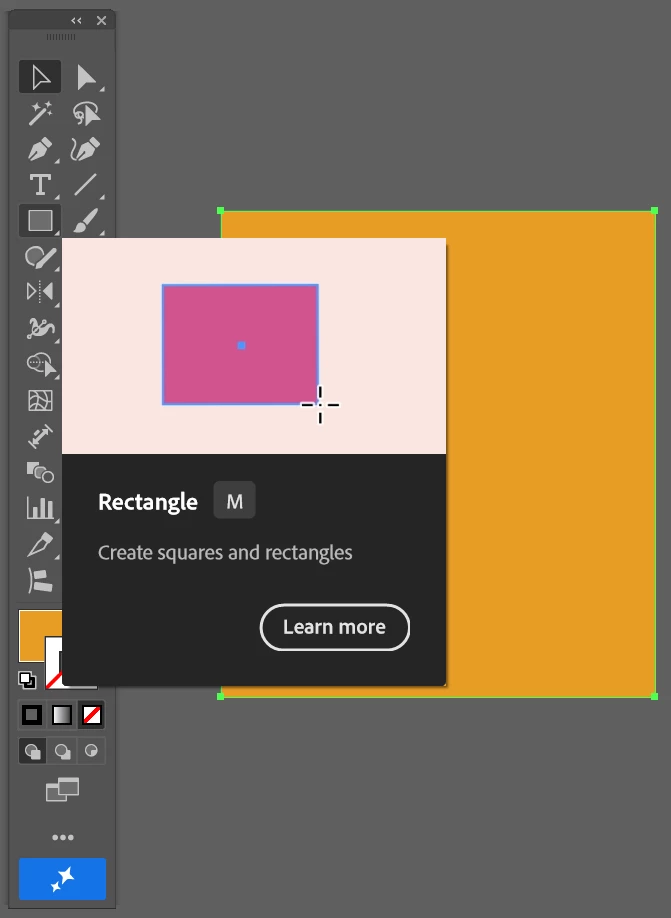


Created a vector
Selected the object, selected the colour library, chose the PANTONE swatch library.
Normally the vector changes to a colour in that swatch library, however it is changing to a grey colour


    1 reply

    Joely10623436
    Community Expert
    Community Expert
    August 13, 2026

    Hi – where and how did you get the «PANTONE» Library?
    And also, what Illustrator version on Windows are you using?

    It worked on my side with a random color.
    PS: Pantone and Adobe went seperate pathes years ago. Since then, no official Pant. Libraries in a single Adobe product.