
Participant
October 1, 2022
Question

Recover to normal shape (Illustrator)

  • October 1, 2022
  • 1 reply
  • 169 views

I think I entered some command that I unknown cause the shape tool could not draw the shape in normal perspective and the cursor also changed. In this situation, how do I recover it to normal?

This is the rectangle shape I drew using the rectangle tool:
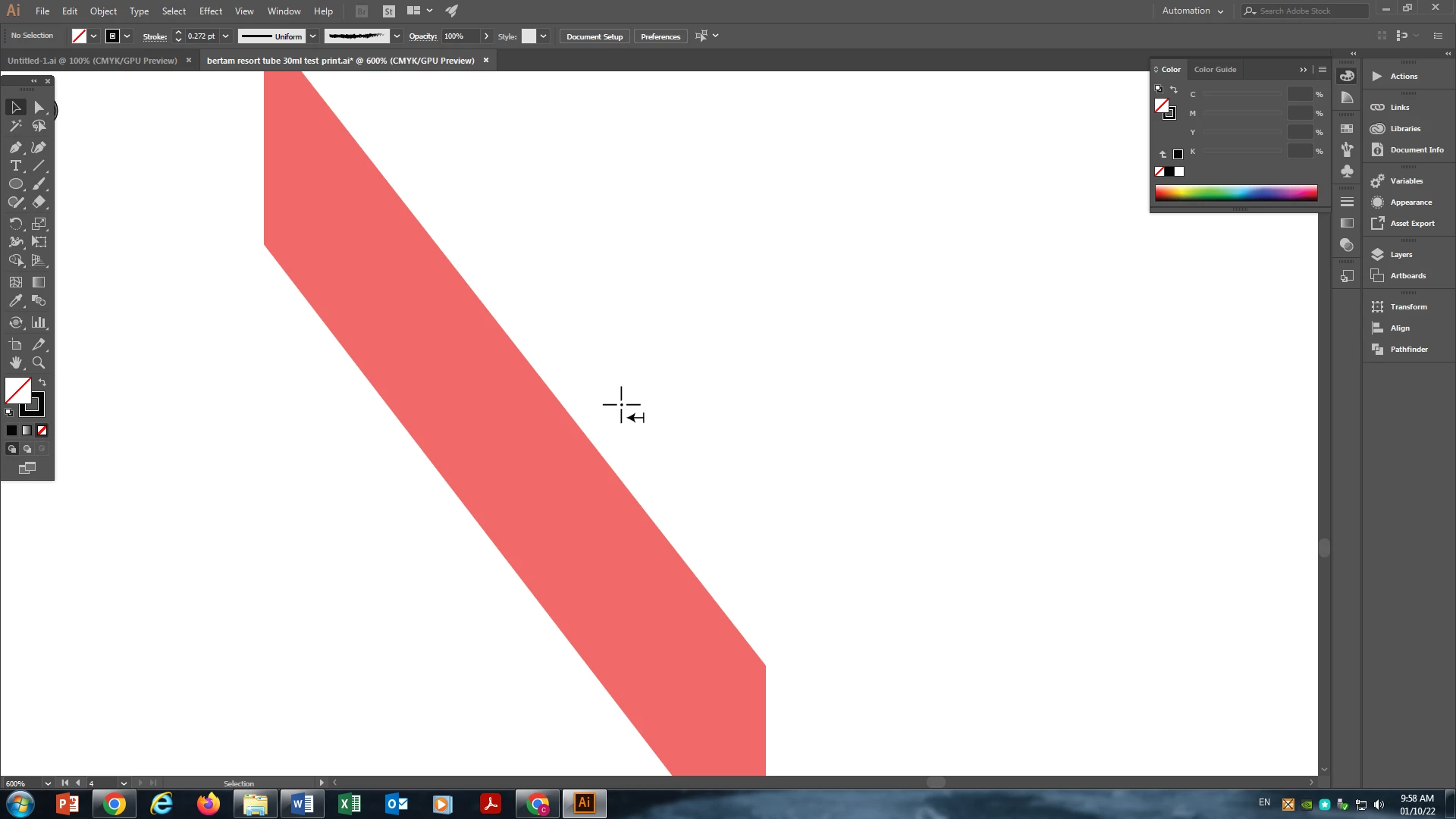

Version: Adobe Illustrator CC 2017
Thanks for your help

This topic has been closed for replies.

1 reply

Brad @ Roaring Mouse
Community Expert
Community Expert
October 1, 2022

That cursor usually appears when the Perspective grid is in effect, although the grid isn't showing in your screen grab. That being said, your shape does have a very slight perspective to it, so check under View > Perspective Grid.  You might have accidentally turned it on by hitting Shift-Cmd/Ctrl-I (I've done that a few times in my day)


Monika Gause
Community Expert
Community Expert
October 1, 2022

The perspective widget is slightly visible below the top of the toolbar, so this is most likely the way to go.