Participant
September 20, 2019
Question

Reducing colors in vector artwork to 12 in Illustrator

  • September 20, 2019
  • 2 replies
  • 2865 views

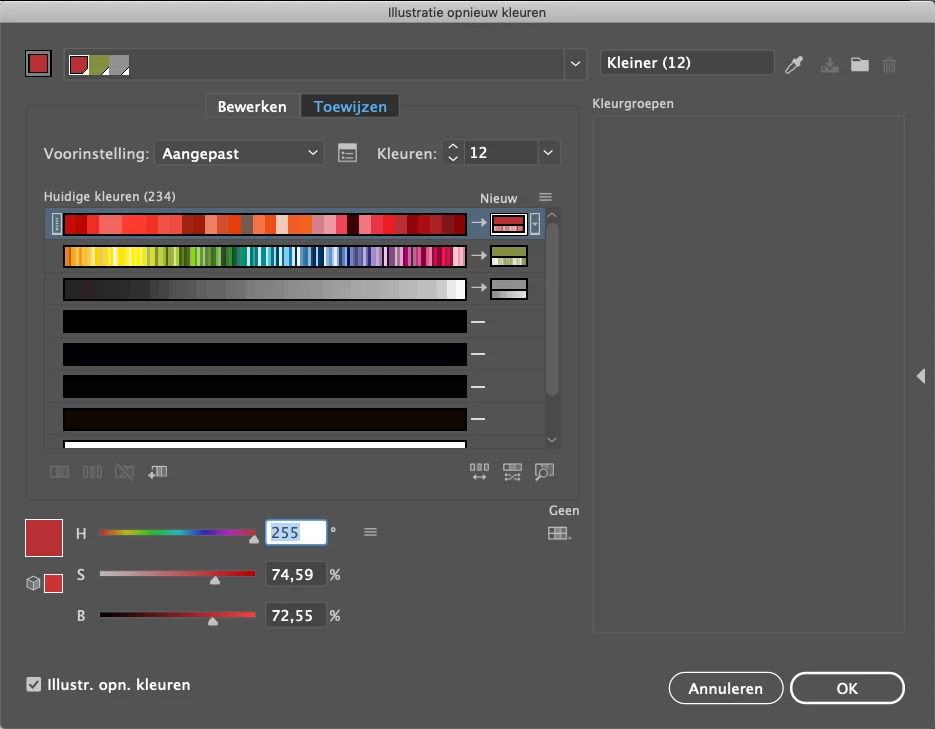
I need to reduce the colors of this vector to 12 colors. Is there any 'easy' way to do this? 

I've tried to use the Illustrator tool but I keep getting way to much colors. 
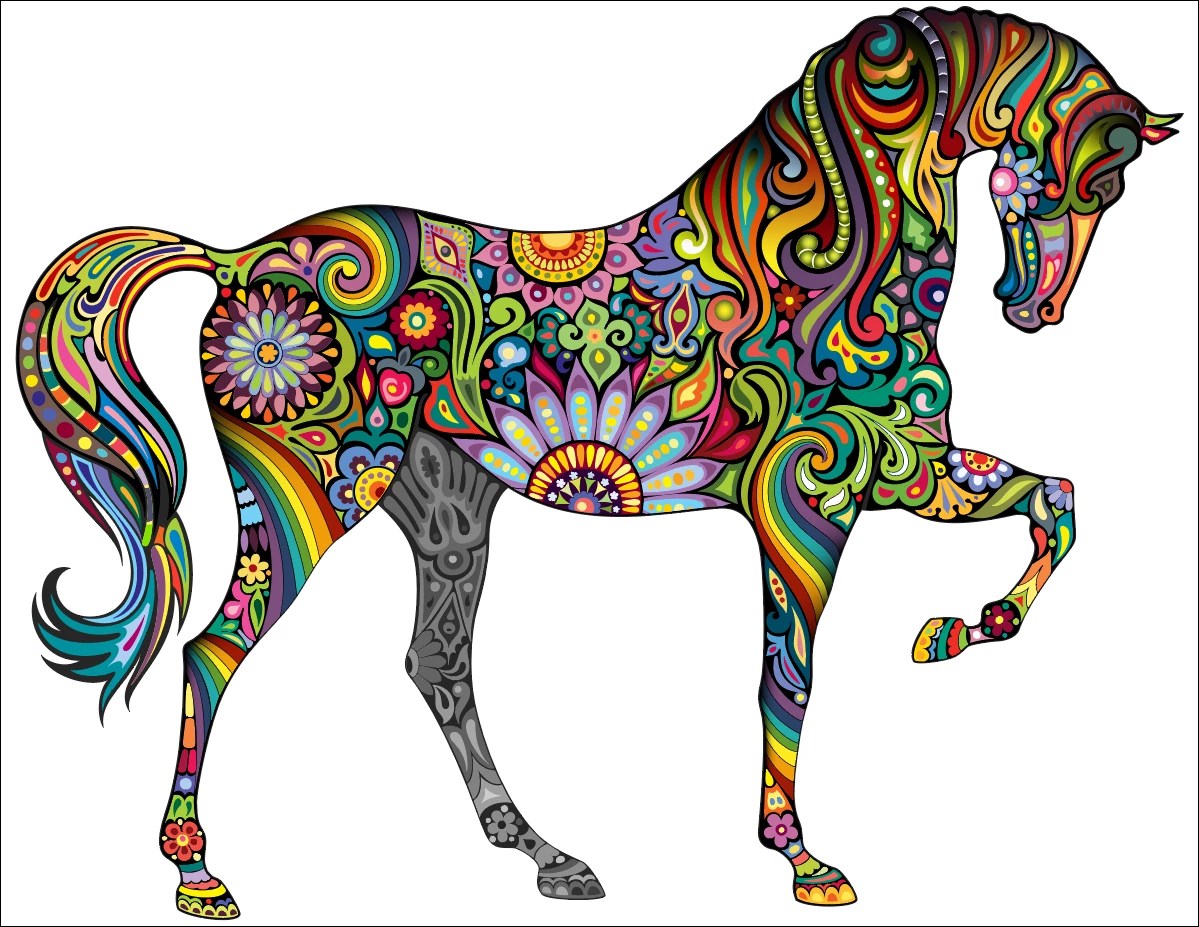
 

{Renamed by MOD}

This topic has been closed for replies.

2 replies

Srishti_Bali
Legend
September 20, 2019

Hi Lukas,


Thanks for reaching out. In addition to the suggestion shared by Federico, you can also take a look at this help article: https://helpx.adobe.com/in/illustrator/using/color-groups-harmonies.html#reduce_colors_in_your_artwork


Let us know if that helps or if you need any further assistance. 


Regards,

Srishti

Legend
September 20, 2019

Well, it is at left of Kleuren. There is an icon (Color Reduction Options) that opens a window, type there 12 colors and below Colorize method, select: EXACT, to avoid tints.

Then, before closing the Recolor panel click at the top right side icon to add those 12 colors to a new group in the Swatches panel where you can convert them to Global, edit them,...