
Participant
December 16, 2021
Answered

Reference Lines/ Guidelines / Snapping/ Onion Skin

  • December 16, 2021
  • 1 reply
  • 353 views

Hi everyone, here is my question: In the pic 1, when the object is moved, the object is literally 'not moved', instead, the blue line indicates the position after the transformation. How could I achieve this?
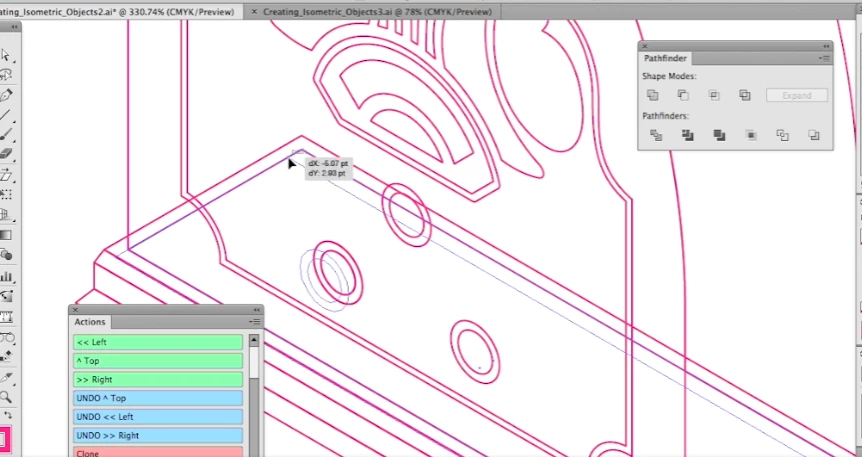


(The image 2 below shows the situation when I move the object, it directly moves away, and I cannot move it along its original side.)
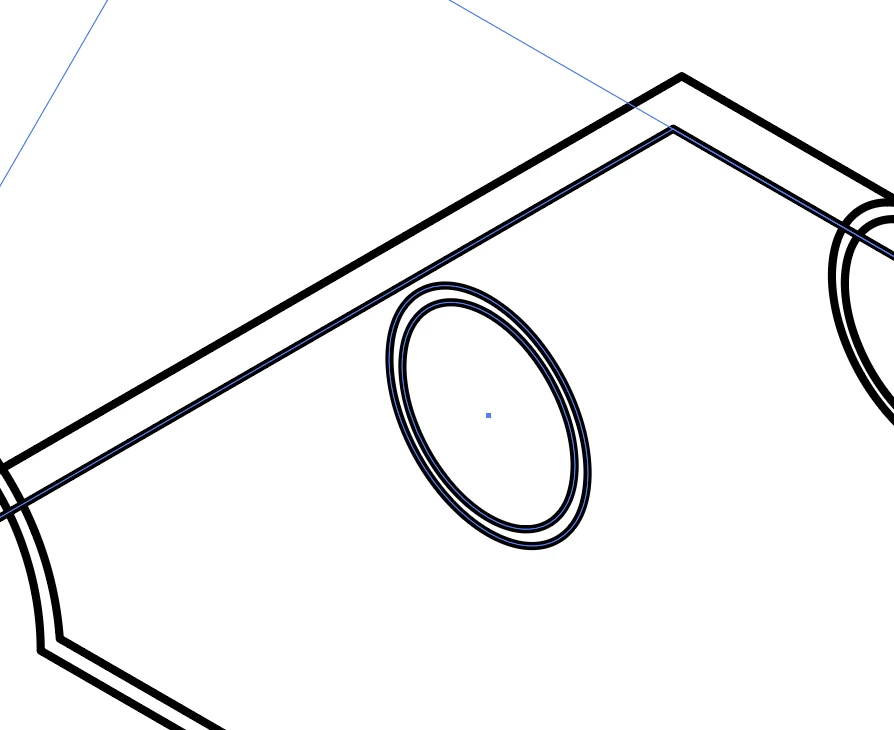
 

This topic has been closed for replies.
Correct answer Ton Frederiks

If I understand correctly, you don't want Real Time Drawing and Editing, an option that can be found in Preferences > Performance.


1 reply

Ton Frederiks
Community Expert
Ton FrederiksCommunity ExpertCorrect answer
Community Expert
December 16, 2021

If I understand correctly, you don't want Real Time Drawing and Editing, an option that can be found in Preferences > Performance.


Participant
December 16, 2021

That's it! Thank you so much! :)))) 

Ton Frederiks
Community Expert
Community Expert
December 16, 2021

Good to hear that helped.