Inspiring
November 29, 2022
Answered

Remove lines created with the pen tool

  • November 29, 2022
  • 1 reply
  • 2045 views

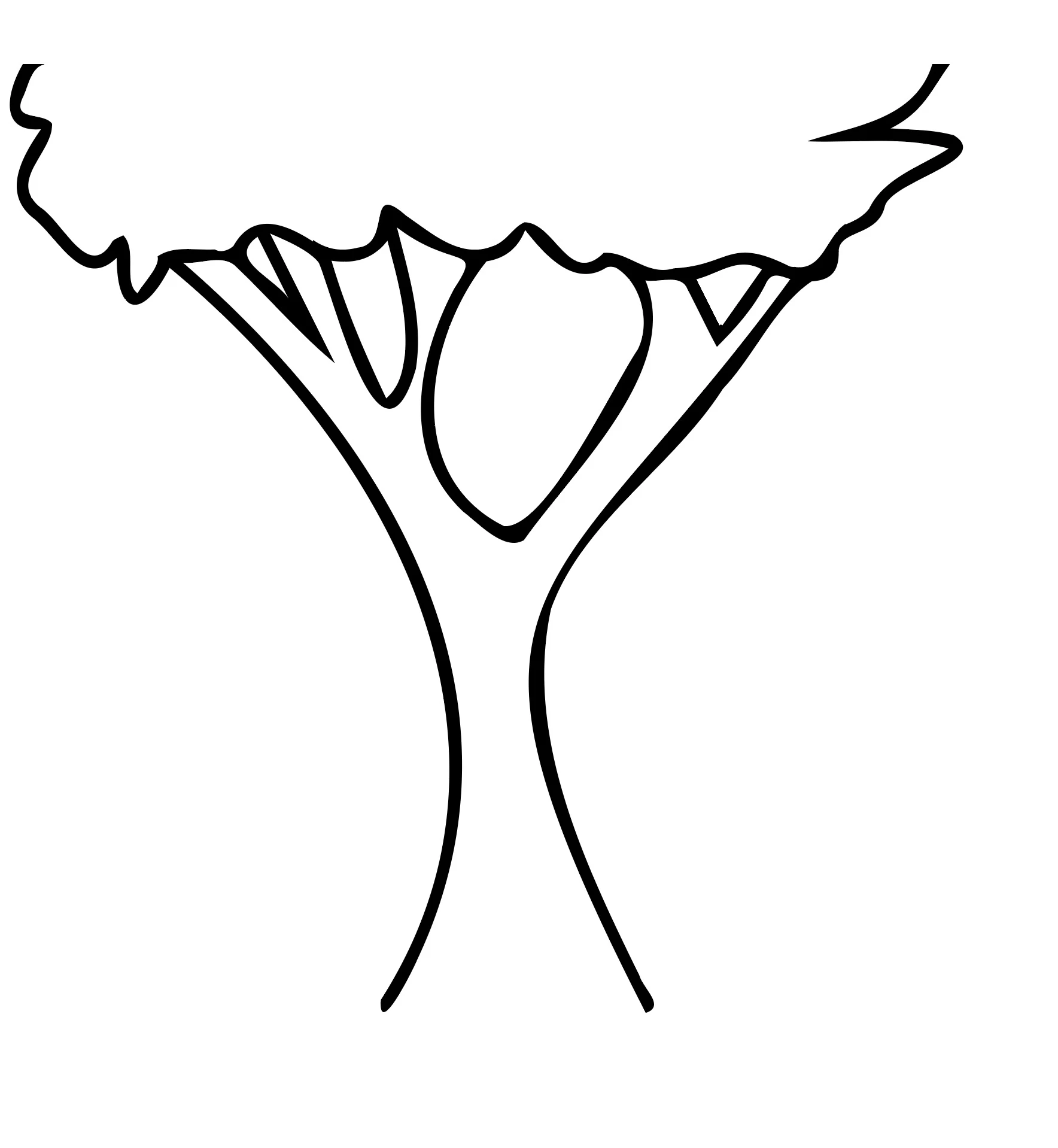
I am creating a tree icon for a client and would like to remove the lines from the trunk that go into the leaves. I have messed around with the shape builder tool and connecting the points of the leaves but I cannot get the lines to erase. I want to have the leaves be transparent when exported as a png, so filling the leaves in white will not work for me. Any help is greatly appreciated, thank you.
This topic has been closed for replies.
Correct answer Mike_Gondek10189183

Try Eraser tool Shift E


If your ultimate file is png, you may wish to work in photoshop instead, if you are more comfortable there.

1 reply

Mike_Gondek10189183
Community Expert
Mike_Gondek10189183Community ExpertCorrect answer
Community Expert
November 29, 2022

Try Eraser tool Shift E


If your ultimate file is png, you may wish to work in photoshop instead, if you are more comfortable there.

Luke HydeAuthor
Inspiring
November 29, 2022

I was ultimately importing the icons into Photoshop for a graphic design one pager. It didn't even cross my mind to use the eraser tool, so thank you. I did end up finding a solution in Illustrator, I just made a document with a higher pixel count, then I could snap the ends of the lines overlaying the tree leaves to hide them. I appreciate the answer!