


Participating Frequently
August 5, 2025
Answered

remove paths on top of paths

  • August 5, 2025
  • 3 replies
  • 685 views

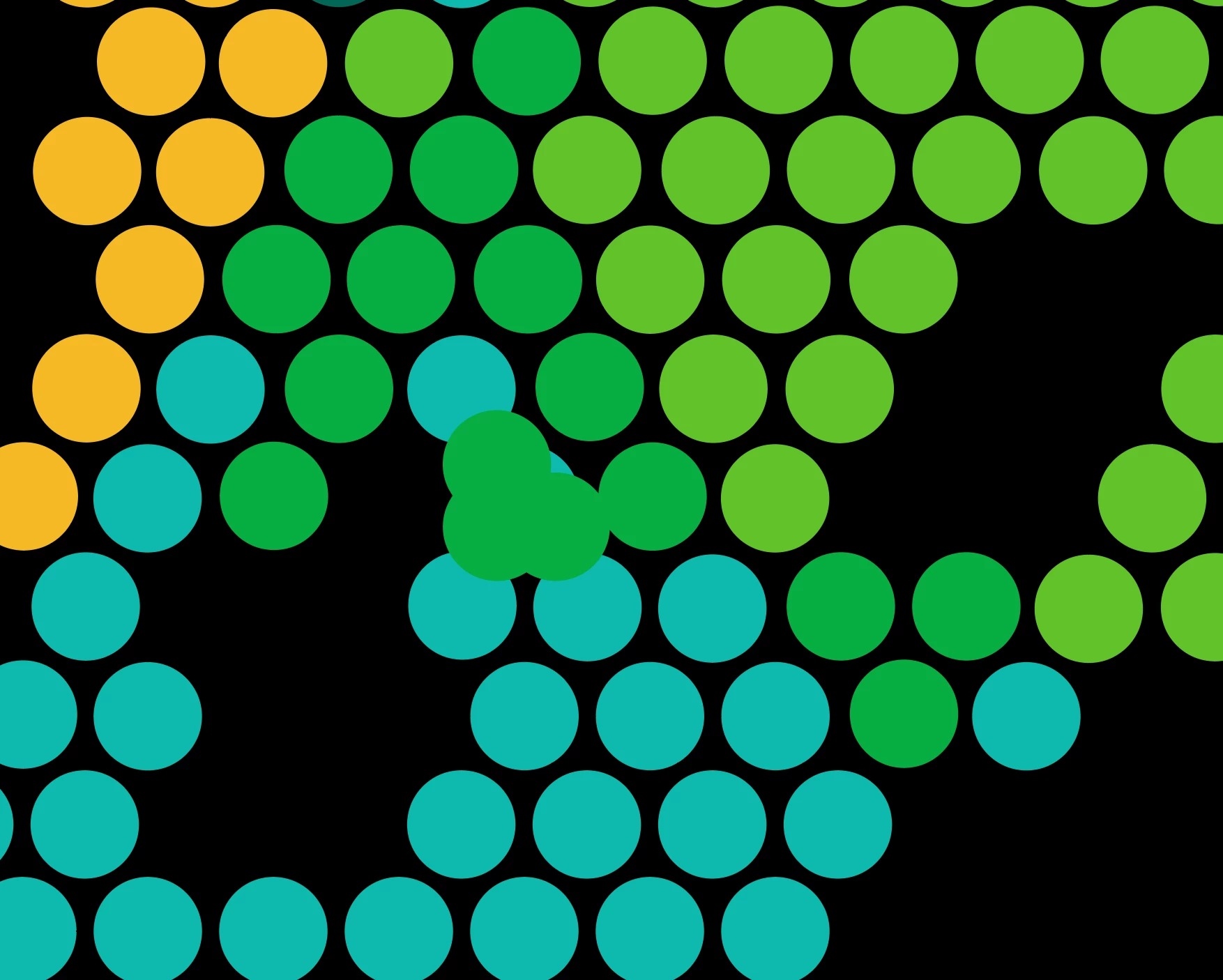
i am trying to get the best quickest way to remove paths on top of other paths in illustrator.i have 1000 ellipse circles with some unwanted ellipse circles on top of others that i want to remove. At the moment i command Y and click on each one to remove them. It takes me quite some time so hoping some other solution is available, thanks for any help

Correct answer Ton Frederiks

Smart Guides (Cmd U) will highlight them when you hover over them.

3 replies

Kurt Gold
Community Expert
Community Expert
August 5, 2025

This task may be automated to a certain degree.


One would have to take a look at a sample Illustrator file to inspect it.

neha_4839Author
Participating Frequently
August 6, 2025

Ok thanks for taking a look. 

Ton Frederiks
Community Expert
Community Expert
August 5, 2025

The fastest way to manually delete them is to keep holding down the backspace key and click them.

neha_4839Author
Participating Frequently
August 5, 2025

Ok thanks 


Ton Frederiks
Community Expert
Community Expert
August 5, 2025

Hope that makes it a little easier.

Ares Hovhannesyan
Community Expert
Community Expert
August 5, 2025

In Select menu there is a Same and Object submenus that allow to select object with some special attributes. May be this can be a solution to select same objects and delete them. Another option can be a special script (about which I am not aware) but you can try to find it on the web.

neha_4839Author
Participating Frequently
August 5, 2025

thanks, nothing in select really helps but will maybe try to find a script.