
Answered
Removing the outline of an object when using Revolve?
I have a capsule that I created using the revolve effect and I left every option as default, but I noticed that it has an outline around it.
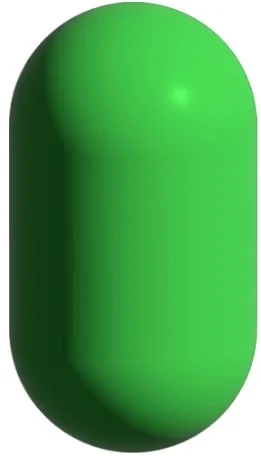
I am just wondering if there is any way to remove it. I haven't created any outlines on the capsule and the stroke is set to "None". I have tried changing both the capsule color and background color but there was no change.
Also when I create an ellipse and then I select it, an outline (its path) appears around it but when I deselect it the outline is gone which is what I am trying to do here. It seems that no matter what, when I use the revolve effect the outline will constantly appear.


 AdChoices