

Question
Removing transparency on stock .ai file results in black outline around image
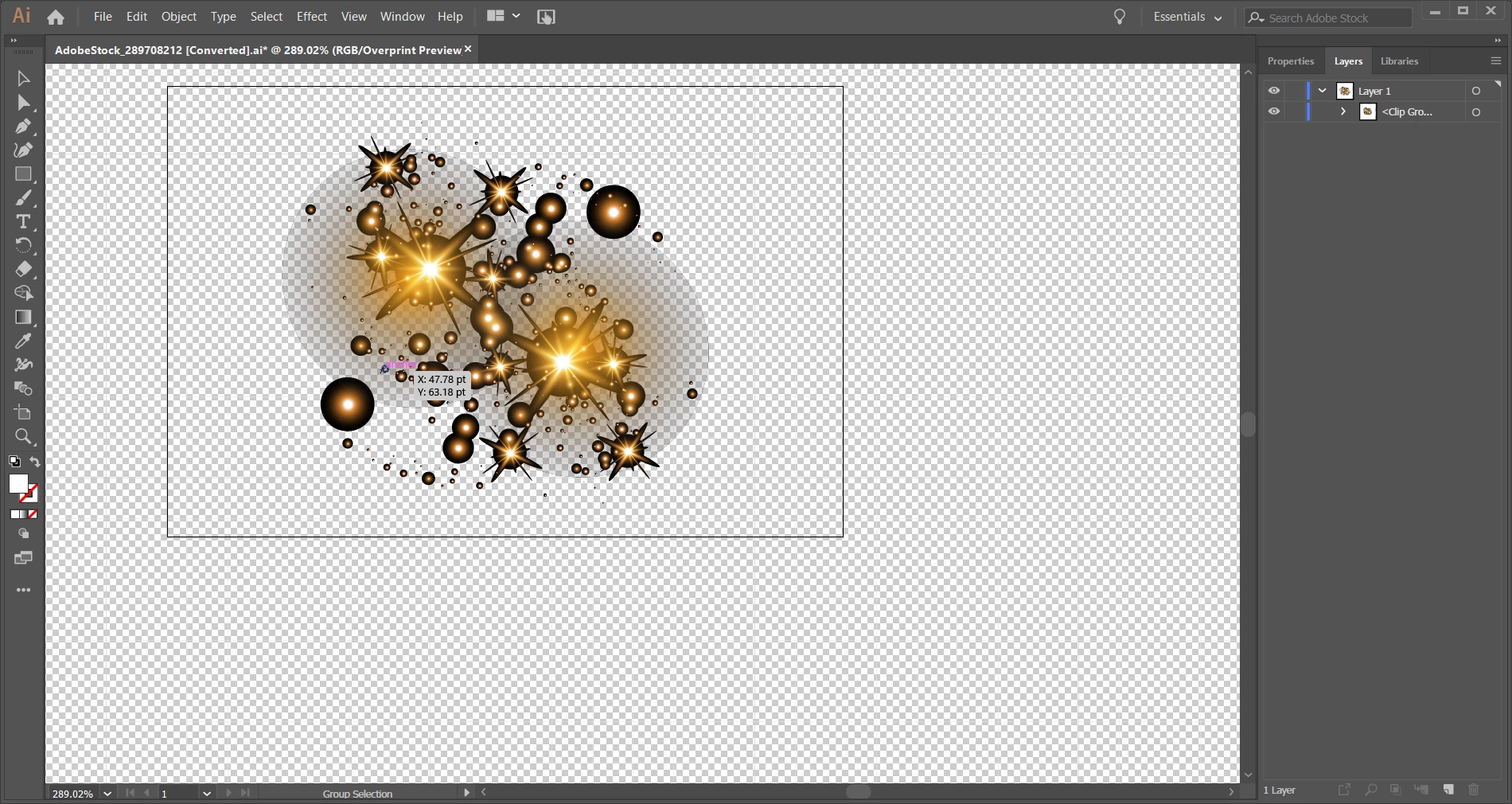
I purchased a few vector images from Adobe Stock of "sparkles", and they all have either black or grey transparencies. I have deleted the background layer, and gotten the fully transparent background....but that created a black outline around the image itself that is solid.
I'm sure there has to be a way to get rid of this...but I couldn't find an answer in the forum, nor by playing around with different options in the program. When I move the image to Photoshop, it looks exactly like the below.
Any help would be greatly appreciated!!
 AdChoices