
Replace your AI Splash screen with Venus
For those of you old enough to remember when the splash screen art of Illustrator showcased its latest innovative features, and not some random/subjectively cringy artwork, here's a solution that you might like:
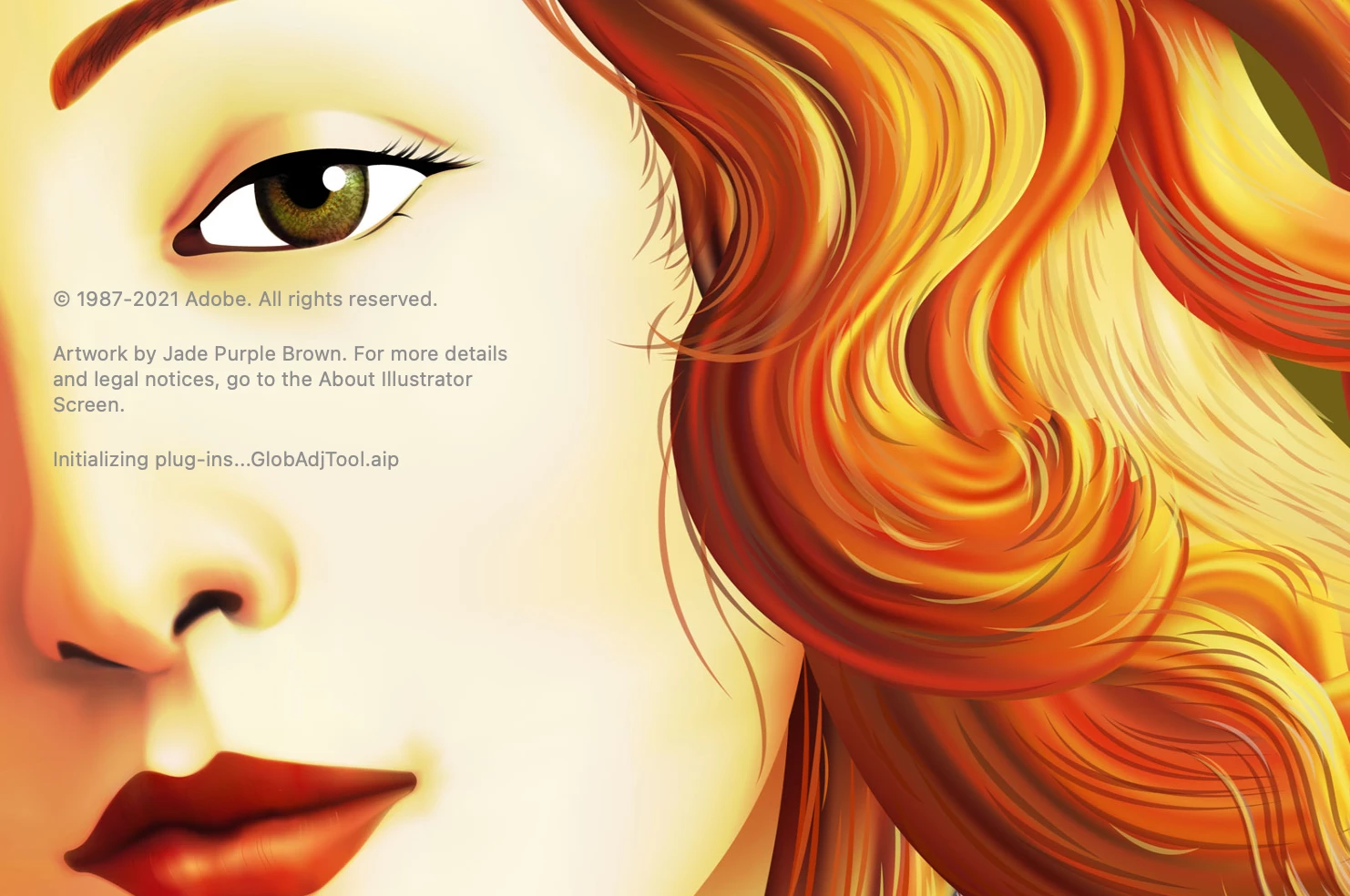
The attached files will give you three different-sized splash screen pngs with the artwork above, which I believe was for Illustrator 9 or 10.
To install on a Mac:
1. Quit Illustrator.
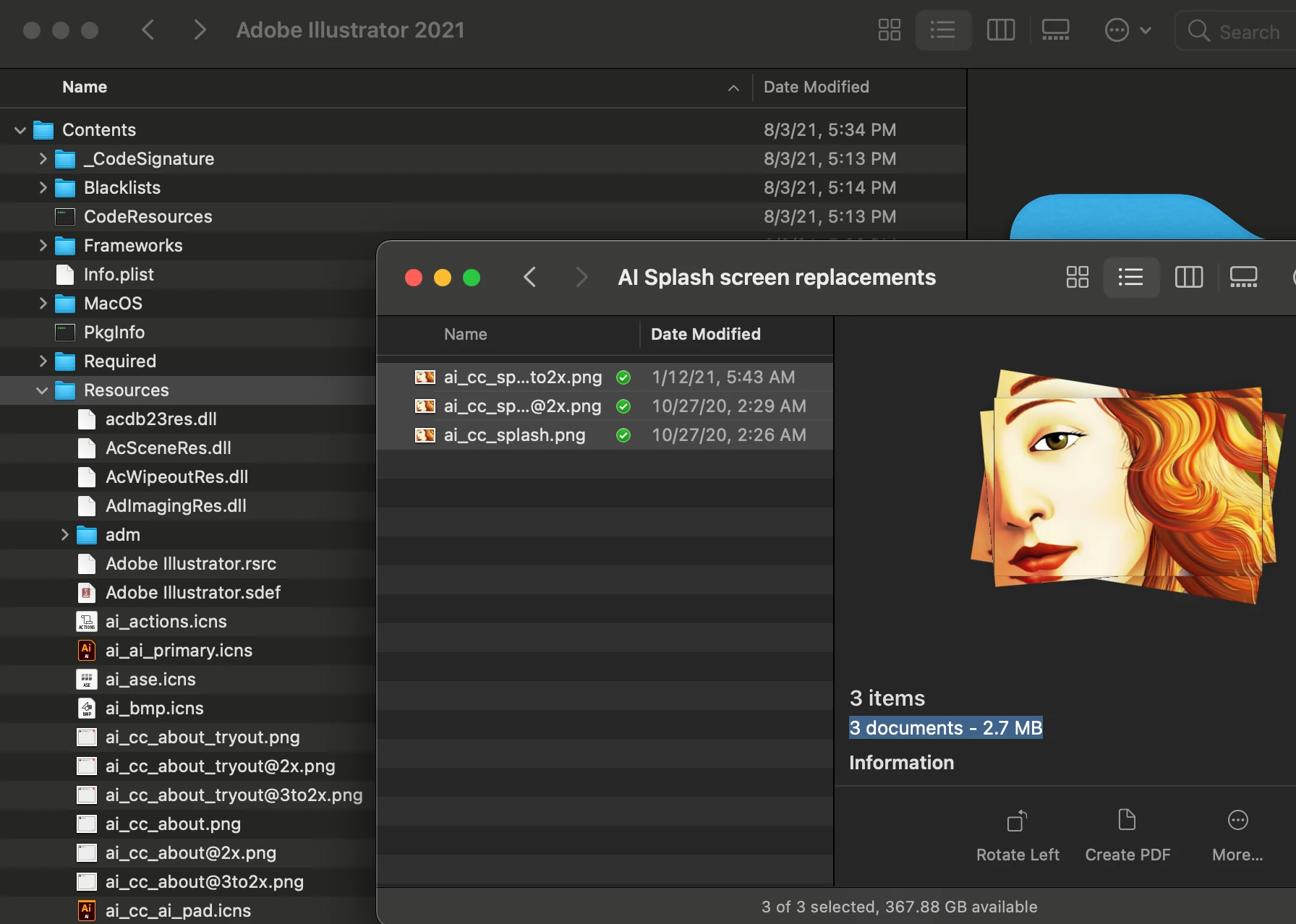
2. Select the Adobe Illustrator 2021 application icon, right click and choose Show Package Contents.
3. Open the Contents folder.
4. Open the Resources folder.
5. Option-drag the three PNG files into the Adobe Illustrator 2021-->Contents-->Resources folder.
Maybe, just maybe, the 2022 update that will be out in a few months will have artwork that does the product justice. And maybe it will have some compelling new functionality...j/k. Instead, you should save these images so you can replace whatever cringe-worthy art they will put in there (the splash screen will reset for each minor update, so you'll need to drag these files after each of those too).
 AdChoices