
Replicate grain shading effect in illustrator
Hi, all;
I have been working on a project where I have been asked to have the output file be 100% vector. My usual workflow is to build up my shapes & design in Illustrator, and then use a custom brush in Photoshop to apply my "grain shading" - see below for an example of my previous work, and for the effect I'm trying to replicate.
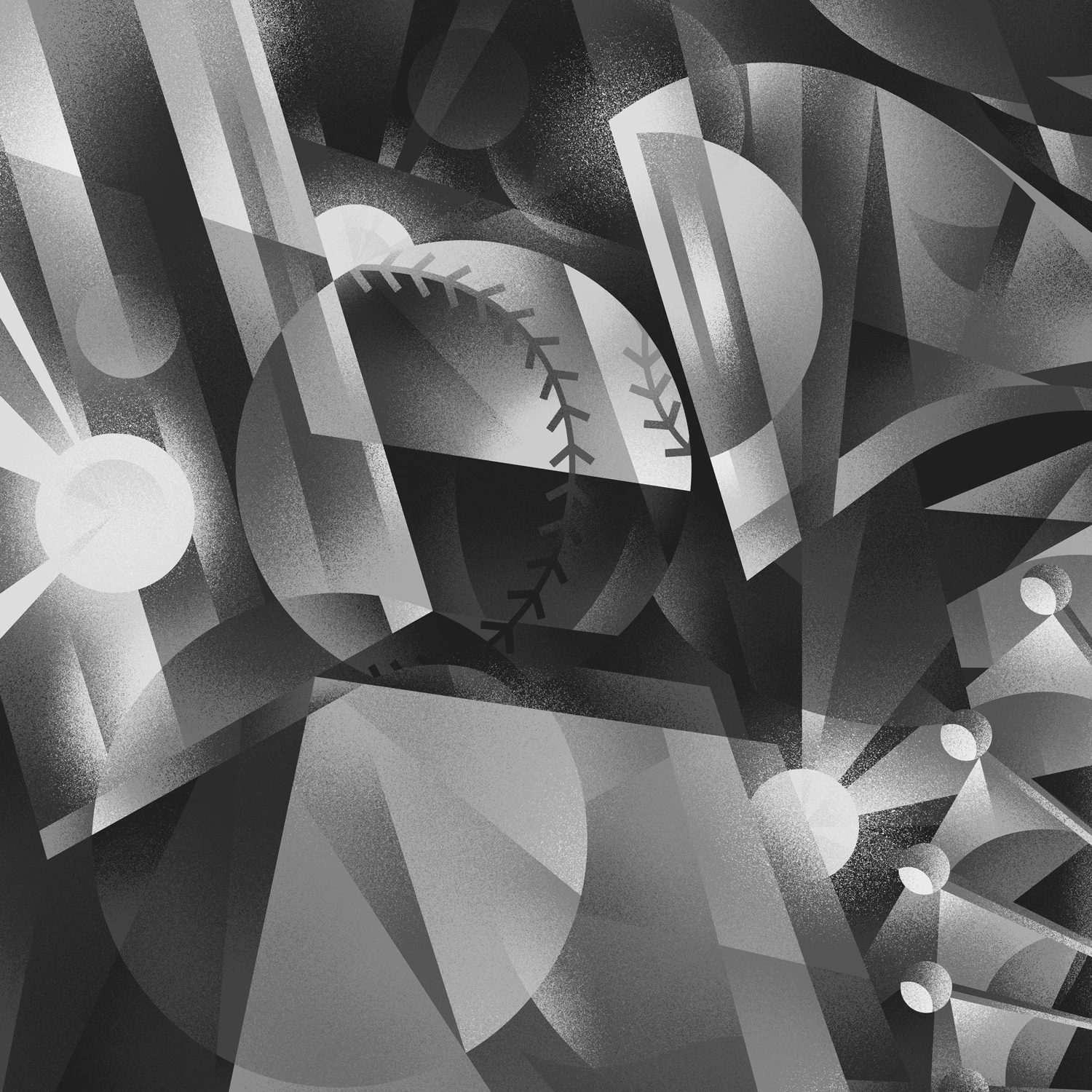
The most accurate way I've been able to replicate this in Illustrator is to build out my shapes as usual, and use autotrace to create vectorized versions of my "shading", which I then colourize & apply to each shape with clipping masks.
This is creating some seriously large files that are also VERY, VERY slow - I can imagine that the thousands and thousands of tiny little shapes that make up the "spray" are the culprit here.
Can anyone suggest a more efficient way to accomplish this?


 AdChoices