Correct answer Kurt Gold

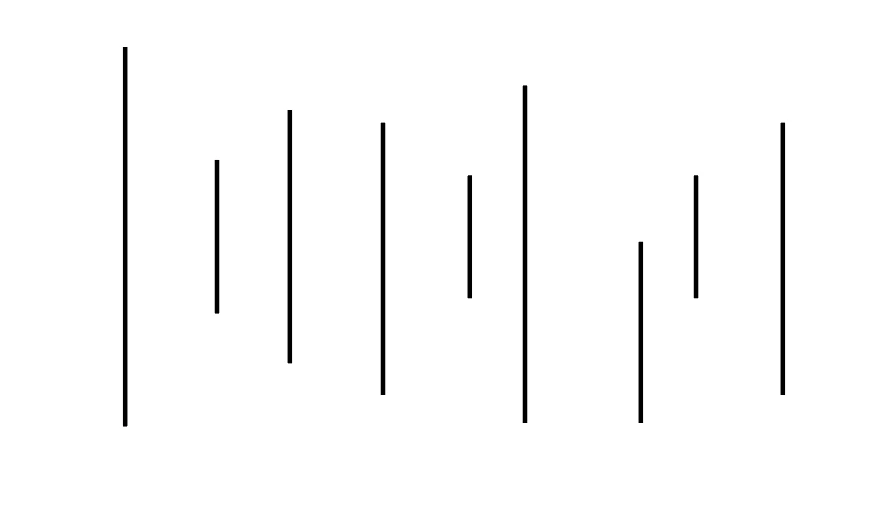
You may also select all lines and take a look at the Transform panel. If there is a section called Line Properties, then the lines are live shapes and you can set a uniform length in the Line Length field.


If the lines are not live shapes, you may select them all and convert them to live shapes via Object menu > Shape > Convert to Shape. Note that this will only work if each line consists of exactly two anchor points. Otherwise Illustrator fails to convert them to live shapes.


Also note that currently there is no way to set a specific reference point if you are setting the lengths of live line shapes in the Transform panel.


2 replies

Kurt Gold
Community Expert
Kurt GoldCommunity ExpertCorrect answer
Community Expert
December 16, 2025

You may also select all lines and take a look at the Transform panel. If there is a section called Line Properties, then the lines are live shapes and you can set a uniform length in the Line Length field.


If the lines are not live shapes, you may select them all and convert them to live shapes via Object menu > Shape > Convert to Shape. Note that this will only work if each line consists of exactly two anchor points. Otherwise Illustrator fails to convert them to live shapes.


Also note that currently there is no way to set a specific reference point if you are setting the lengths of live line shapes in the Transform panel.
Doug A Roberts
Community Expert
Community Expert
December 16, 2025
