Answered
Reverse clipping mask
Hi community.
I'm doing a reverse clipping mask method, using the transparency pallet, when I do the clipping mask
I can still see some of the black lines which are somewhat visible as if I have lowered their opacity.
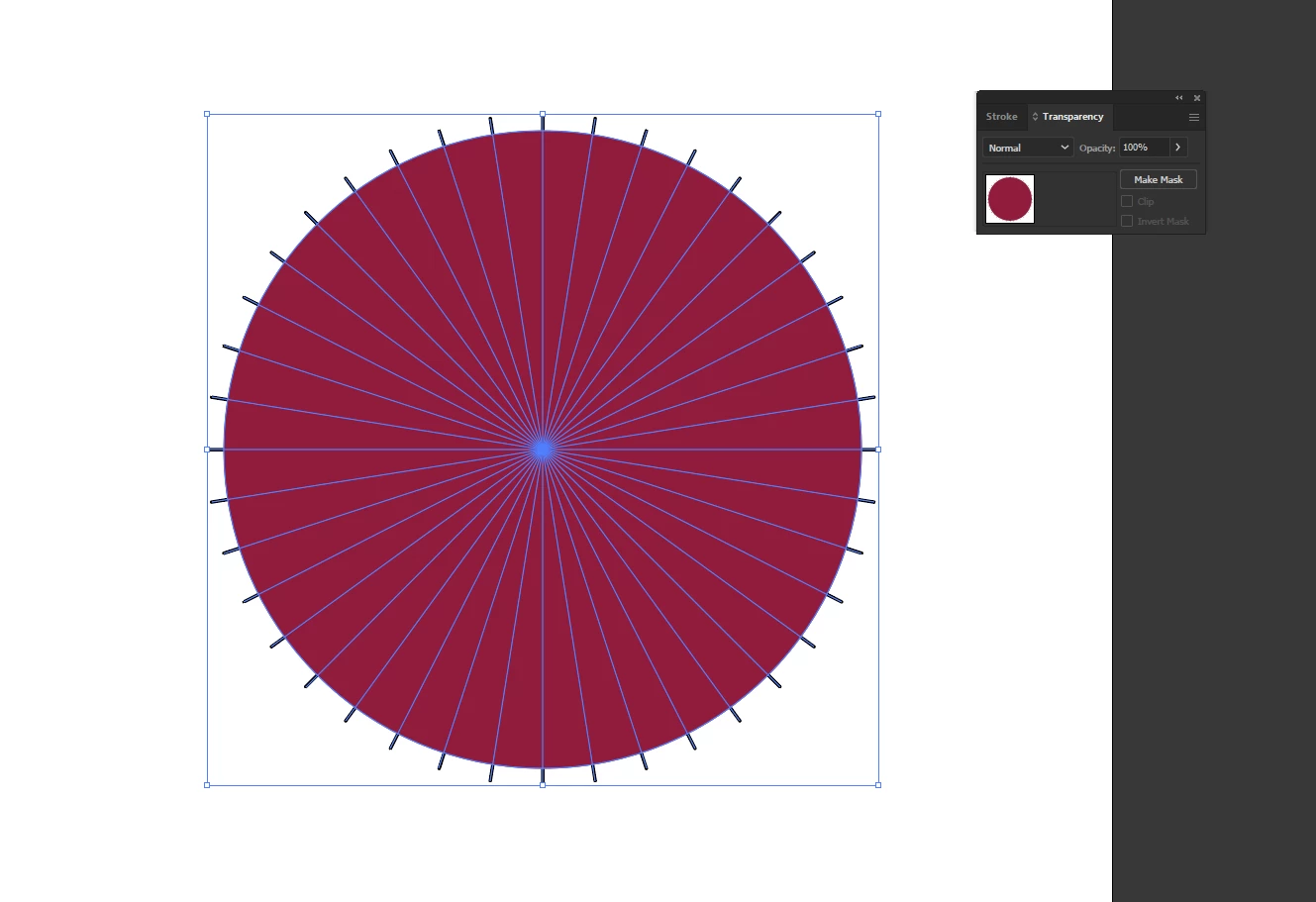


Hi community.
I'm doing a reverse clipping mask method, using the transparency pallet, when I do the clipping mask
I can still see some of the black lines which are somewhat visible as if I have lowered their opacity.
inquestflash,
You have to use a full black (or white with the opposite choice for Invert Mask), to mask out the lines completely by making them fully transparent (0% Opacity). My guess is that you have used the dark red instead of full black.
What you see is the low opacity of the lines that is still there.
Already have an account? Login
Enter your E-mail address. We'll send you an e-mail with instructions to reset your password.
 AdChoices