
Reverted to previous version, now everything is white; "can't finish previewing"
I have used Version History in Illustrator to revert back to previous versions before with no problems. This time when I tried to do it, I got the error, "Can't finish previewing. Could not complete requested operation." All the objects, layers, text, etc. did go back to how they were in that previous version, so it's not like Illustrator couldn't revert at all.
Most of what I can find online says it's a memory issue, but I have about 32GB and the only other application I had open was a few tabs in Google Chrome. I checked Task Manager and it says that less than 30% of memory is being actively used.
I restarted Illustrator and made sure it was up to date. I updated and restarted my computer - no change. I also tried changing color settings, preview modes, etc. In the Version History tab, the version thumbnails are all in color and unaffected, but everything stays black and white no matter which version I try. The vectors and images in the project are not complex.
I am running Windows 10.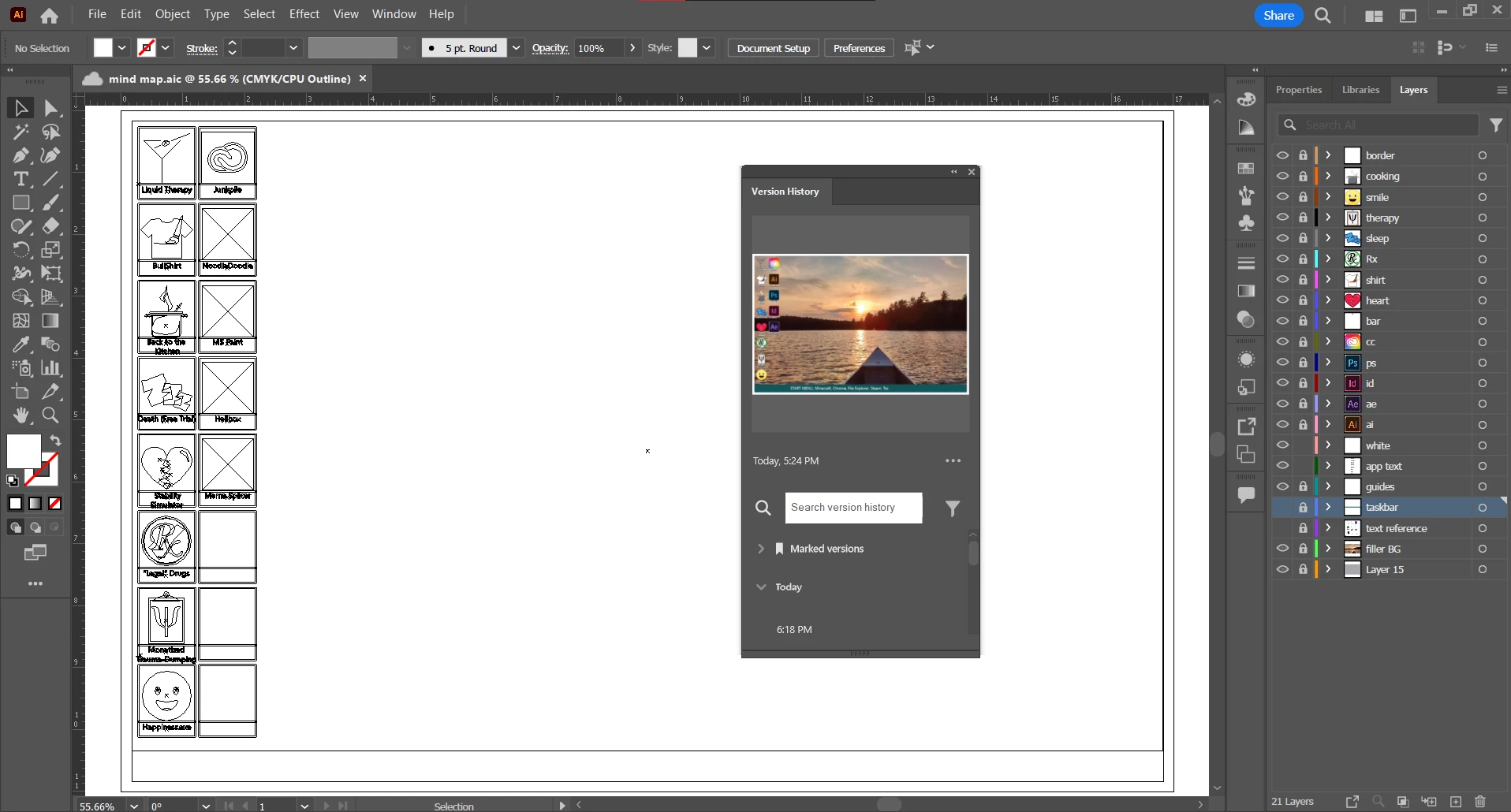
 AdChoices