Participant
May 3, 2021
Question

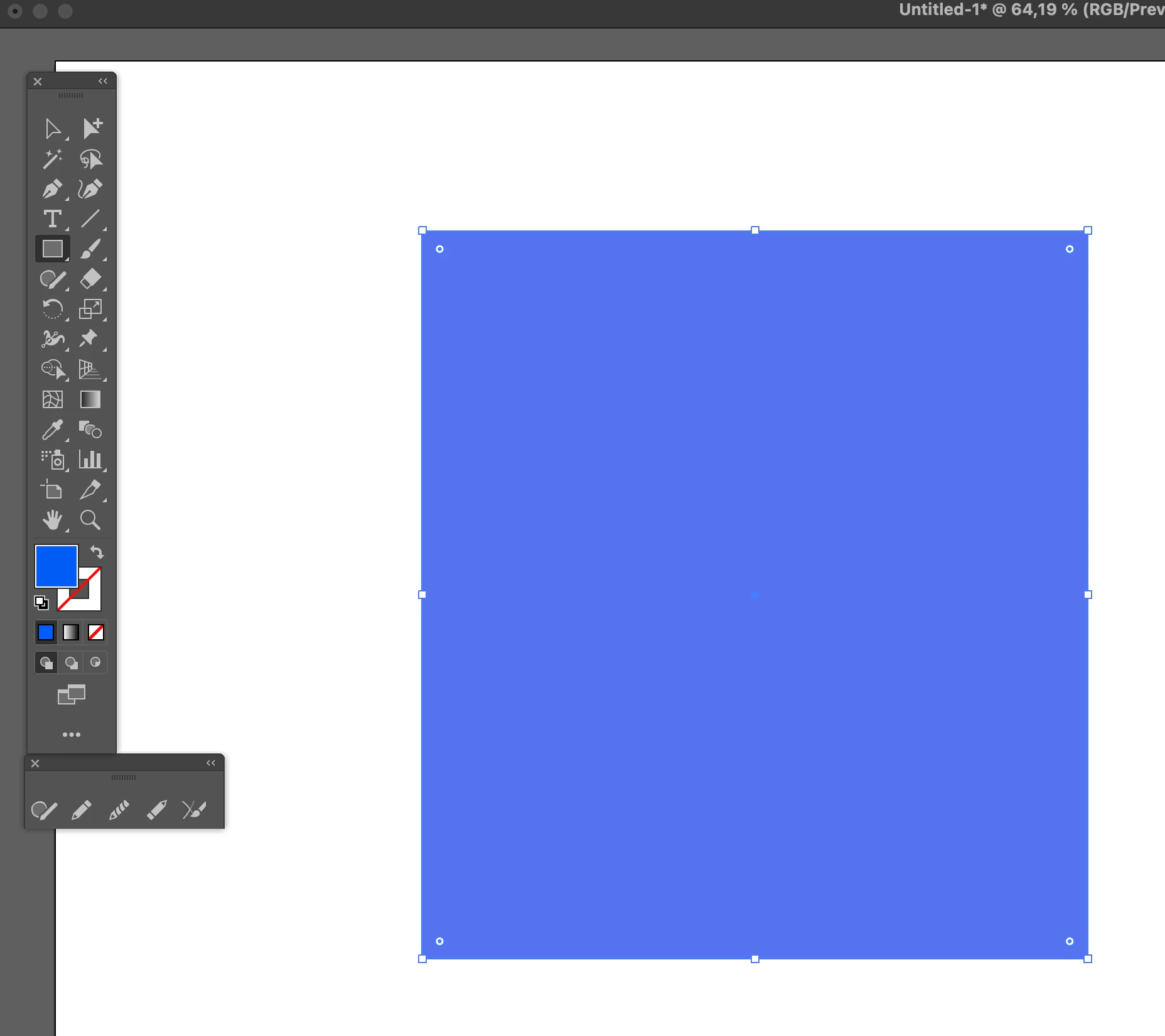
RGB colour not displaying.

  • May 3, 2021
  • 1 reply
  • 3670 views

Hello, I've seen similar posts but nothing that can simply address this. 

I haven't touched my colour settings, perhaps it's through a recent update, but, I can not get Illustrator to show me RGB colours in the workspace. 


The document colour settings are RGB. If I start a web project file it's also the same issue. But the UI shows the correct colours..

Am I missing something?


This topic has been closed for replies.

1 reply

Monika Gause
Community Expert
Community Expert
May 3, 2021

Please check your color management settings.

Also: is the soft proof running?

What happens with View > Preview on CPU?

JossHouseAuthor
Participant
May 3, 2021

View on CPU. Yep, fixed it. Thankyou. Yeah as mentioned colour settings are RGB. 

Strange, I have never seen this before. Don't remember adjusting anything as I didn't know it existed 🙂

Hopefully, it doesn't affect performance this way... 

Thanks for the quick response.


Ton Frederiks
Community Expert
Community Expert
May 3, 2021

Still curious about what you see in Edit > Color Settings...