Try this
1. Create your text just one instance

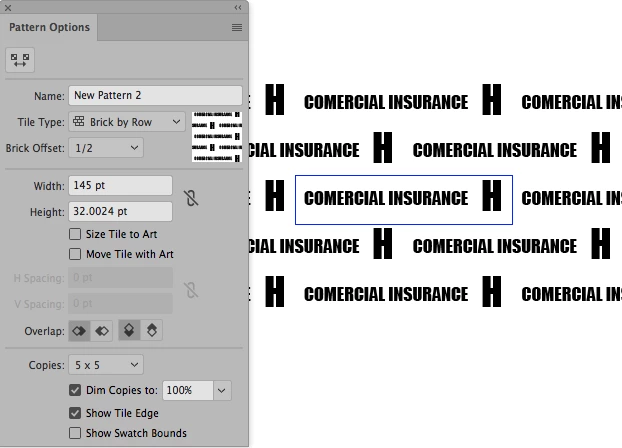
2. In the Patern panel options choose brick by row, Brick offset 1/2, then adjust the width number till you have the distance you want from the H letter and the text, when done hit Esc, your pattern is ready on the swatches pallete
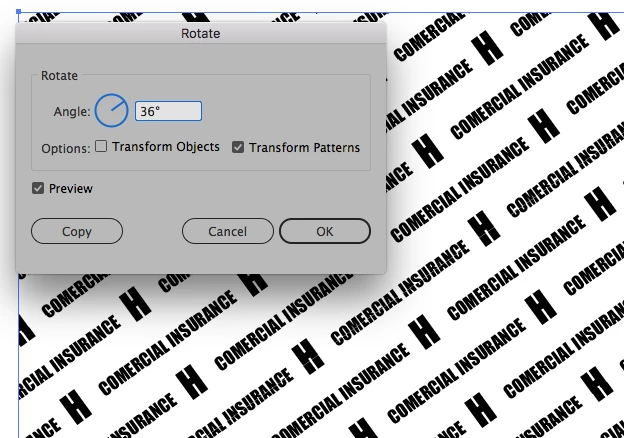
3. Now draw a rectanle any size you want and aplly your pattern, double clik on the Rotate tool and select any angle you want but be sure to unchek Transform object, this only rotates the pattern leaving the object alone.
4. You can do the same with the scale tool and others as well
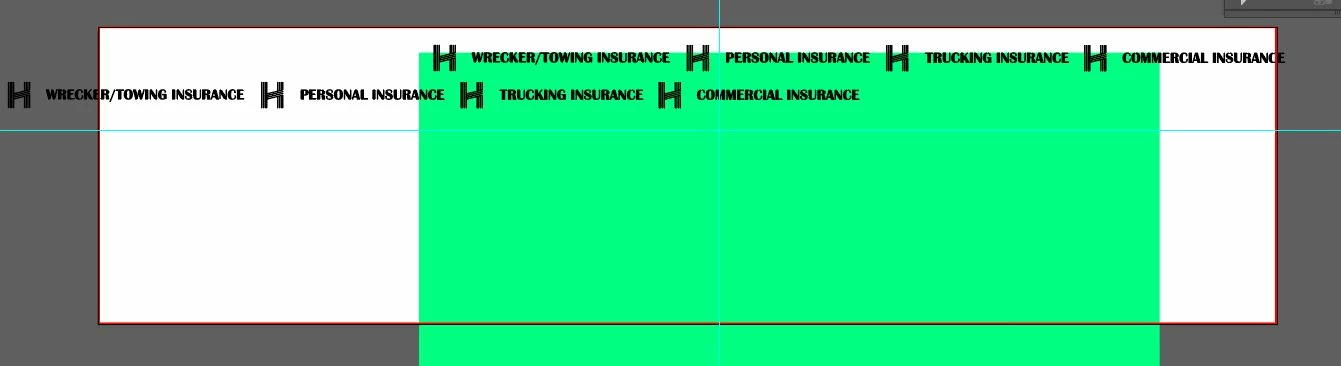
5. Making it enless repating on a cilinder would may be difficult...




 AdChoices