Known Participant
January 27, 2018
Answered

Rotating Objects/Strokes = wavy edges?

  • January 27, 2018
  • 2 replies
  • 2960 views

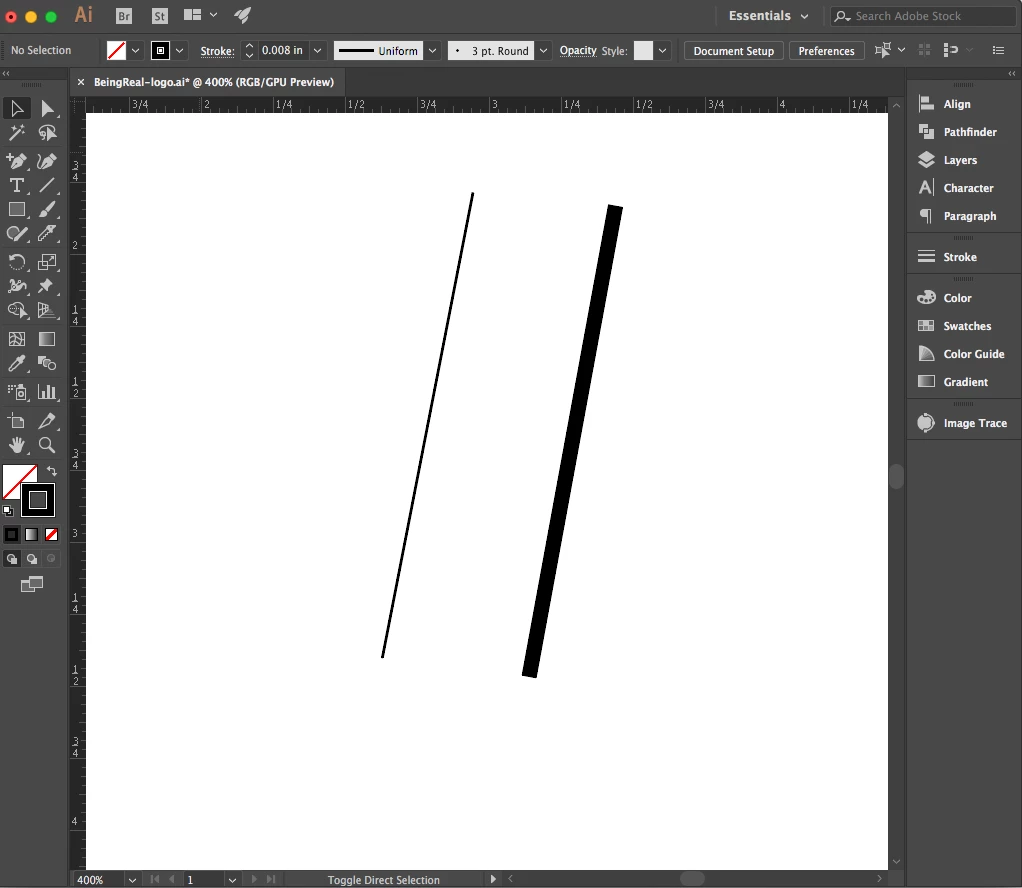
When I rotate a stroke or a filled shape, I am getting wavy edges. I've noticed that if it's at 0°, 330°, 300, 270° etc. it's fine but anything in between the said angles isn't working. It doesn't matter how thin or think my stroke or shape is. What am I doing wrong?

Here's a screenshot that shows my problem:
This topic has been closed for replies.
Correct answer Monika Gause


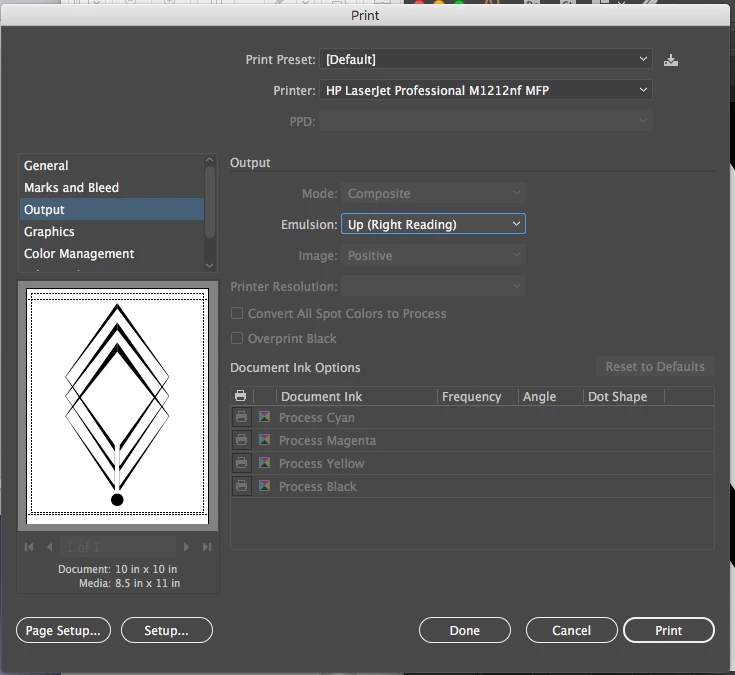
Your printer doesn't support PostScript.

And on screen the amount of jagginess depends on the angle of the stroke as well.

There's no need to worry about this. Except your printer.

Try and print this as a PDF from Acrobat.

2 replies

Kurt Gold
Community Expert
Community Expert
January 27, 2018

Looks like normal screen rendering/anti-aliasing.

You won't see that anymore with the upcoming 8K or 16K or more K monitors …

Known Participant
January 27, 2018

"normal screen rendering/anti-aliasing" doesn't explain why it shows up when printed though, does it?

Monika Gause
Community Expert
Community Expert
January 27, 2018

What kind of printer? Postscript enabled?

Ray Yorkshire
Participating Frequently
January 27, 2018

Sorry I cannot see it

Does it happen if you change the screen rendering preview from GPU to CPU?

View > CPU

Known Participant
January 27, 2018

Yes, it does. It also shows up when I print it.
Here is another screenshot. Then stroke angled at 270° is fine and clean, and the one at 258° is "wavy" even pixelated?