Answered
Rotation
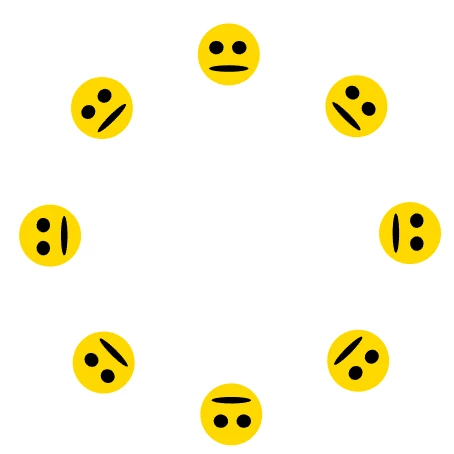
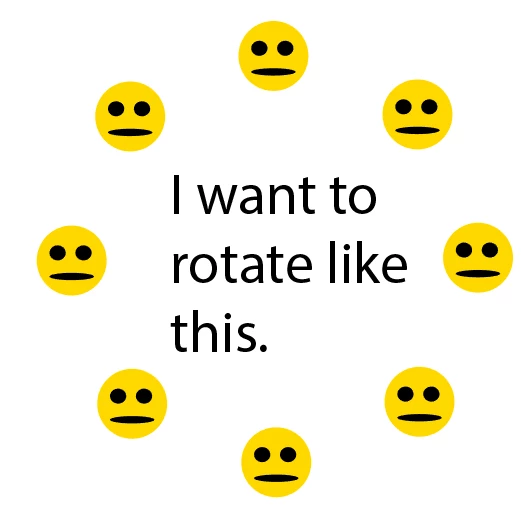
I want rotation around a point but without rotation at individual origins.
I hope you got my question.

I want rotation around a point but without rotation at individual origins.
I hope you got my question.
There are a couple of other ways, for example:
Select one unrotated smiley, make a Scatter brush out of it and set its rotation relative to the artboard (see Scatter brush options dialog). Then create a single anchor point, apply the brush and (copy) rotate it with the Rotate tool.
Another way is to select one unrotated smiley, create a symbol and (copy) rotate the symbol instance with the Rotate tool. Then select all symbol instances and choose the "Reset Transformation" command in the Symbols palette menu.
Another way is to use envelopes, rotate them as desired and then release them with the "Release" command in the Envelope Distort submenu.
Already have an account? Login
Enter your E-mail address. We'll send you an e-mail with instructions to reset your password.
 AdChoices