Participant
September 8, 2020
Answered

Round corners got cut off after expanding a curve

  • September 8, 2020
  • 3 replies
  • 2467 views

Hi peeps,


I am experiencing some difficulties here trying to expand my curves into objects.


A little back info: I worked on InDesign first, exported everything as eps file and is now working on illustrator.


As below, both left and right figures are curves strokes, but in the second pic you can see that somehow the bottom round corners got cut off. I don’t understand what is causing it and why does it only happen to the bottom curves?
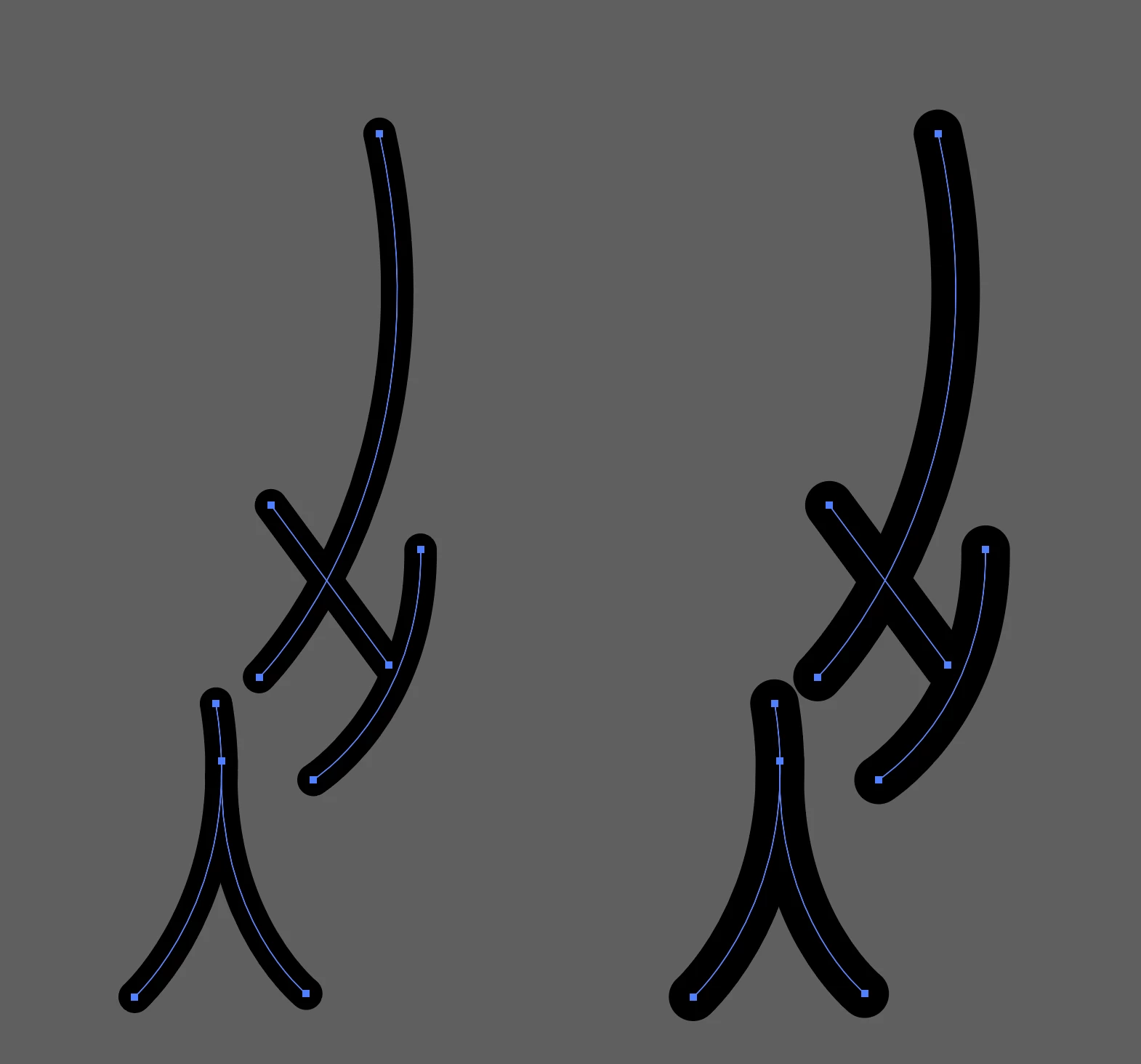
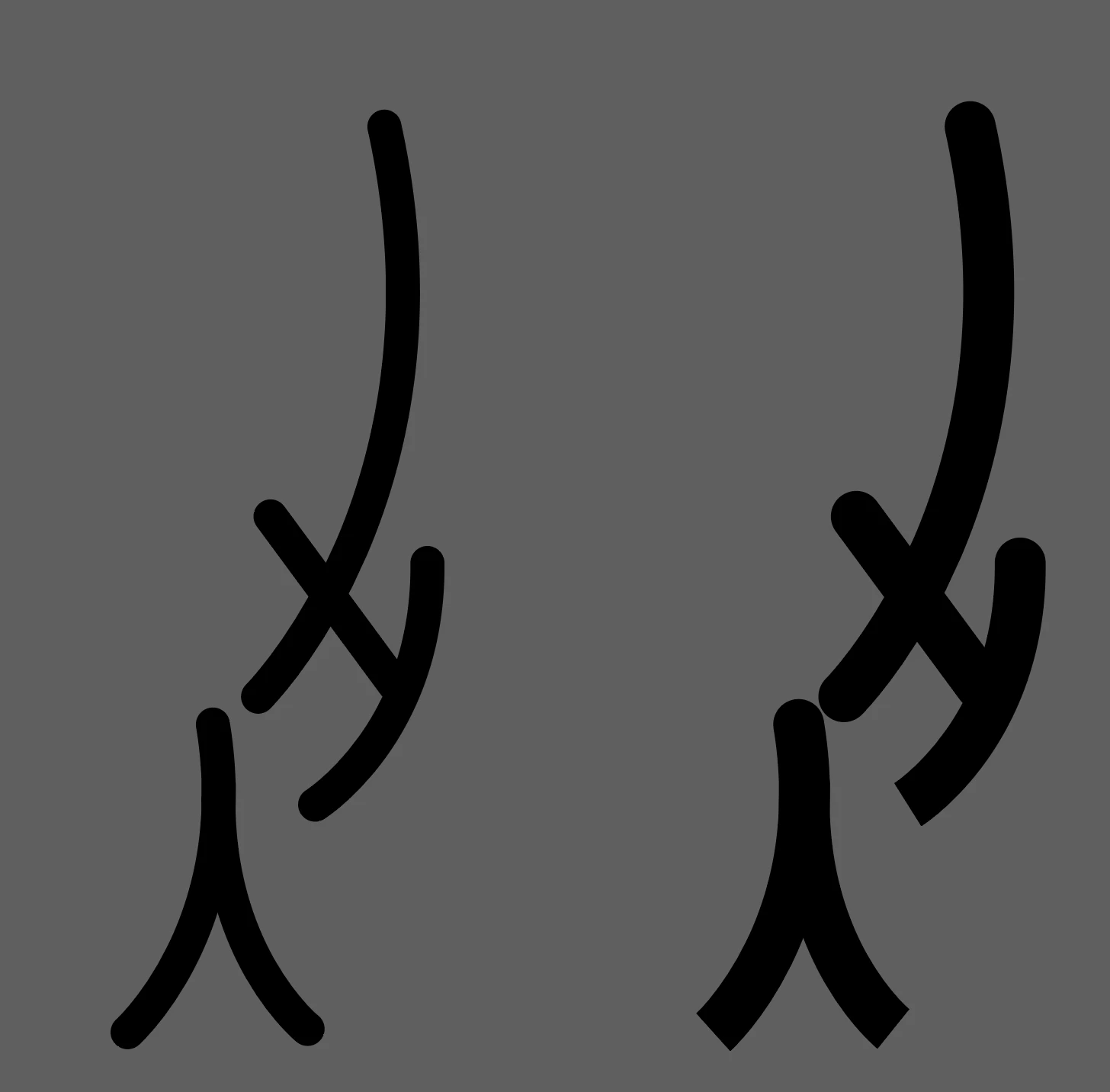
 

Been looking up solutions everywhere but still have no clue, I am desperate to hear some advice!!

Thanks in advance 🙂

This topic has been closed for replies.
Correct answer Monica0D45

Solved- I tried Object > Flatten transparency and it solved the problem!

3 replies

Monica0D45AuthorCorrect answer
Participant
September 9, 2020

Solved- I tried Object > Flatten transparency and it solved the problem!

Ton Frederiks
Community Expert
Community Expert
September 8, 2020
Mike_Gondek10189183
Community Expert
Community Expert
September 8, 2020

As a test effect >> path >> outline stroke. You will now see the ones that are problematic


Object >> path >> Simplify, choose settings that don't change the look.

If it looks good then do an outline stroke that will make the path a filled shape.

Participant
September 9, 2020

Thanks so much for the reply!

I tried that but it didn’t work, it allows me to click simplify but I can’t change anything, everything along the line says it was 10 pt