Danny51
Inspiring
October 23, 2024
Question

"Round Corners" Widget disappears when selecting multiple objects

  • October 23, 2024
  • 2 replies
  • 396 views

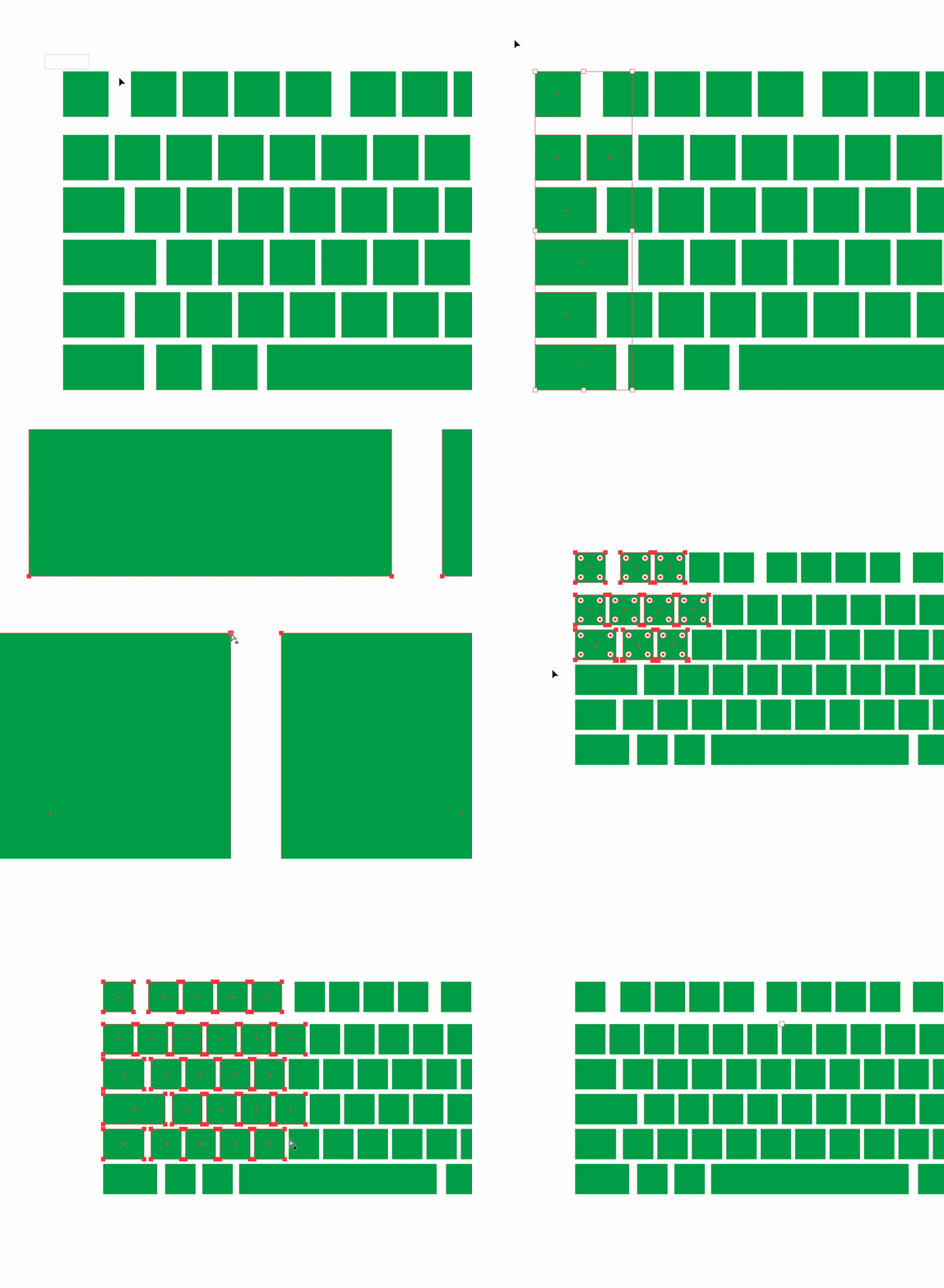
The objects in the GIF are all based on simple rectangles, there are no stray anchor points or overlapping anchor points. When I select them individually, I can round the corners, even with smaller groups of shapes I can see the corner widget. But as soon as I select a larger group the widget disappears and I can't round the corners anymore.


I already tried:

- Different zoom factors

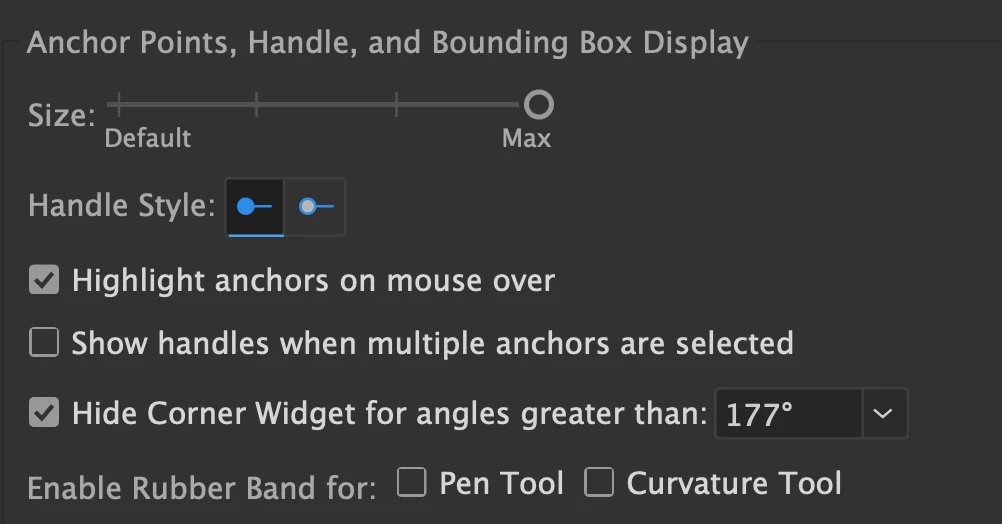
- setting the anchor point size to max

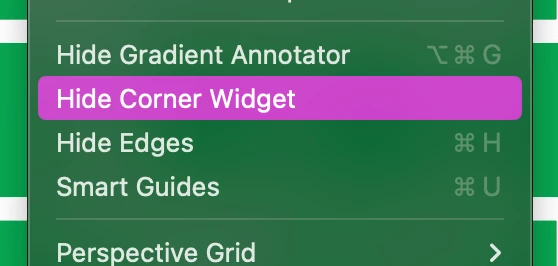
- showing corner widget is activated in View aswell


Not sure how to fix this.


This topic has been closed for replies.

2 replies

Kurt Gold
Braniac
November 11, 2024

By default, the number of live shapes with visible corner widgets is limited to 20.


You can increase the number in the Adobe Illustrator Prefs file by changing this line:


/maxLiveShapesToShowWidgetsOn 20


to something like this:


/maxLiveShapesToShowWidgetsOn 100


Ton Frederiks
Braniac
October 23, 2024

Do you select them with the Direct Selection tool (A)?

Community Manager
October 25, 2024

Hello @Danny51,

I am sorry to hear about your experience. Kindly allow me some time to check this with the team.

Anubhav