Participant
December 26, 2021
Question

Ruler size

  • December 26, 2021
  • 2 replies
  • 433 views

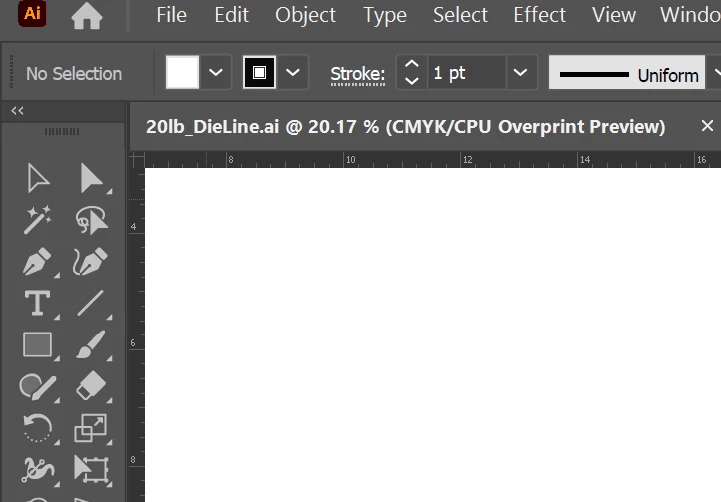
The icons are at a great size, but the ruler numbers are too small.  Can you increase their size without increasing the other elements?
This topic has been closed for replies.

2 replies

barbara_a7746676
Community Expert
Community Expert
December 27, 2021

I don't think that there is a way to change the size of the ruler numbers independently. 

When  you zoom in the increments in the ruler get larger proportionally.

Although it won't change the size of the numbers themselves, it might help to see the numbers in the ruler better if you change your User Interface Brightness.

Dave Creamer of IDEAS
Community Expert
Community Expert
December 27, 2021

What is the resolution of your monitor?

What is the scale setting on the monitor?

Have you adjusted Illustrator's interface scale?

David Creamer: Community Expert (ACI and ACE 1995-2023)
Lejon5Author
Participant
January 3, 2022

The resolution is at 3840 x 2400 which is certainly what caused them to be so small.  I adjusted the interface, but it increases the other elements with the unit numbers.

So, I am trying to find a happy medium where I can get all of the tools I want on the tool bar (at higher resolution and/or zoomed out interface) with more legible unit numbers.