
Answered
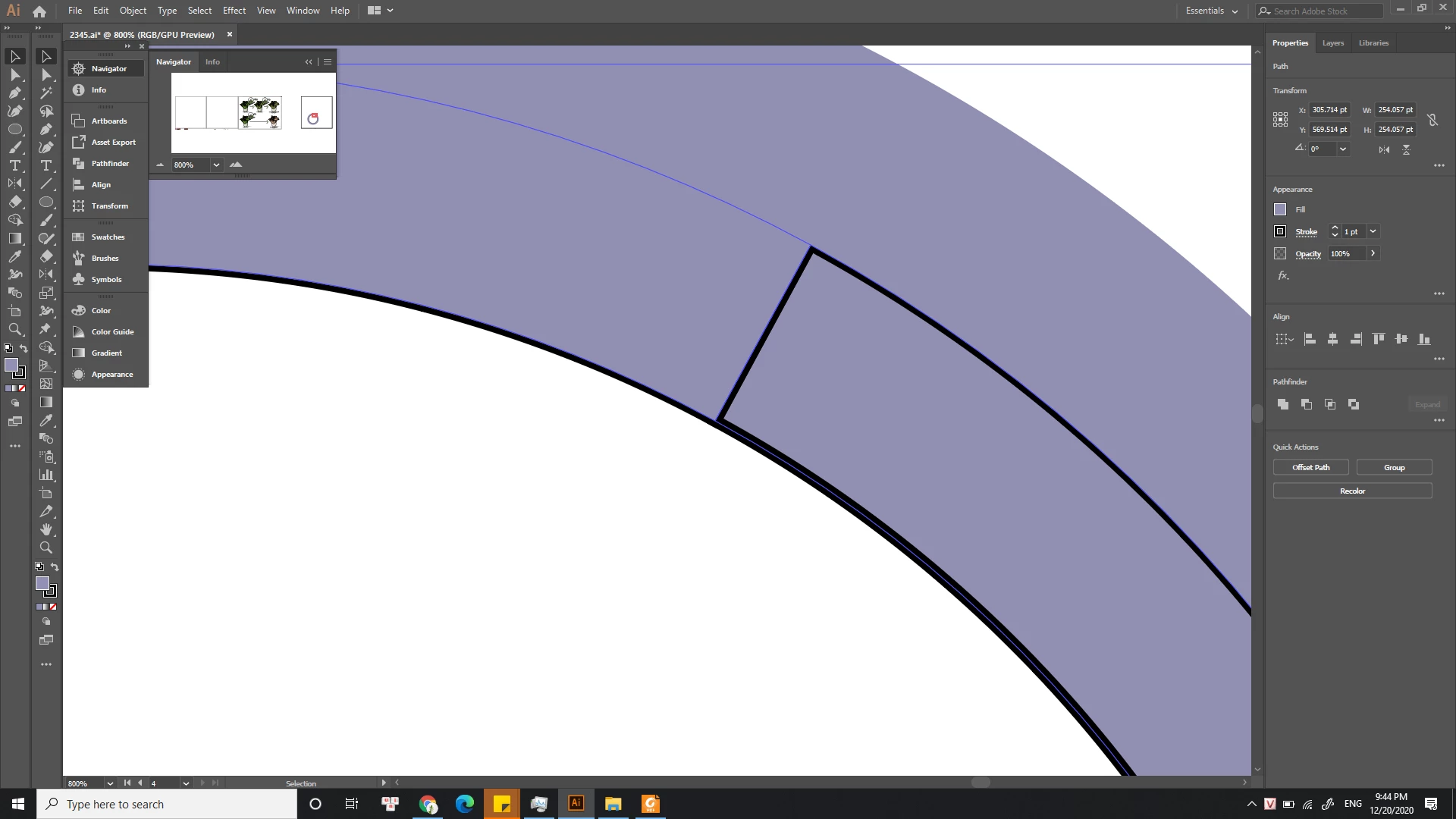
Same stroke setting but the stroke width display different between the two shape
This happened to me after I use a Pathfinder tool: Divide. The stroke setting of both 2 paths (the inner circle) was: "1 pt", "align stroke to center".
My solution to this problem is:
Change the stroke setting of the selected path (blue line) to "align stroke to outside" > Extend appearance > Ungroup > Select outline path and delete > Select the other path after "extend appearance" > Change the stroke setting to: "1 pt", "align stroke to center".
This worked! They have had the same stroke display on the screen. However, I want to understand what could be the reason for the different display after using "Divide" (Pathfinder).
Thank you.
 AdChoices