


Answered
Save As Dialogue not appearing in Adobe Illustrator
I just reset my preferences and suddenly I can no longer open my "save as" dialogue box.
I click "Save as" and it appear like this.
I assume it's a pop up where it gave me option to save in Cloud but I can't even disable it because it's not appearing and pop up empty like this.
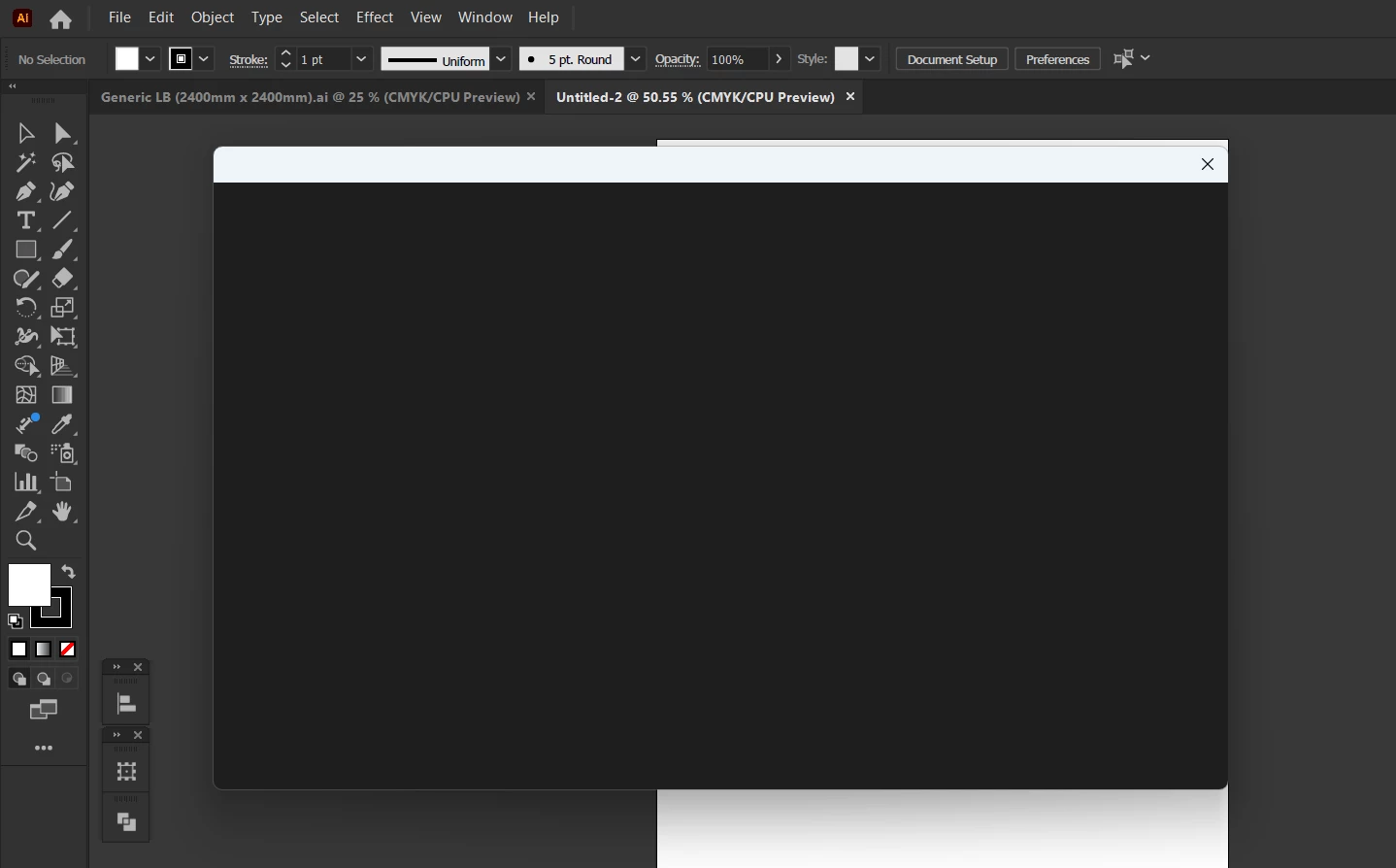
I only able to save my file with "Save a Copy" but not "Save As"
I try to adjust from File Handling but there's no option to remove cloud save setting as default
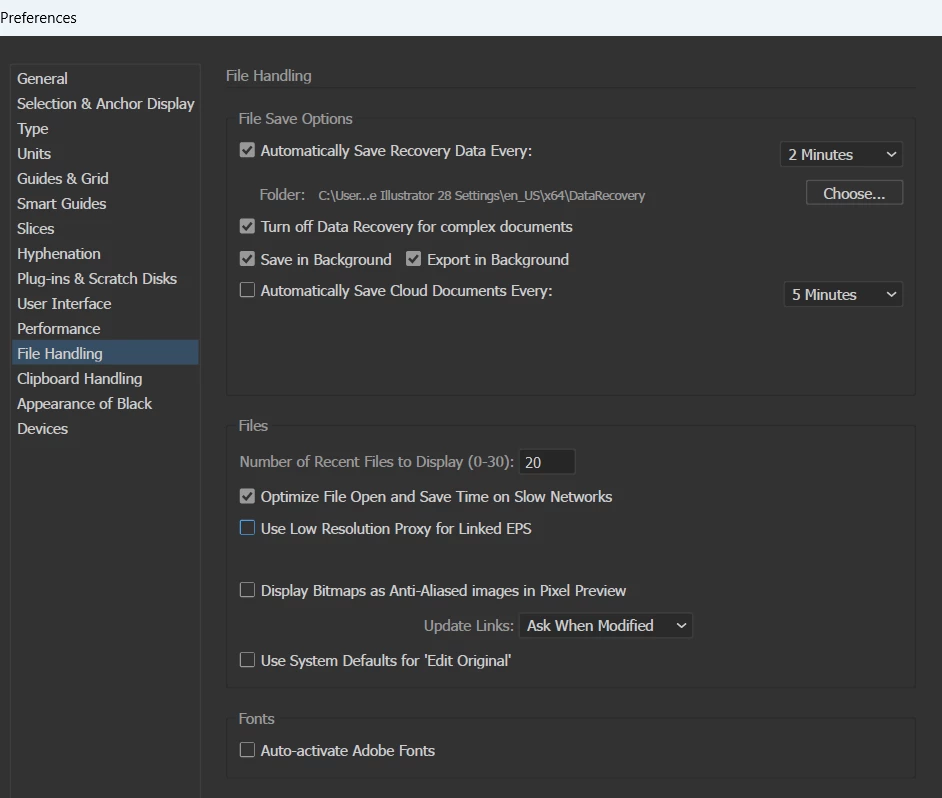
Anyone can help how to fix this?
 AdChoices